Screen Studio for Windows: what to use instead
- Screen Studio
- Windows
- alternatives
Screen Studio has no Windows version. It is a macOS-only application, no Windows build has ever shipped, and no release date has been announced. The tools that do the same automatic zoom on clicks and cursor smoothing on Windows are KlipKap Pro, FocuSee and Cap. OBS Studio records on Windows for free but applies no automatic zoom and includes no editor.
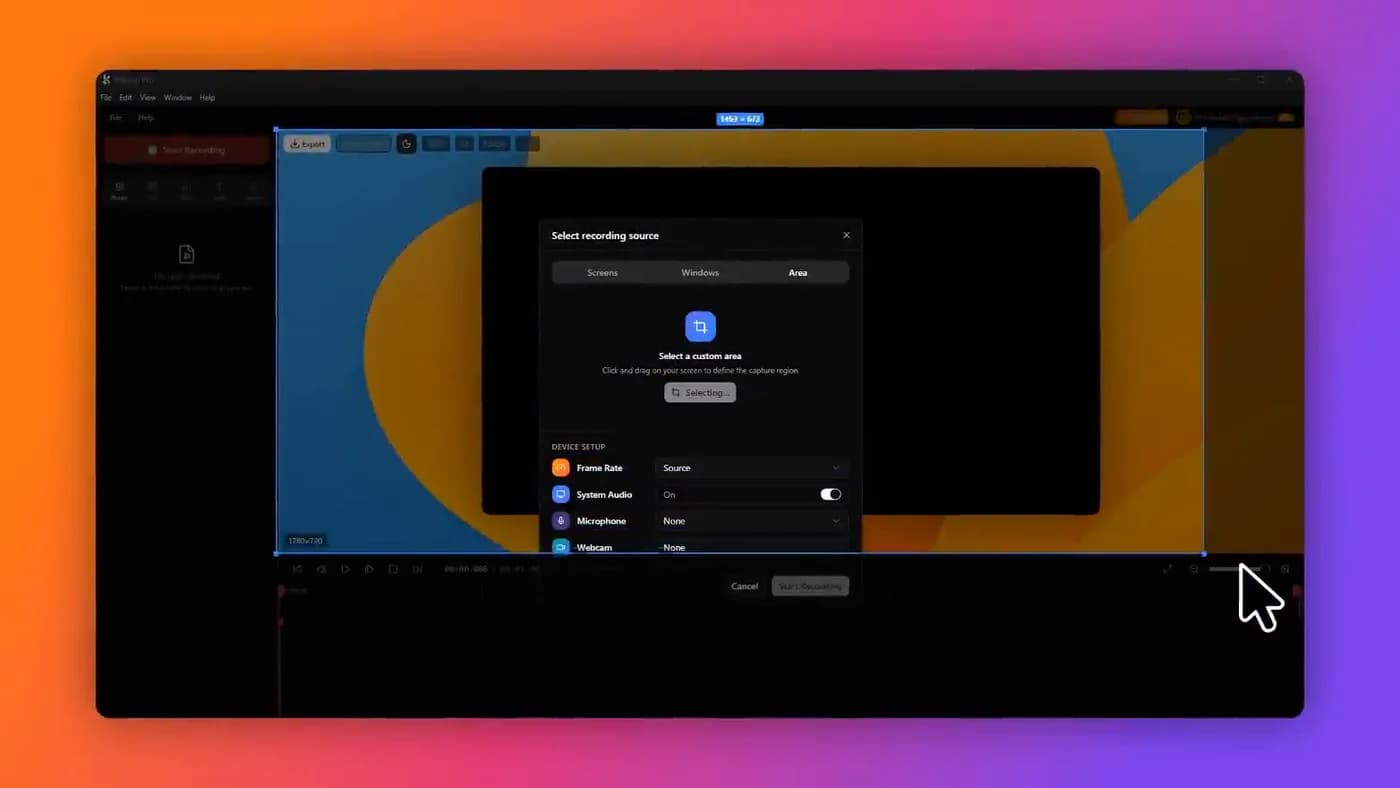
The short version
If you arrived here from a search for a Windows download, the honest answer is that there is not one and there is no point waiting. Screen Studio is macOS software. It has been macOS software since it launched, no Windows build has shipped, and no date has been announced.
Several pages rank for this query by implying otherwise, a headline reading 'Screen Studio for Windows' attached to an article about something else entirely. That is what the query volume rewards, and it wastes your afternoon. So: it does not exist, and the rest of this page is about what does.
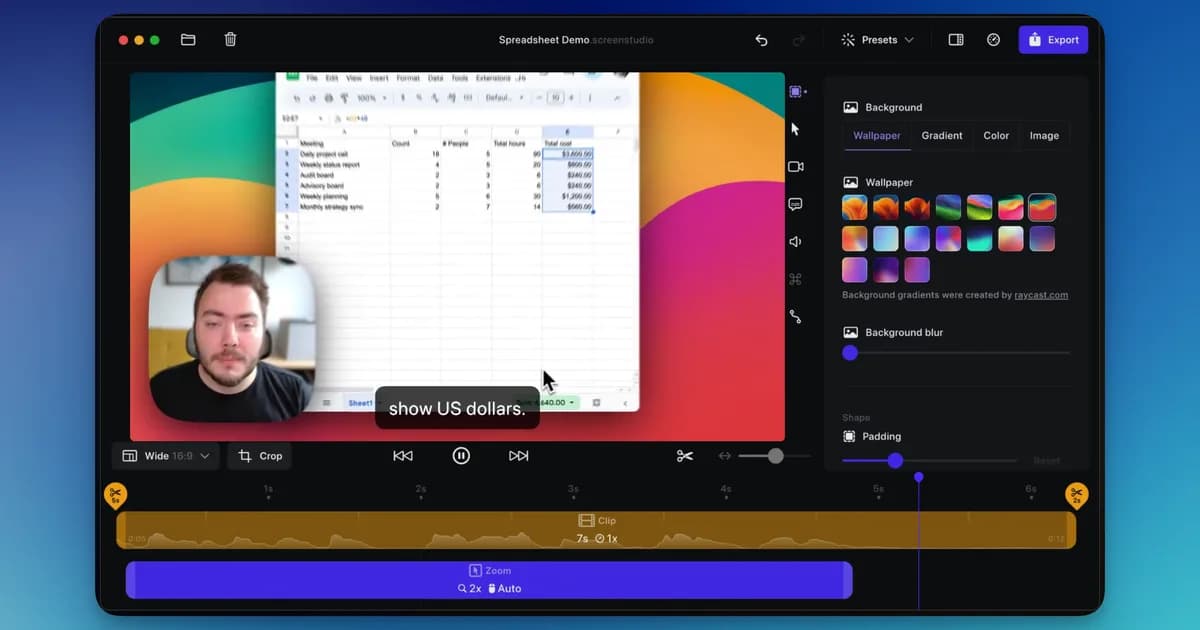
Screen Studio is macOS only. No Windows build has ever been released and no release date has been announced.
What you are actually looking for
Worth naming precisely, because it narrows the field fast. What makes a Screen Studio recording look the way it does is not the capture: Windows has recorded screens since 2012. It is four things applied afterwards, automatically:
- Automatic zoom that follows the cursor and punches in on clicks
- Cursor smoothing, which turns a shaky pointer into a glide
- A background, padding and shadow around the recorded window
- All of it applied without keyframing anything on a timeline
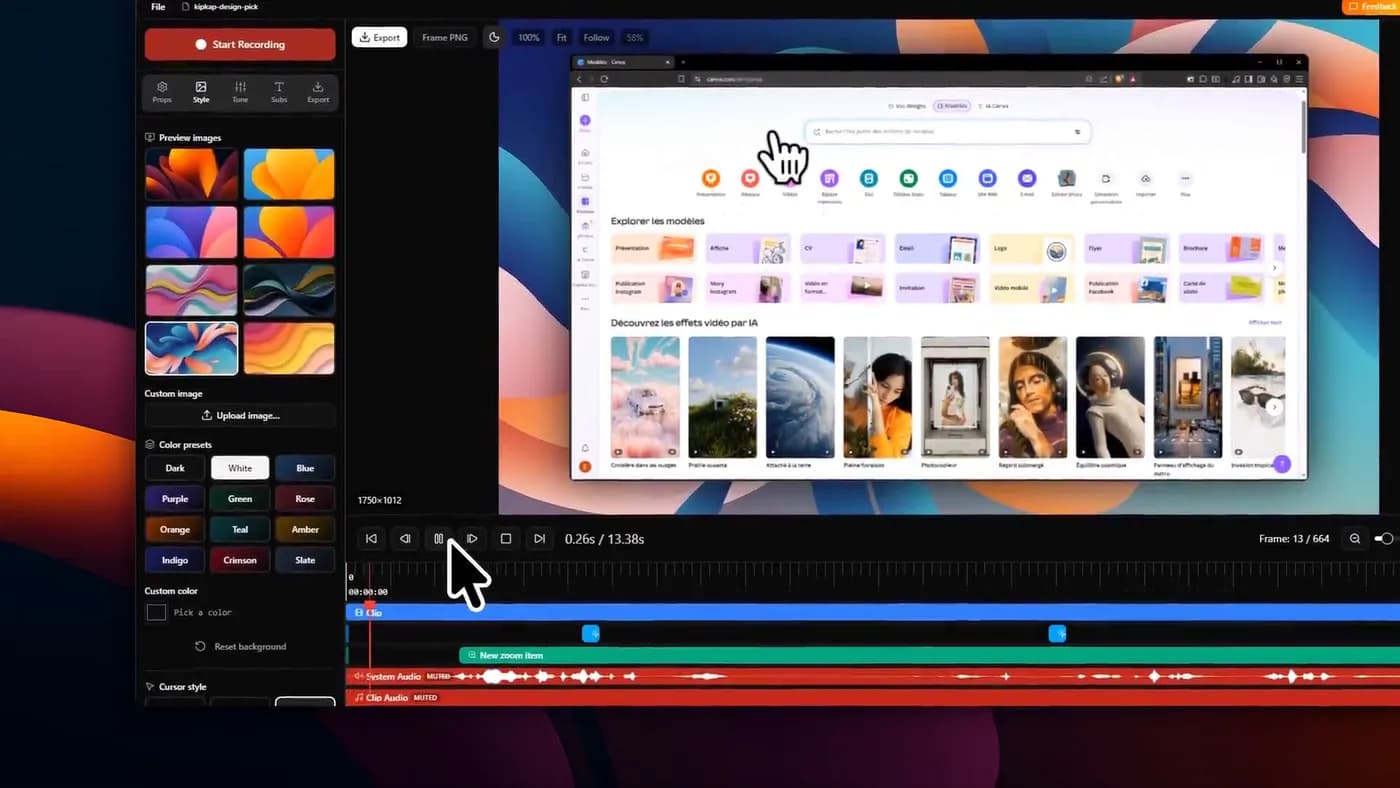
What does this on Windows
1. KlipKap Pro
One payment, Windows and macOS in the same licence
- Platforms
- Windows 10/11, macOS 13+
- Price
- $25.49 once
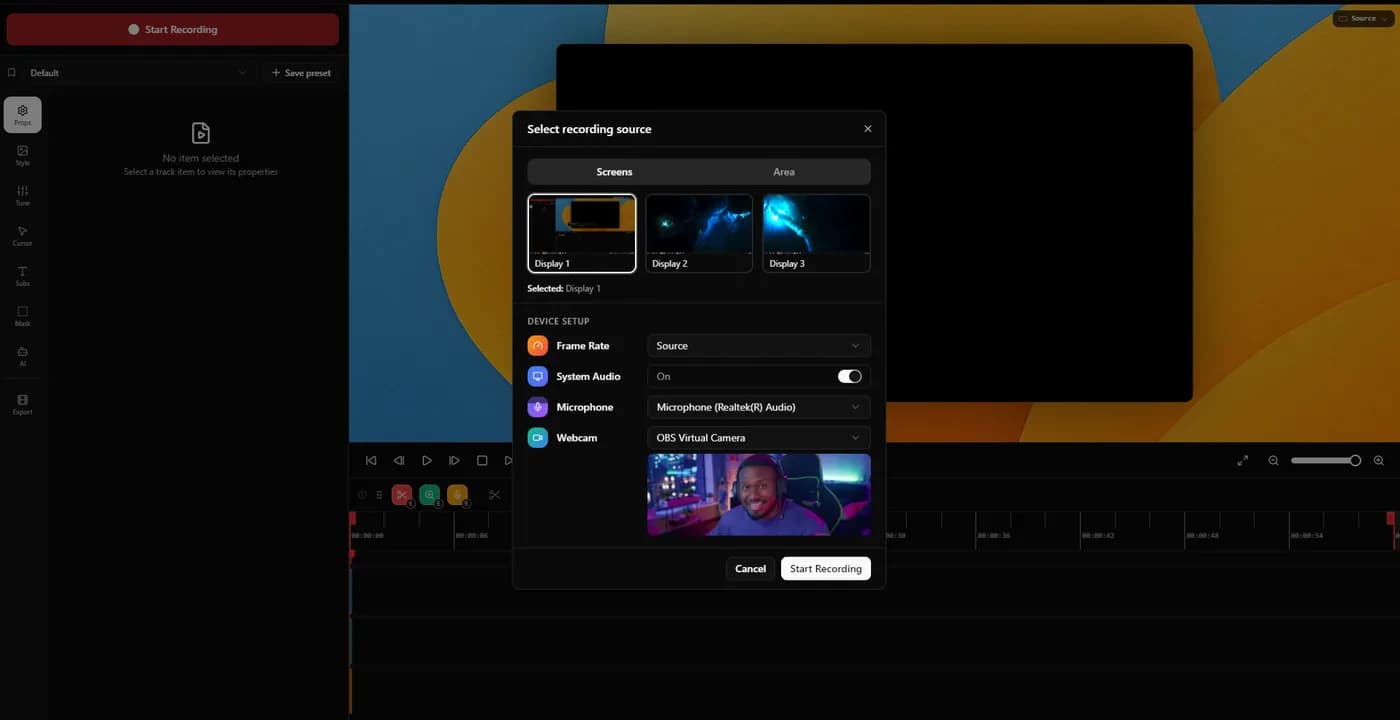
It does the four things above on Windows 10 and 11 and on macOS 13 or later, sold once with all future updates included rather than rented.
The part that is not a like-for-like copy of Screen Studio is where the AI runs. Subtitles are transcribed on your own machine in over fifty languages, with no API key, no account and no per-minute credits; noise removal is the same. Recording, editing, transcription and export all execute locally and the footage is not uploaded. A connection is needed to download the app, activate the licence and export with a Pro account.
There is a permanent free tier at 720p with a watermark, which keeps the auto-zoom and cursor smoothing. That is the cheap way to find out whether the zoom behaviour suits you, which is the only question a feature table cannot answer.
In its favour
- One account covers every machine you own, Windows and macOS, with no device limit
- A bespoke effects engine, written from scratch rather than built on a shared foundation
- Windows 10 and 11, and macOS, from one payment
- Auto-zoom, cursor smoothing, backgrounds, timeline corrections
- Subtitles and noise removal run on your machine, no credits
- Permanent free tier rather than a countdown
What you give up
- No Linux build today
- Exports a file rather than producing a share link
2. FocuSee
The closest feature-for-feature match on Windows
- Platforms
- Windows and macOS
- Price
- $49.99/year (Standard), $79.99/year (Advanced), $199.99 lifetime
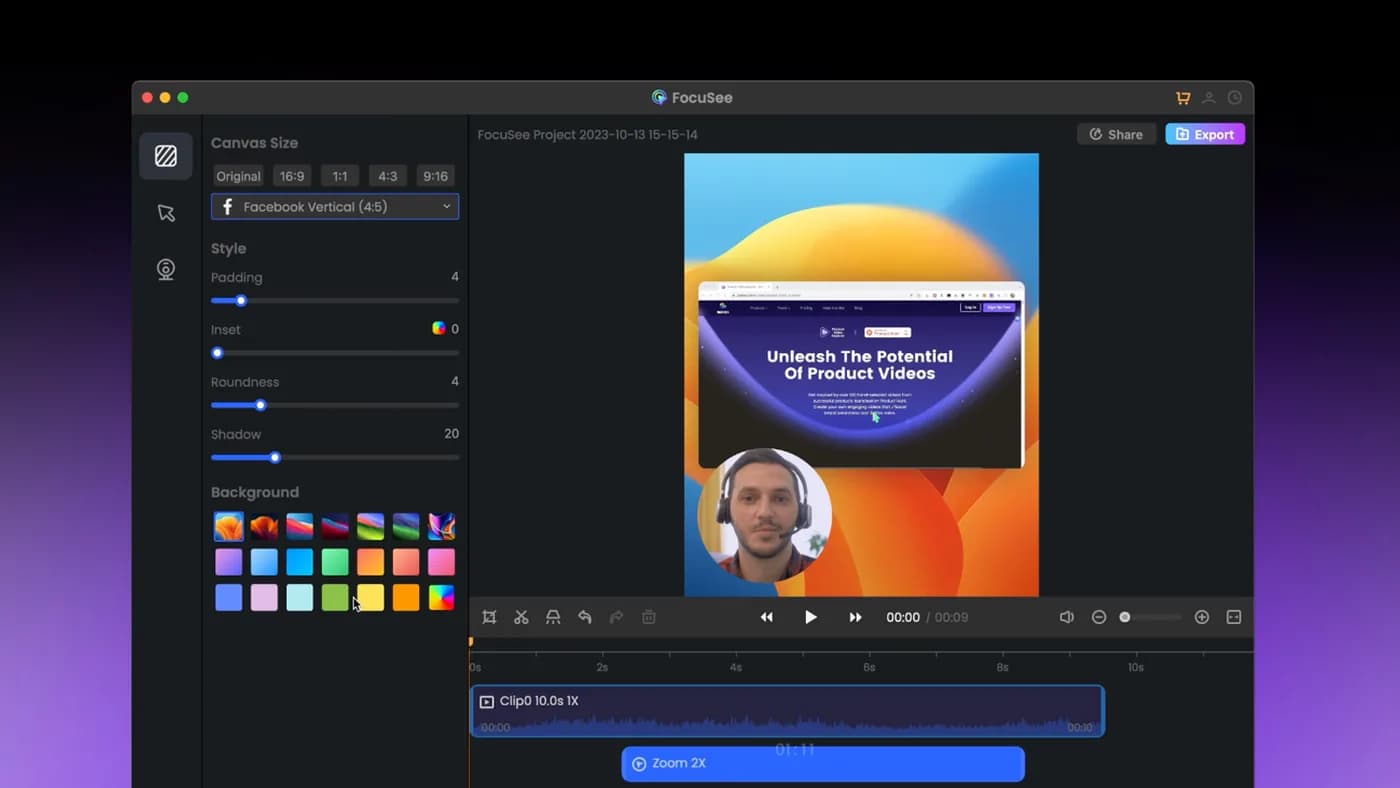
Automatic zoom on clicks, dynamic backgrounds, a genuine Windows build. On a feature-comparison basis this is the nearest thing to Screen Studio that Windows users can actually install.
Check the licence terms before you read its lifetime option as a one-time purchase: it covers version 2.x, the next major version is a paid upgrade, and its AI credits expire after a year.
In its favour
- Real Windows build, not a waitlist
- Feature set close to Screen Studio's
- A lifetime option exists
What you give up
- Lifetime covers one major version only
- AI credits expire annually
- No permanent free tier

3. Cap
Open source, and the only one here that also runs on Linux
- Platforms
- macOS, Windows, Linux
- Price
- $29/licence billed yearly (Desktop), or $8.16/user/month (Pro)
Open source, self-hostable, with a perpetual free tier that includes the full editor. If being able to read the code matters to you, this is the option.
Its cheapest paid tier is billed yearly rather than sold once, and the free tier is licensed for personal use, so commercial work means paying, and paying means a subscription.
In its favour
- Windows, macOS and Linux
- Open source and self-hostable
- Perpetual free tier with the full editor
What you give up
- The cheap tier is yearly, not one-time
- Free tier is personal use only

4. OBS Studio
Free capture, with none of the polish
- Platforms
- Windows, macOS, Linux
- Price
- Free
The right recommendation if what you need is reliable capture on Windows and you are willing to do the rest yourself. Free, open source, unmatched control over sources and audio.
It does no automatic zoom, no cursor smoothing, and contains no editor. Everything this article is about would be manual work in a second application afterwards.
In its favour
- Free with no tiers
- Total control over capture
- Windows, macOS, Linux
What you give up
- No auto-zoom, no cursor treatment, no editor
- A second tool and manual editing required
What gets recommended that you cannot use
Search results for this query are full of Mac software, because most of the category is Mac software and most listicles are not written with a Windows reader in mind. To save you the clicks, these are the four that come up most and none of them has a Windows build:
- Screen Studio: macOS only, no Windows build announced
- CursorClip: macOS 13.5 or later; the site states no Windows version is planned
- Screen Charm: macOS only
- Tight Studio: macOS only, with Windows on a waitlist rather than in a build
CursorClip, Screen Charm and Tight Studio are all macOS-only and are routinely recommended to Windows users by articles that did not check.
Two things worth checking on Windows specifically
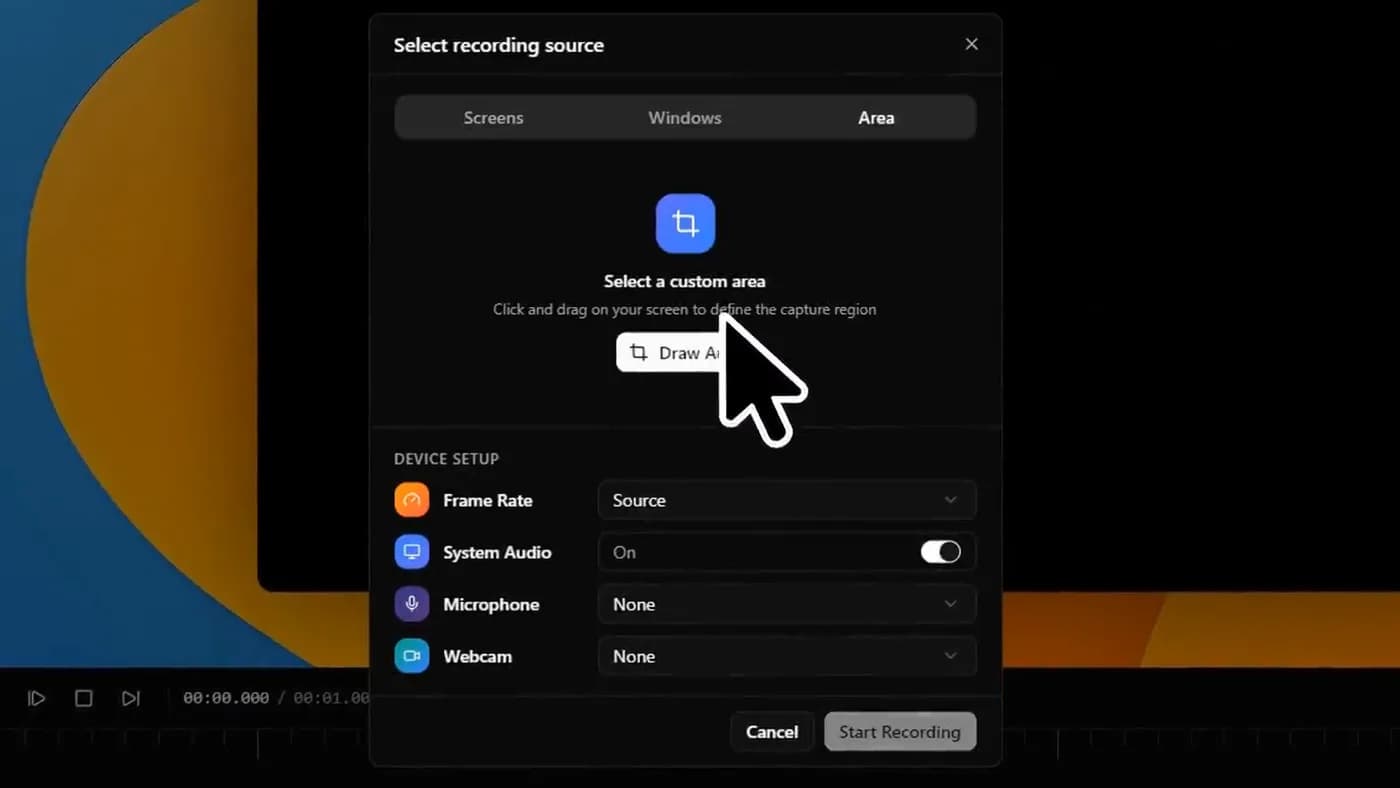
System audio capture is the first. On macOS this generally needs a virtual audio device; on Windows it usually does not, but implementations vary and some tools still route you through a plugin. If you are recording anything with sound coming out of the machine (a video playing, a call, a game) confirm the tool captures system audio natively before buying, because it is the most common post-purchase surprise in this category.
Display scaling is the second. Windows laptops frequently run at 125 or 150 percent scaling, and recorders that do not account for it produce a soft 1080p export from a perfectly sharp screen. Record thirty seconds and export it before you commit; a feature list will never tell you this and it is immediately visible.
Frequently asked questions
- Is Screen Studio available for Windows?
- No. Screen Studio is a macOS-only application. No Windows build has ever been released and no release date has been announced.
- Will Screen Studio ever release a Windows version?
- Nothing has been announced. Treat it as unavailable rather than delayed, and choose a tool that runs on Windows today.
- What is the closest thing to Screen Studio on Windows?
- KlipKap Pro, FocuSee and Cap all do automatic zoom on clicks and cursor smoothing on Windows. FocuSee is closest on features; KlipKap Pro is a one-time purchase covering both Windows and macOS; Cap is open source and also runs on Linux.
- Can I run Screen Studio on Windows in a virtual machine?
- Running macOS in a virtual machine on non-Apple hardware breaches the macOS licence agreement, and screen recording in a VM performs badly because it competes with the guest OS for the GPU. It is not a practical route for this kind of work.
- Is there a free Screen Studio alternative for Windows?
- Cap has a perpetual free tier that includes the full editor, licensed for personal use. OBS Studio is free with no restrictions but applies no automatic zoom. KlipKap Pro has a permanent free tier at 720p with a watermark that keeps the auto-zoom and cursor smoothing.
More from the blog
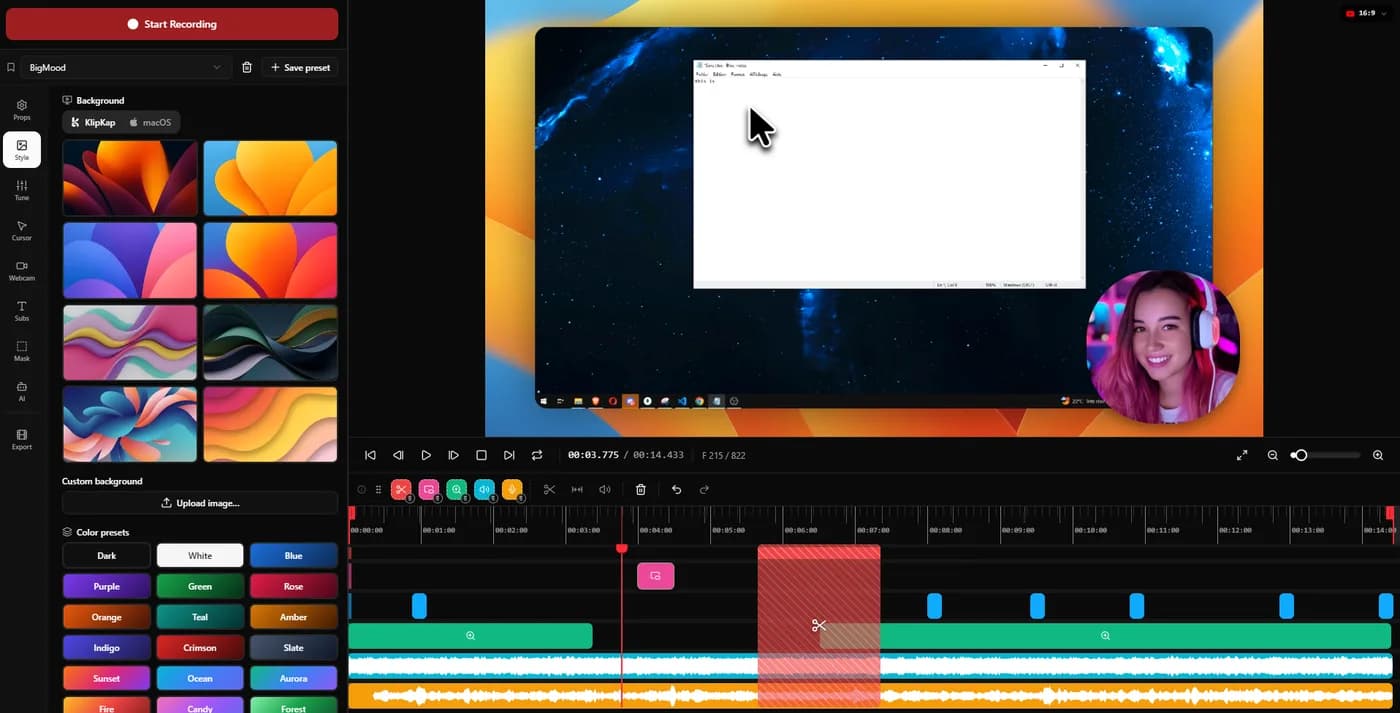 The best Screen Studio alternatives in 2026Ten tools compared on platform, price and what three years actually costs. Screen Studio is macOS-only and withdrew its one-time licence in October 2025.Read itScreen recorders with automatic zoomHow automatic zoom actually works, why two tools using the same idea look completely different, and which ones do it on which platform.Read it
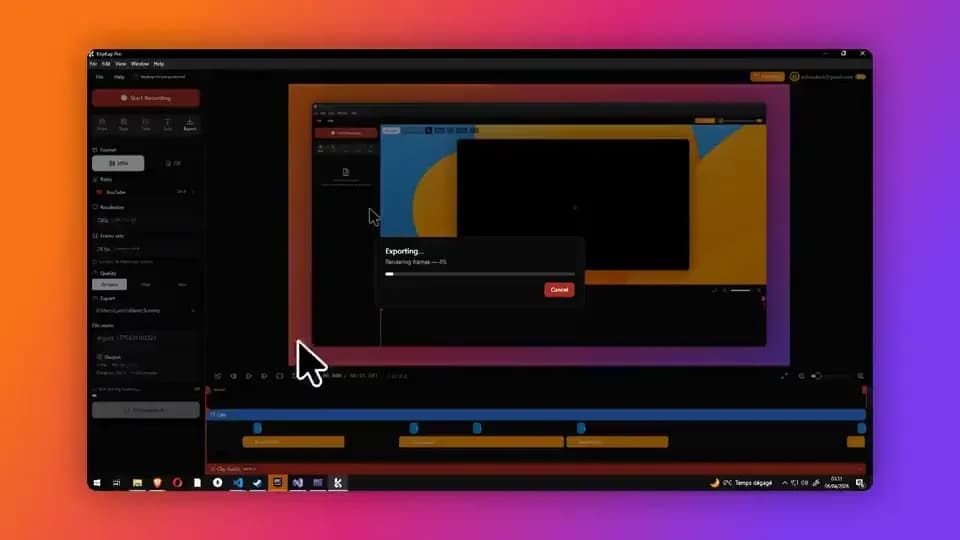 Screen recorders with a one-time purchaseThe tools still sold as a perpetual licence in 2026, what three years costs against the subscriptions, and what the word lifetime is doing in each case.Read it
Sources
Prices and platform support come from each vendor’s own pricing page, linked below. Software changes; if you spot something out of date here, tell us at contact@klipkap.pro and we will correct it.