Open-source screen recorders, and what they cost you
- open source
- free
- comparison
Three screen recorders are genuinely open source in 2026: OBS Studio, Cap and ShareX. Only Cap does automatic zoom, and its free tier is licensed for personal use, so client work needs a paid tier. OBS Studio and ShareX capture and leave the polish to you, which is roughly an hour of manual keyframing per two-minute demo. Open source is a licence, not a price: the cost moves to your time rather than disappearing.
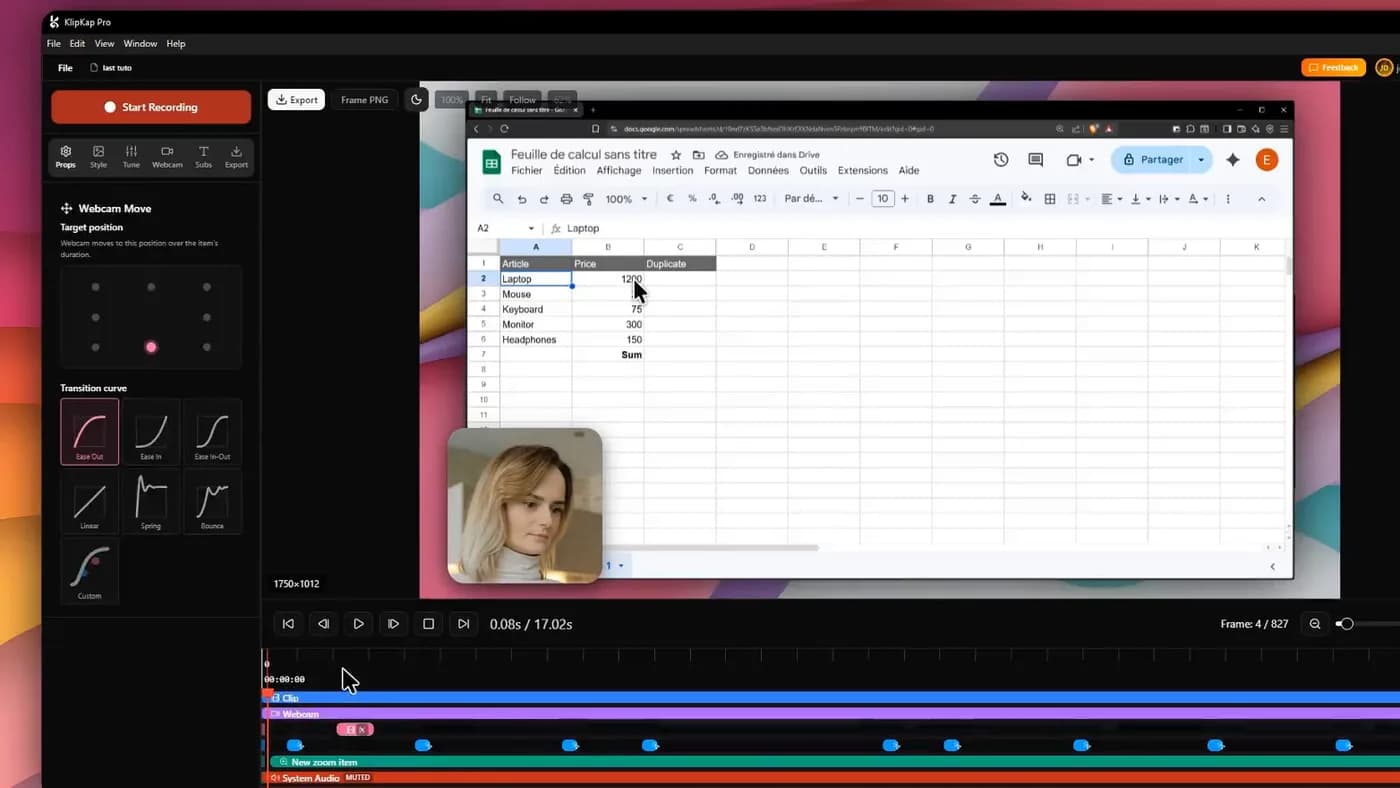
Open source is a licence, not a price
The two get conflated constantly under this query and they are different claims. Open source means the source code is published under a licence that lets you read, modify and redistribute it. Free means it costs nothing. Most open-source software is both, and the exceptions are exactly where people get caught.
Two distinctions matter when choosing here. Is the whole product open, or a client for a hosted service? A tool can publish an open-source desktop app whose useful features call a proprietary server. And what does the free tier permit? An open-source project can perfectly legitimately license its free tier for personal use only and charge for commercial work, which means it is open source and not free for the thing you were going to do with it.
Neither is a criticism. Both are worth checking before you build a workflow on one.
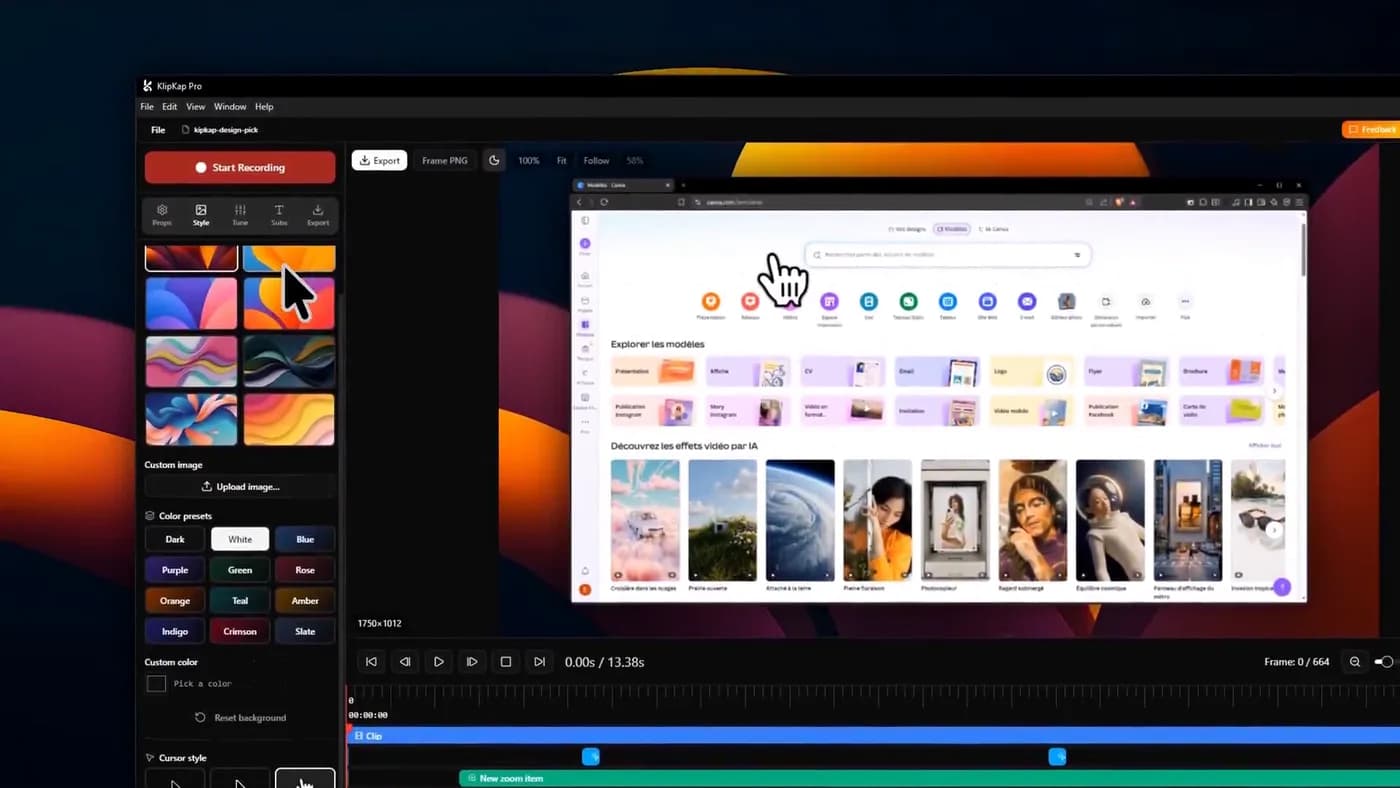
Open source describes the licence on the code, not the price of the product. A tool can be genuinely open source and still charge you for commercial use.
The three that qualify
| Tool | Platforms | Automatic zoom | Commercial use |
|---|---|---|---|
| OBS Studio | Windows, macOS, Linux | No | Unrestricted |
| Cap | Windows, macOS, Linux | Yes | Paid tier required |
| ShareX | Windows only | No | Unrestricted |

1. OBS Studio
The one with no conditions attached
- Platforms
- Windows, macOS, Linux
- Price
- Free
Free and open source on all three platforms, with no tiers, no account, no watermark and no licence restriction on commercial work. It is the standard for livestreaming, and its control over sources, audio routing and encoders is better than anything commercial in this article.
It records and it streams. There is no editor, no automatic zoom and no cursor treatment, so everything that makes a demo look produced is a second application and manual work afterwards.
Worth knowing what it is genuinely best at, which is not screen recording in the sense this category usually means: scene composition, multiple synchronised sources, and long sessions with hardware encoding.
In its favour
- No restrictions of any kind, commercial included
- Windows, macOS and Linux
- Unmatched control over capture and audio
What you give up
- No editor, no auto-zoom, no cursor work
- Steep setup
- The polish is your evening

2. Cap
The only open-source tool here that does automatic zoom
- Platforms
- macOS, Windows, Linux
- Price
- $29/licence billed yearly (Desktop), or $8.16/user/month (Pro)
The interesting one, because it is the only open-source project in this article doing the automatic zoom that the paid tools are sold on. It also has a record-and-share-a-link flow like Loom's, and because it can be self-hosted, those links can live on infrastructure you control.
Two things to read carefully. The free tier is perpetual and includes the full Studio editor, but is licensed for personal use, so client work or company work means a paid tier. And the cheap desktop tier is billed yearly rather than sold once, despite a headline figure that reads like a one-time price.
Self-hosting is a real option and real work: it is infrastructure you are then responsible for, which is a reasonable trade for a team with a compliance requirement and a poor one for an individual.
In its favour
- Open source and self-hostable
- Automatic zoom plus a full editor
- Windows, macOS and Linux
What you give up
- Free tier is personal use only
- Paid tier billed yearly, not once
- Self-hosting is infrastructure you own
ShareX, which this query rarely surfaces
Free, open source, Windows only, and in active development for eighteen years. It is best known as a screenshot tool and is usually filed under that, which is why roundups of screen recorders leave it out, but it records video and GIFs too, with an unusually deep workflow system for where captures go afterwards.
For a Windows user whose actual need is quick captures, annotated screenshots and the occasional short recording, it is the strongest free answer on the platform and costs nothing with no licence conditions. It does no automatic zoom and no cursor smoothing.
The honest framing: ShareX and OBS solve adjacent problems well and neither solves the one that made this category grow.
What free actually costs
This is the part these articles usually skip, and it is the part that decides whether the recommendation was any good.
Take a two-minute product demo. With an automatic-zoom tool it is one recording pass plus two or three zoom corrections. Call it five minutes after you stop recording. With OBS or ShareX, the same result means importing to an editor, placing and easing eight to twelve zoom keyframes by hand, smoothing the cursor path if you can at all, adding a background, and generating captions somewhere else. Realistically an hour, and more the first few times.
If you make one demo a year, that hour is obviously cheaper than any licence. If you make one a month, you are spending twelve hours a year to avoid a one-time purchase that costs less than a takeaway. And the manual version usually looks worse, because hand-eased zooms are hard to get right.
None of which is an argument against open source. It is an argument for pricing your own time before calling something free.
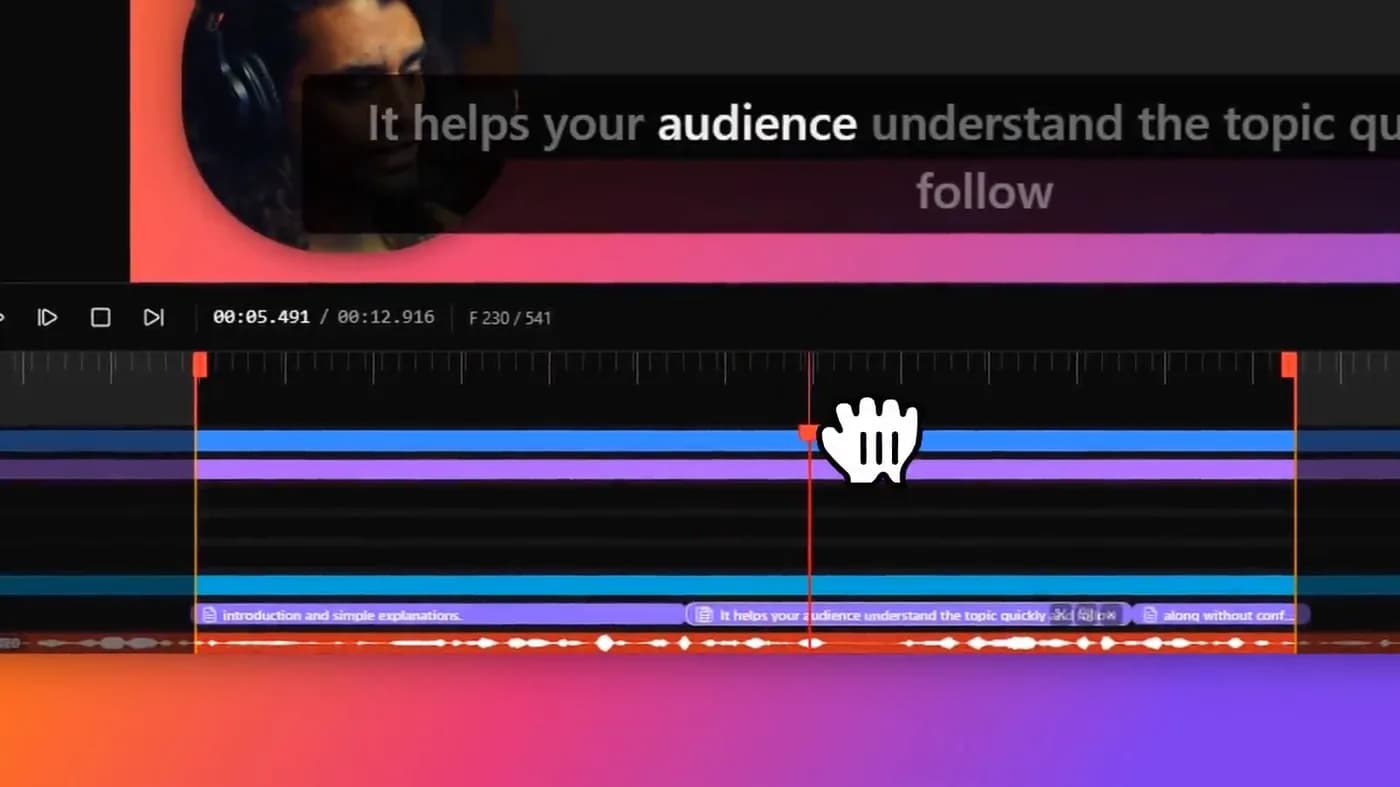
The zooms an automatic tool generates in one pass are roughly an hour of manual keyframing per two-minute demo. Free software moves that cost rather than removing it.
If open source is a requirement rather than a preference
Some readers are not choosing on price at all: a policy, a compliance position or a principle rules out proprietary software. For them the list above is the list, and Cap is the answer if automatic zoom is needed, OBS if capture control is.
It is worth separating the two requirements, because they are usually confused. If the rule is that recordings and transcription must not touch a third party, that is about the data, and it is met by any tool that processes locally. KlipKap Pro records, edits, transcribes and exports on your own machine and uploads no footage; a connection is needed only to download the app, activate a licence and export with a Pro account. There is no server to audit because there is no server, and no infrastructure for you to run either.
If the rule is literally that the source code must be published, that is a different requirement and a much smaller field, with the costs set out above.
Frequently asked questions
- What is the best open-source screen recorder?
- OBS Studio if you want no restrictions at all: free, open source, on all three platforms, unrestricted commercially. Cap if you need automatic zoom or self-hosted sharing, though its free tier is personal use only. ShareX on Windows for screenshots, GIFs and quick recordings.
- Is there an open-source screen recorder with automatic zoom?
- Cap is the only genuinely open-source project doing it, and its free tier covers personal use rather than client work. OBS Studio and ShareX capture without any zoom or cursor treatment, so matching the same result means keyframing every zoom by hand in a separate editor, which is about an hour per two-minute demo.
- Can I use an open-source screen recorder commercially?
- It depends on the project, not on it being open source. OBS Studio and ShareX have no restriction. Cap's free tier is licensed for personal use, so commercial work requires a paid tier. Read the licence rather than assuming open source means free for any purpose.
- Is ShareX better than OBS?
- They solve different problems. ShareX is a Windows capture and productivity tool. Screenshots, annotation, GIFs, short recordings, with a deep system for where captures go afterwards. OBS Studio is a scene compositor and streaming tool with far more control over sources, audio routing and encoding. Neither does automatic zoom.
- What is the catch with free screen recorders?
- Usually your time rather than a hidden fee. A two-minute demo that an automatic-zoom tool finishes in five minutes takes about an hour to match by hand in a general editor, and the manual version often looks worse. If you record rarely, free is clearly right; if you record monthly, price your own hours before deciding.
More from the blog
The best screen recorders in 2026Nine tools, sorted by what you are actually making. The answer is different for a product demo, a course, an async update and a livestream.Read it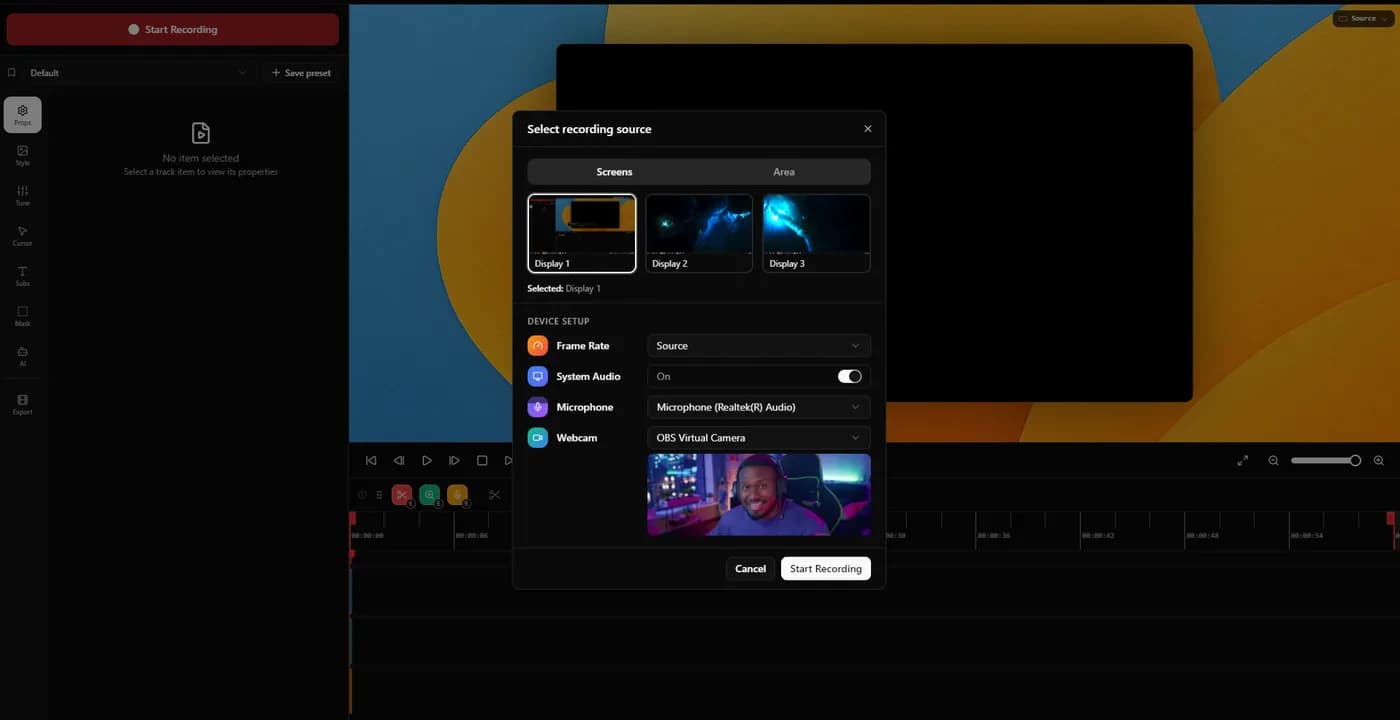 Free Screen Studio alternativesWhat each free tier actually gives you, where the watermark sits, which licences permit commercial work, and where free costs you an evening instead of money.Read it
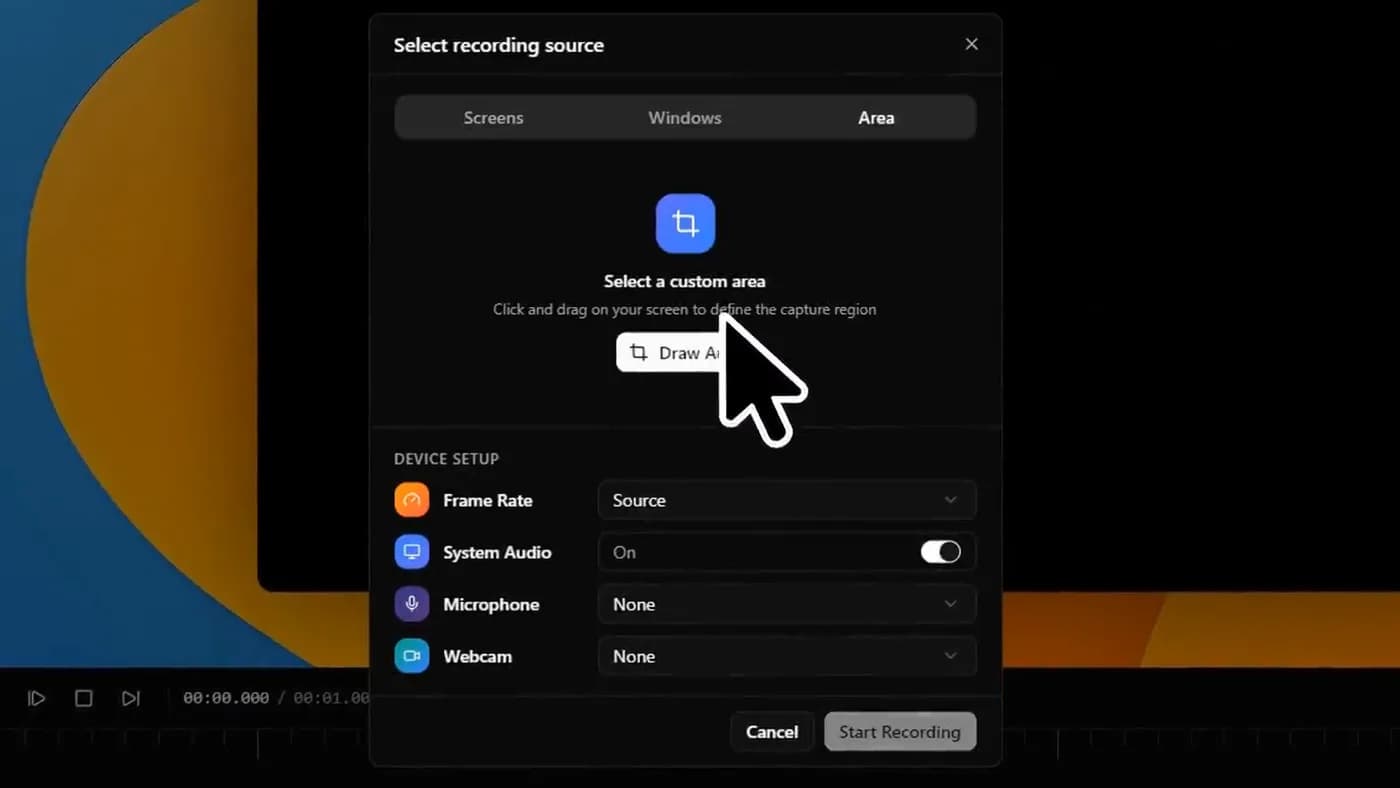 The best screen recorders for WindowsWhat is built into Windows already, what is worth installing, and the two settings that decide whether your export looks sharp or soft.Read it
Sources
Prices and platform support come from each vendor’s own pricing page, linked below. Software changes; if you spot something out of date here, tell us at contact@klipkap.pro and we will correct it.