4 FocuSee alternatives, compared
Every price comes from the vendor’s own page, linked at the bottom
FocuSee does the main job well and, unlike most of this category, has always run on Windows. People look elsewhere over the terms rather than the software: the $199.99 lifetime licence covers version 2.x only and its AI credits expire after a year. The closest swap is KlipKap Pro at $25.49 with updates included. Be aware that the other three options here are macOS only.
Quick comparison
| Tool | Platforms | Pricing | Year one | Free tier |
|---|---|---|---|---|
 KlipKap Pro KlipKap Pro | Windows 10/11, macOS 13+ | $25.49 once | $25.49 | Permanent, 720p with a watermark |
 FocuSee FocuSee | Windows and macOS | $49.99/yr, $79.99/yr, or $199.99 lifetime | $49.99/year | None |
 CursorClip CursorClip | macOS 13.5+ only | $70 once, or from $9/mo | n/a, paid once | Edit free, licence to export |
 Screen Studio Screen Studio | macOS only | $9/mo billed annually | $108/year | None |
 Tight Studio Tight Studio | macOS only | $9/mo (Plus) or $24/mo (Pro) | $108/year | Free forever, no watermark |
Cheapest paid tier at the time of writing, in USD. Per-seat products are shown for one seat. This table sticks to platforms and pricing, which anyone can check on the linked pages.
What sends people looking
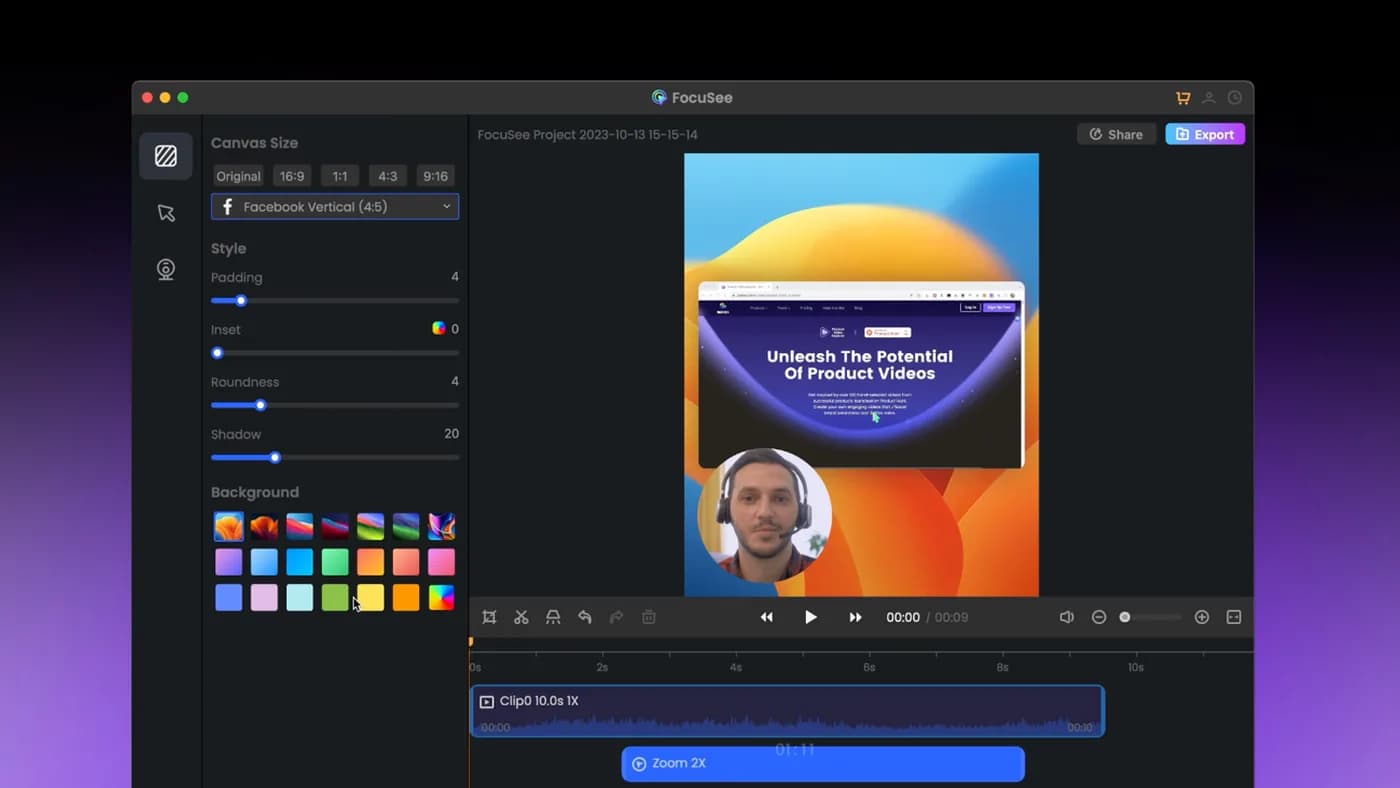
Rarely the recording itself. Auto-zoom on cursor clicks works, the background library is deep, and it shipped a Windows build years before most of its competitors considered one. The friction is in what buying it actually gets you.
“Lifetime” means one major version. The $199.99 licence covers 2.x. Version 3 is a paid upgrade at a discount for existing owners. That is stated plainly on their pricing page, so it is not a trick, but it is not what most people picture when they read the word.
The AI credits run out. A thousand credits, valid for one year. If captions are part of your normal workflow rather than an occasional extra, that is a meter you have to keep an eye on.
The cheap way in is still a subscription. Standard is $49.99 a year. The owned option costs four times that up front, which is a real decision rather than an obvious one.
1. KlipKap Pro
Ours, so weigh it accordingly. It is the only alternative on this page that also runs on Windows, which narrows the comparison considerably if that matters to you.
$25.49 once, updates included, no version cliff. Transcription runs locally with no credit balance, so it does not stop. Three adjustable dials control the auto-zoom rather than a single switch: depth from 1.0x to 4.0x, how tightly the camera tracks the pointer, and how fast it accelerates.
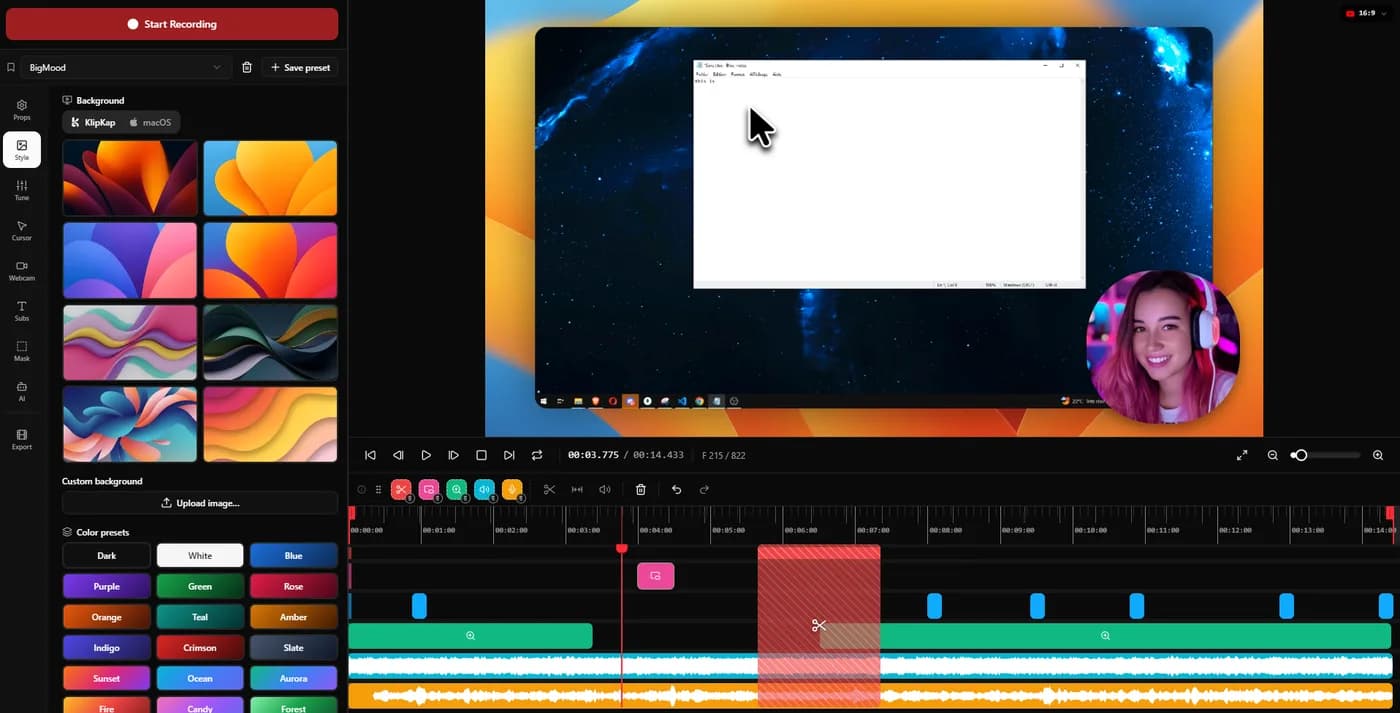
Trade-offthe licence is not sold as a five-machine bundle, and FocuSee’s background library is larger than ours. If either is central to how you work, FocuSee keeps the advantage and this page is not going to pretend otherwise.
2. CursorClip
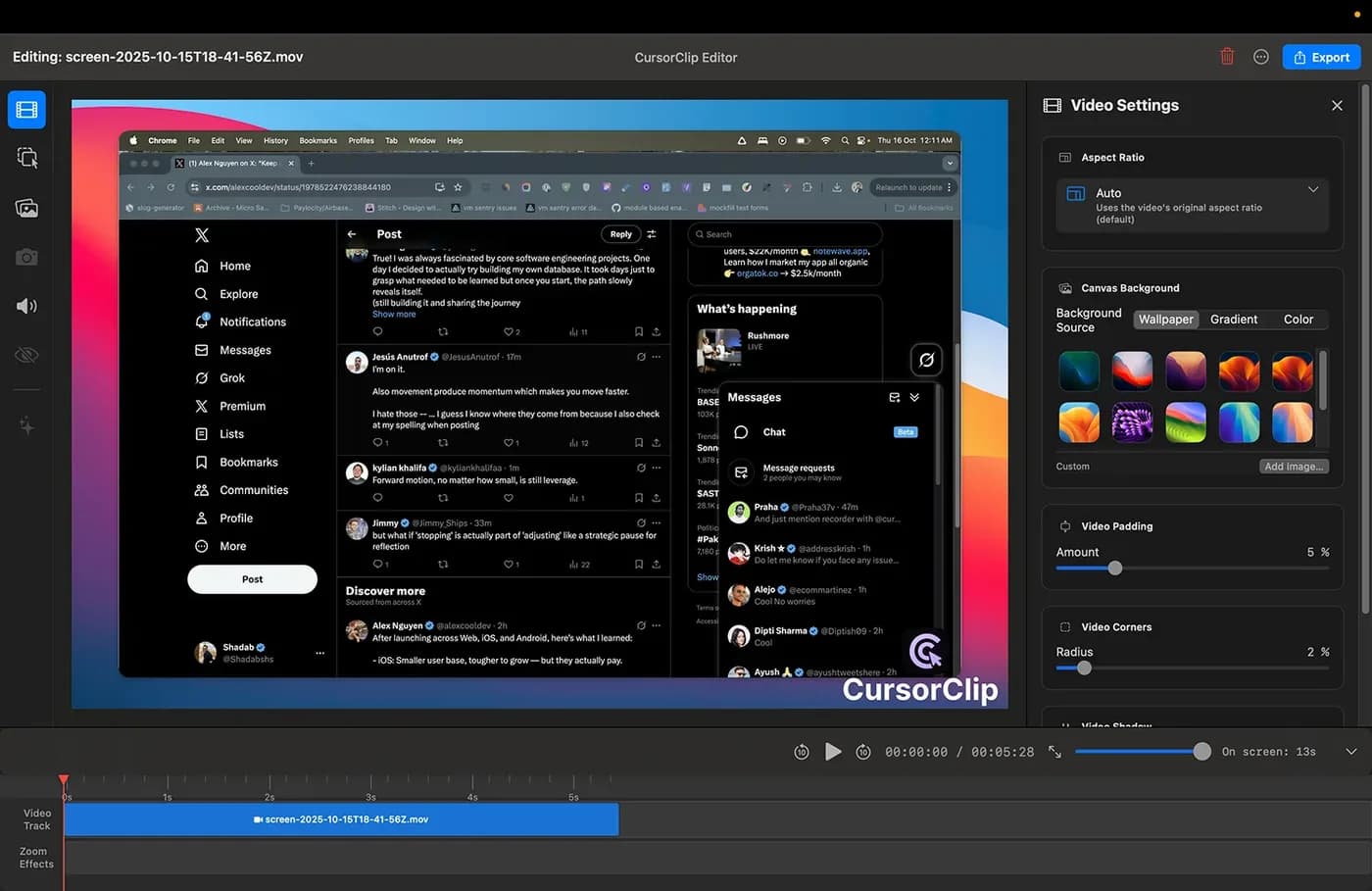
The closest match to KlipKap on business model: pay once, keep it, no cloud account. Cursor-follow auto-zoom is the whole point of the product, with 4K 60fps output in MP4 or GIF. Its free mode lets you run the complete workflow and only asks for money at export.
Trade-off macOS 13.5 or later, and the site states no Windows version is planned. At $70 it is nearly three times KlipKap's price. It read $59 on 2026-09-07 and had risen ten days later, though existing customers keep the price they paid.
3. Screen Studio
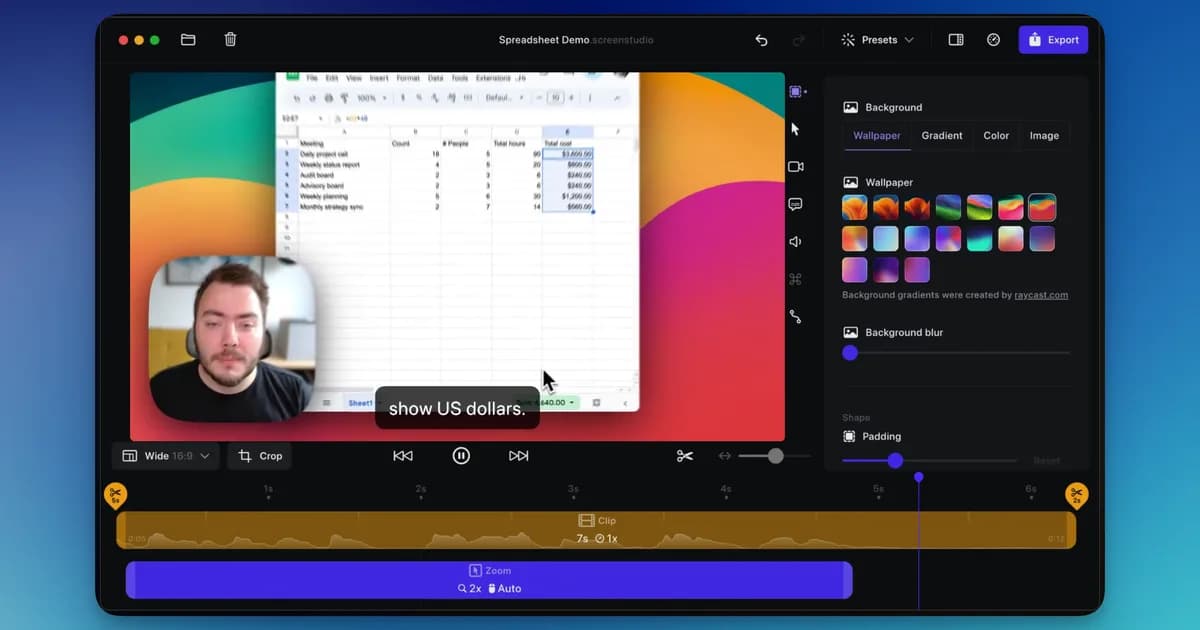
A mature macOS app with automatic zoom and cursor smoothing, sold as an annual subscription.
Trade-off It is macOS only, with no Windows build at any price, and it is rented rather than bought. The subscription renews whether you recorded anything that year or not.
4. Tight Studio
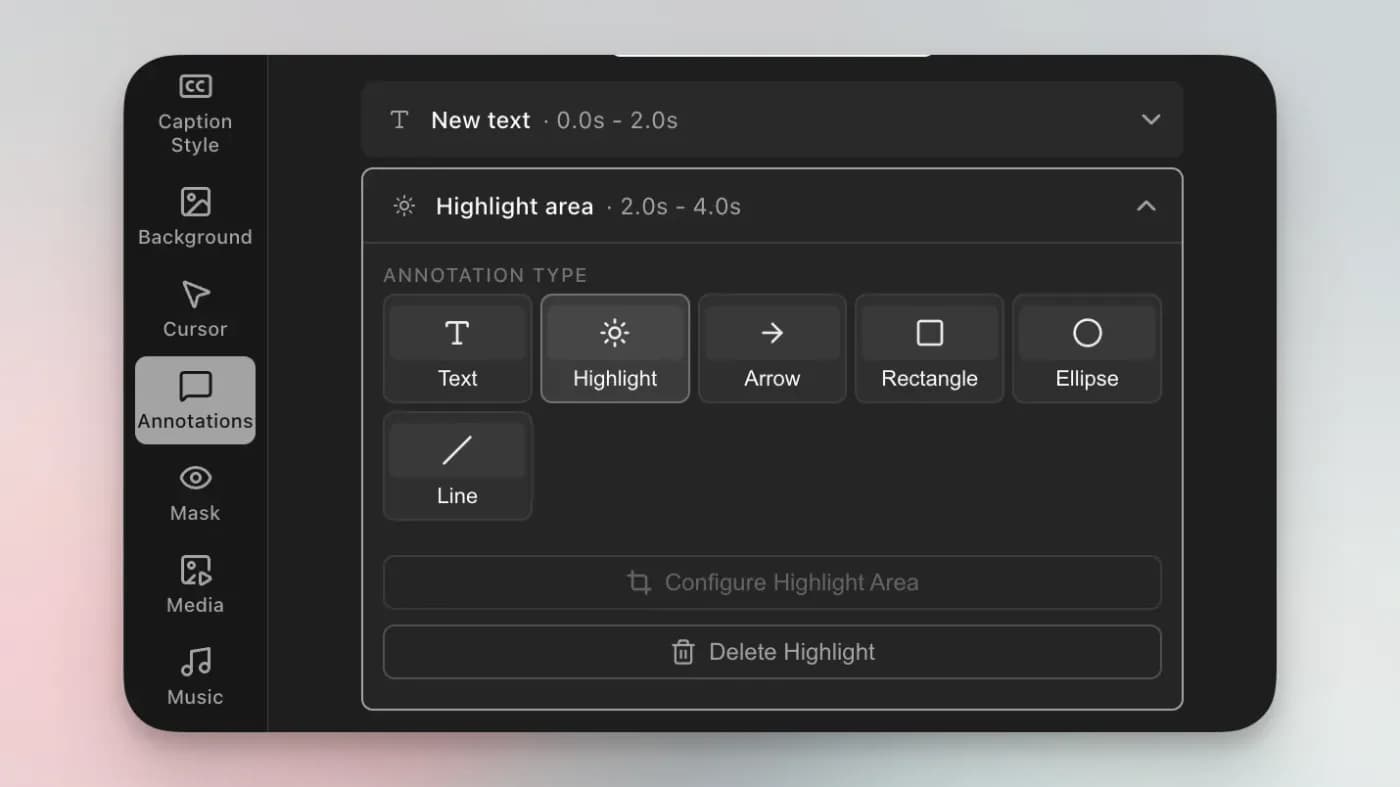
Its zooms stay editable after recording, and each one can flip between cursor tracking and manual framing. AI voiceover with voice cloning and an on-screen teleprompter are unusual additions.
Trade-off macOS only, with Windows still a waitlist rather than a build, and narrower than that: its own FAQ states “Currently we support Mac Apple chip only”, so an Intel Mac cannot run it at all. The AI features that distinguish it are metered on the free tier and gated to Pro at $24 a month.
Which one to pick
You are on Windows. KlipKap Pro, or stay with FocuSee. Those are the only two options, and the choice is between $25.49 with updates included and $199.99 for five machines on one major version.
You need one licence across many machines. Stay with FocuSee. Five computers for $199.99 is not matched here, and switching to save money you would then spend on extra licences is not a saving.
You are on a Mac and the credits are the problem. KlipKap Pro if you want transcription with no meter at all, or CursorClip if you want the simplest possible one-time purchase.
Frequently asked questions
- What is the cheapest FocuSee alternative?
- KlipKap Pro at $25.49 paid once, which is about half of one year of FocuSee Standard and roughly an eighth of its $199.99 lifetime licence.
- Which FocuSee alternative includes future updates?
- KlipKap Pro includes updates in the one-time price with no major-version fee. FocuSee's lifetime licence covers version 2.x, and version 3 is a paid upgrade discounted for existing owners.
- Is there a FocuSee alternative without AI credits?
- KlipKap transcribes on your own machine and has no credit system, so subtitles do not stop working when an allowance runs out. FocuSee's lifetime tier bundles 1000 credits valid for one year.
- Which FocuSee alternatives also run on Windows?
- Only KlipKap Pro. Screen Studio, CursorClip and Tight Studio are all macOS only, which makes this a short list if Windows is a requirement.
- Does anything match FocuSee's five-computer licence?
- No. If you record across four or five machines on one licence, that is a real advantage of FocuSee's lifetime tier and worth pricing against buying several single licences elsewhere.
Disclosure: this article is published by the team behind KlipKap Pro, one of the tools compared. Every price and platform claim is sourced below so you can check it rather than take our word for it. KlipKap has a free tier if you want to test it against the alternatives yourself.
Sources
Prices and platform support come from each vendor’s own pricing page, linked below. Software changes; if you spot something out of date here, tell us at contact@klipkap.pro and we will correct it.