5 Loom alternatives, compared
Every price comes from the vendor’s own page, linked at the bottom
Start with the warning: none of these reproduces Loom’s instant share link, and if that is why you use it, stay. People leave for three structural reasons instead. The bill scales with headcount at $15 per creator, the footage lives on someone else’s servers, and the output is raw by design. For local recording and polish, KlipKap Pro at $25.49 once is the closest fit on Windows or Mac.
Quick comparison
| Tool | Platforms | Pricing | Year one | Free tier |
|---|---|---|---|---|
 KlipKap Pro KlipKap Pro | Windows 10/11, macOS 13+ | $25.49 once | $25.49 | Permanent, 720p with a watermark |
 Loom Loom | Web, desktop app, browser extension | $15/creator/mo billed annually | $180/creator/year | 25 videos per creator, 5 minutes each |
 Tella Tella | macOS, Windows, Chrome extension | $13/user/mo billed annually | $156/user/year | 7-day trial of the full Pro plan |
 Screen Studio Screen Studio | macOS only | $9/mo billed annually | $108/year | None |
 FocuSee FocuSee | Windows and macOS | $49.99/yr, or $199.99 lifetime | $49.99/year | None |
 Tight Studio Tight Studio | macOS only | $9/mo (Plus) or $24/mo (Pro) | $108/year | Free forever, no watermark |
Cheapest paid tier at the time of writing, in USD. Per-seat products are shown for one seat. This table sticks to platforms and pricing, which anyone can check on the linked pages.
Why people leave Loom
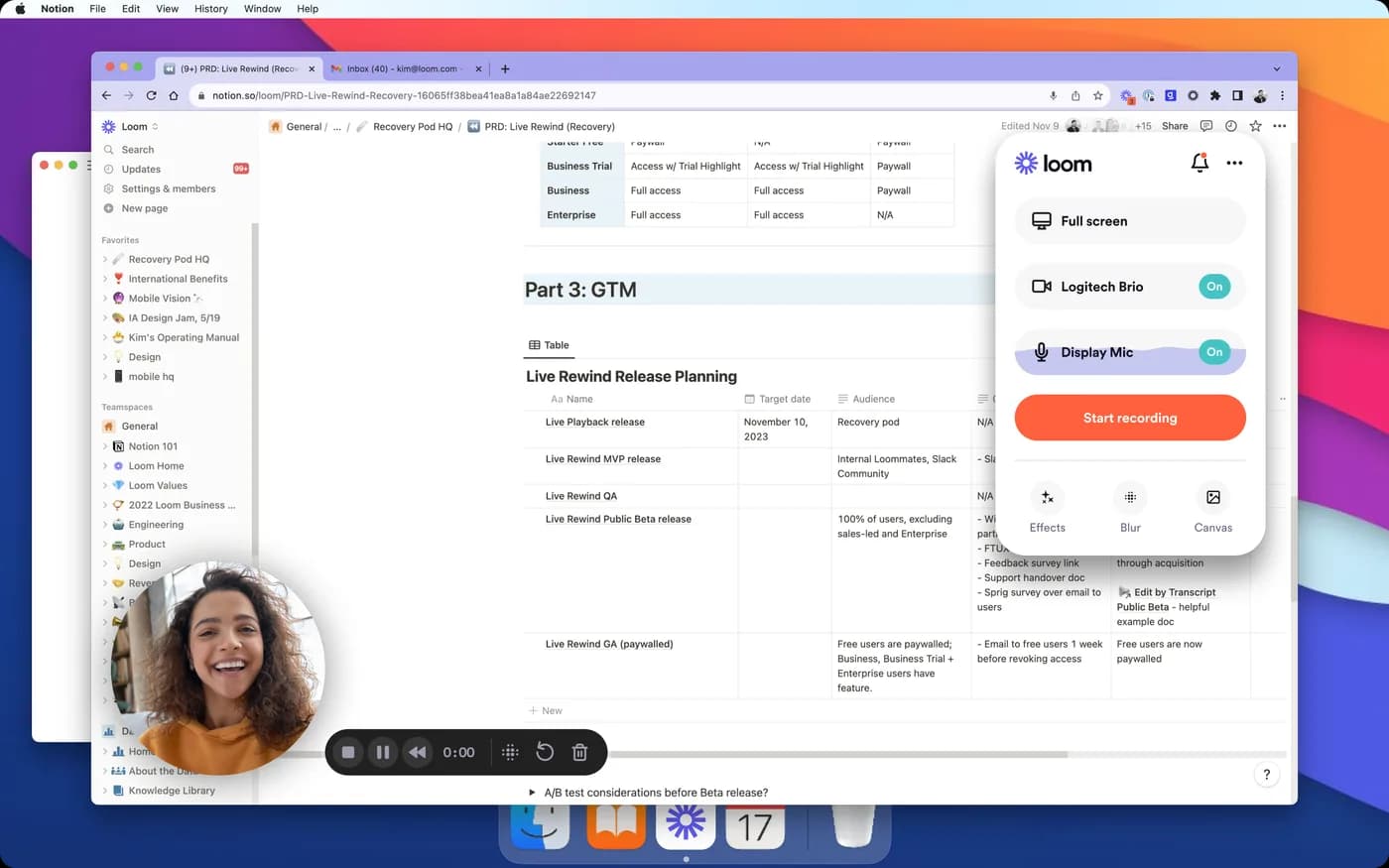
Almost never because it is bad at its job. Loom solved the distance between recording something and someone else watching it, and nothing has beaten it at that since. The reasons people move are structural rather than qualitative.
The bill grows with the team. At $15 per creator per month billed annually, five people recording is $900 a year and ten is $1,800. Nothing about the product got more expensive. You just hired.
The footage is not yours to hold. Uploading is what makes the link instant, so it is a consequence of the design rather than a flaw. But if you record customer dashboards, internal metrics or anything under NDA, where the file lives becomes a question somebody will eventually ask you.
The output is not built to be published. A flat 1920-wide capture is fine for a colleague who already knows what they are looking at. On a pricing page, a visitor who does not will miss the thing you are pointing at. No zoom, no cursor smoothing, by choice.
1. KlipKap Pro
Ours, so weigh it accordingly. The relevant difference from Loom is that everything happens on your machine and nothing is billed per seat.
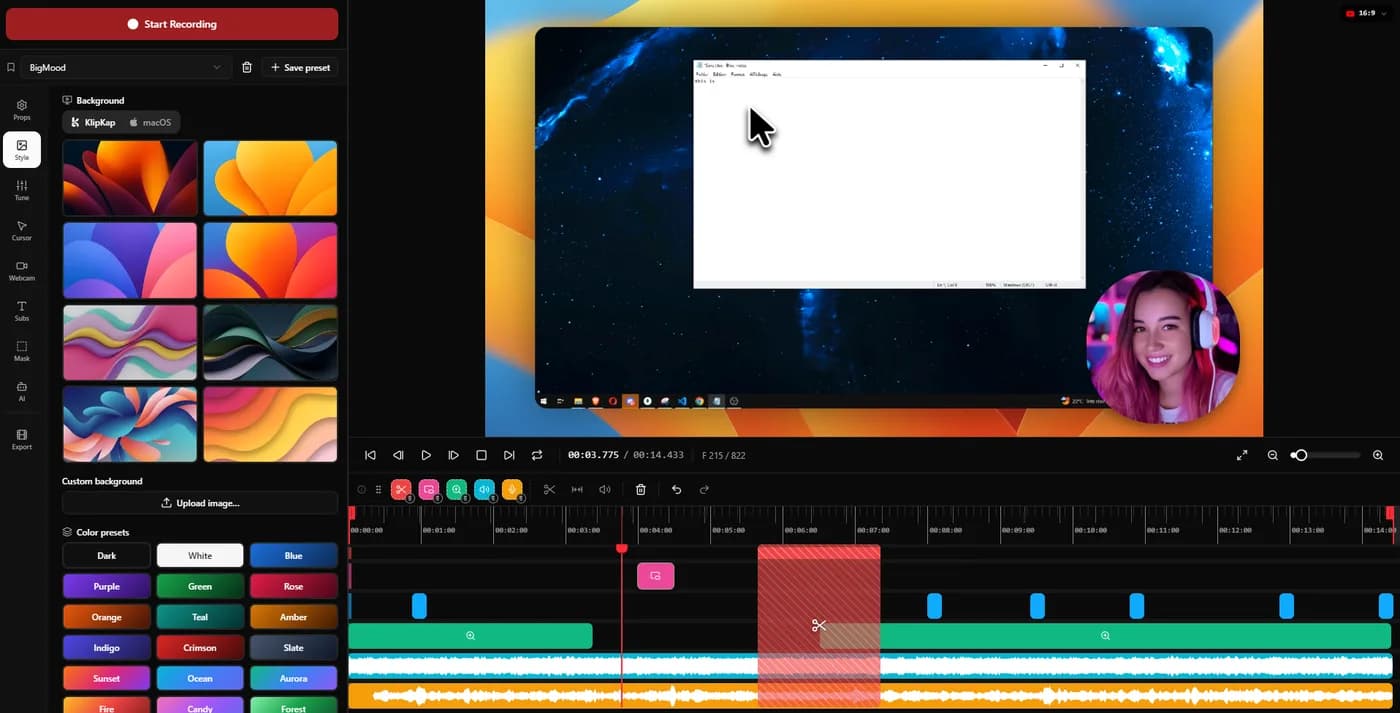
Zoom is applied automatically around clicks with three dials you can set, cursor motion is smoothed, and the pointer itself is redrawn at export from twelve styles. Subtitles are transcribed locally, with the words you have not said yet dimmed to an opacity you choose. Export covers six aspect ratios including 9:16 and 1:1, which is the part Loom users tend to miss once they start posting to social.
Price. $25.49 once per licence, no seat count, updates included. The free tier exports 720p with a watermark and does not expire.
Trade-off no instant link, no viewer analytics, no comment threads. You export a file and share it yourself. Transcription, voice processing and silence trimming are Pro features rather than free ones.
2. Tella
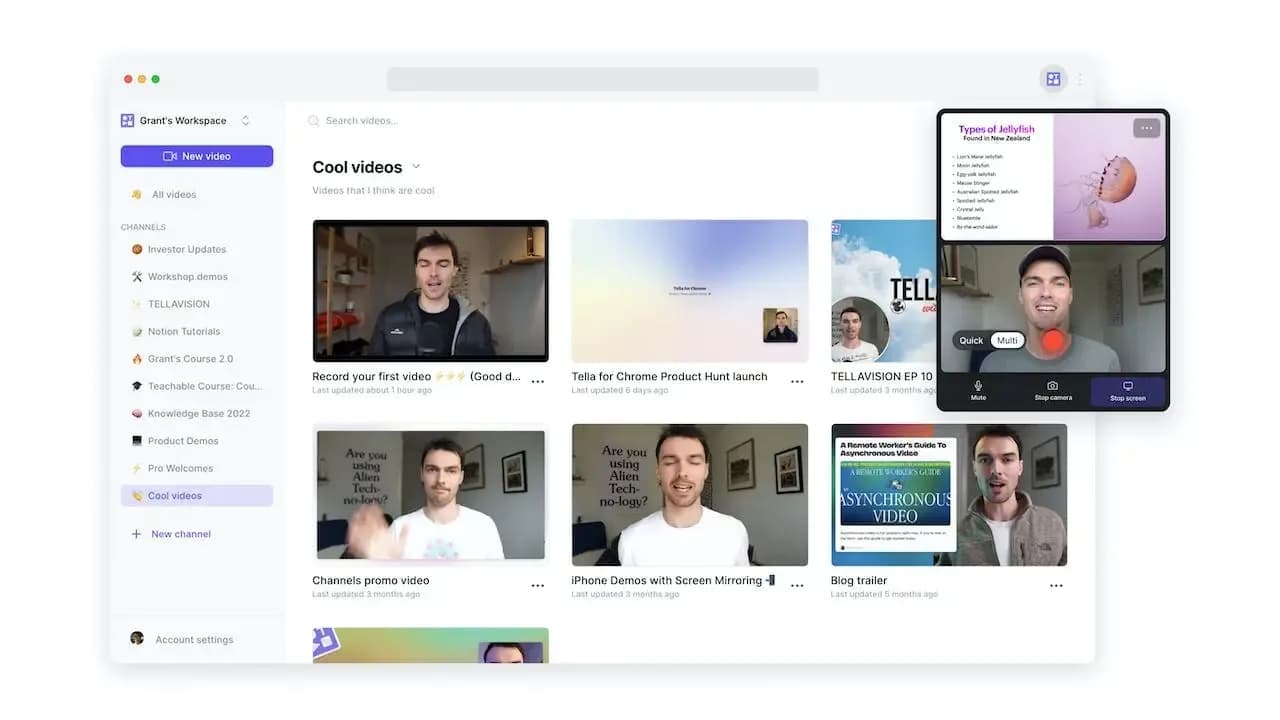
Backgrounds, layouts and webcam framing that make a talking-head recording look produced without touching an editor. Strong for founder videos and course intros.
Of everything here it is the smallest jump from Loom, since it is also browser-first and also cloud-hosted. You keep the workflow and gain the polish, at $13 per user per month rather than $15.
Trade-off Browser-first and subscription-only, with no permanent free tier. After seven days it is pay or stop.
3. Screen Studio
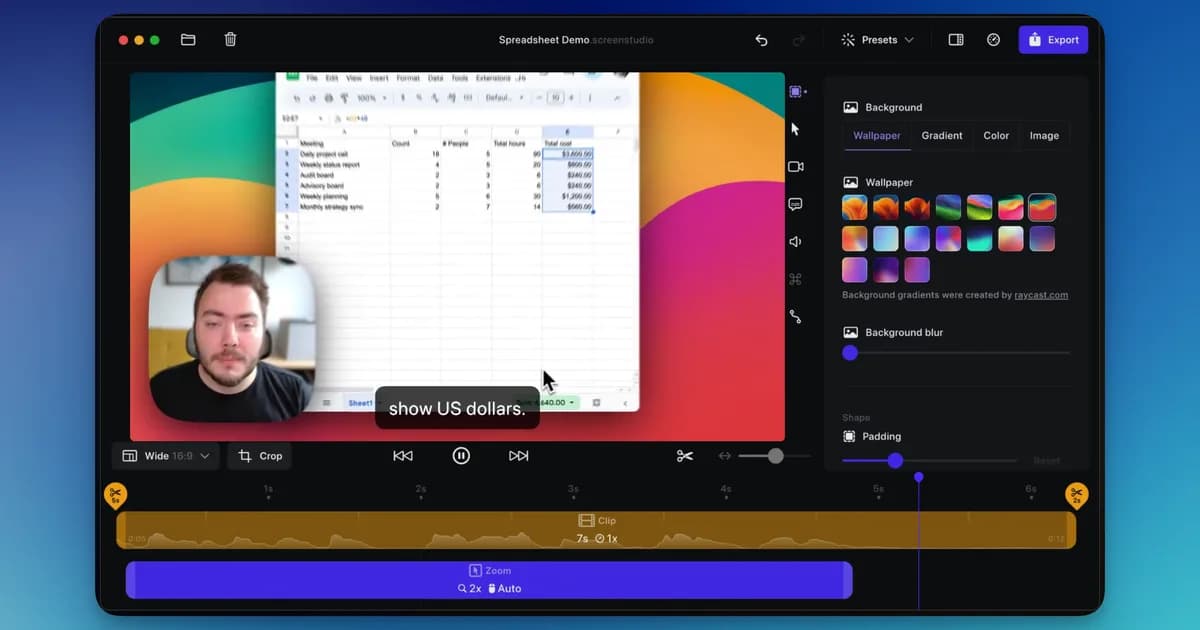
A mature macOS app with automatic zoom and cursor smoothing, sold as an annual subscription.
Trade-off It is macOS only, with no Windows build at any price, and it is rented rather than bought. The subscription renews whether you recorded anything that year or not.
4. FocuSee
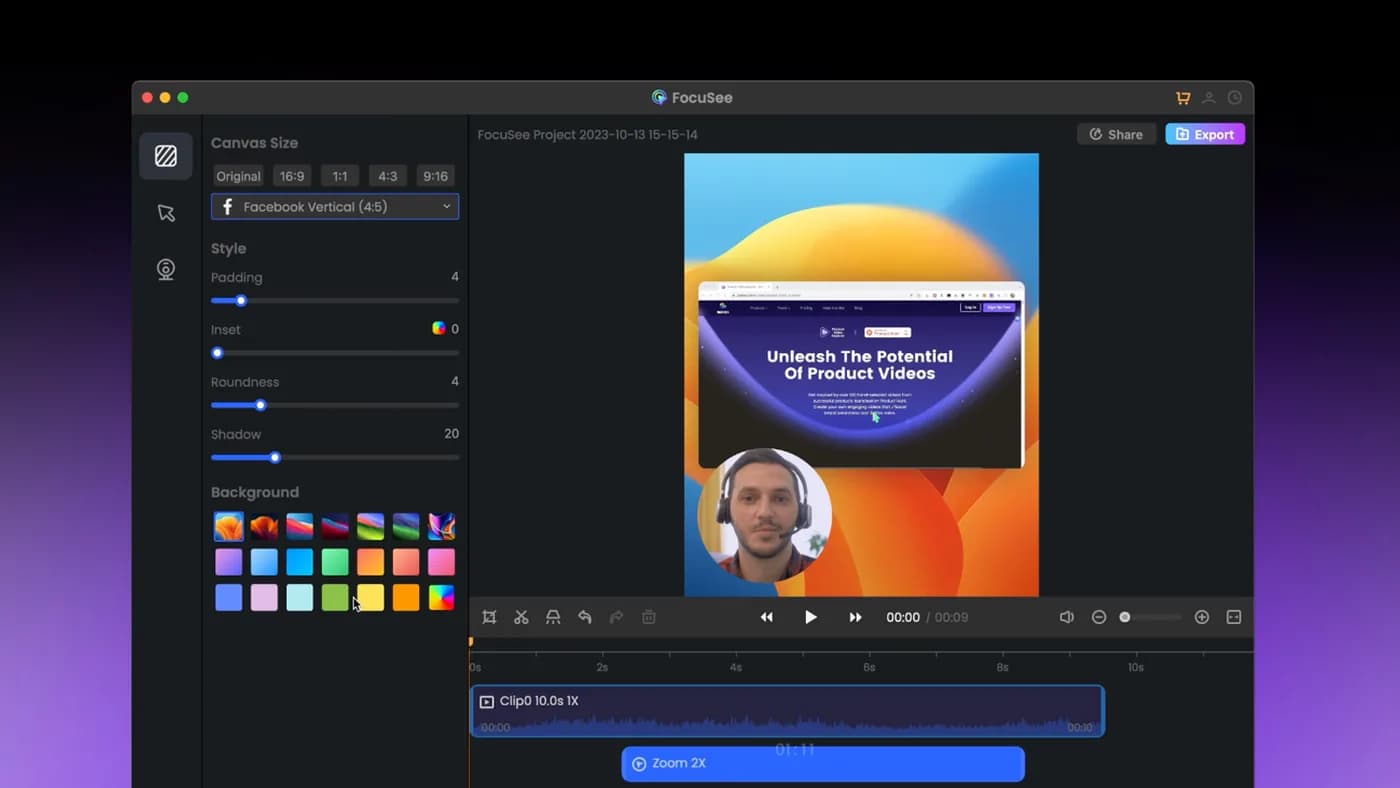
The closest competitor on paper: automatic zoom on cursor clicks, dynamic backgrounds, and it genuinely runs on Windows as well as Mac.
Trade-off The lifetime licence covers version 2.x only, with the next major version sold as a paid upgrade, and its AI credits expire after a year. 'Lifetime' has a narrower meaning than it first appears.
5. Tight Studio
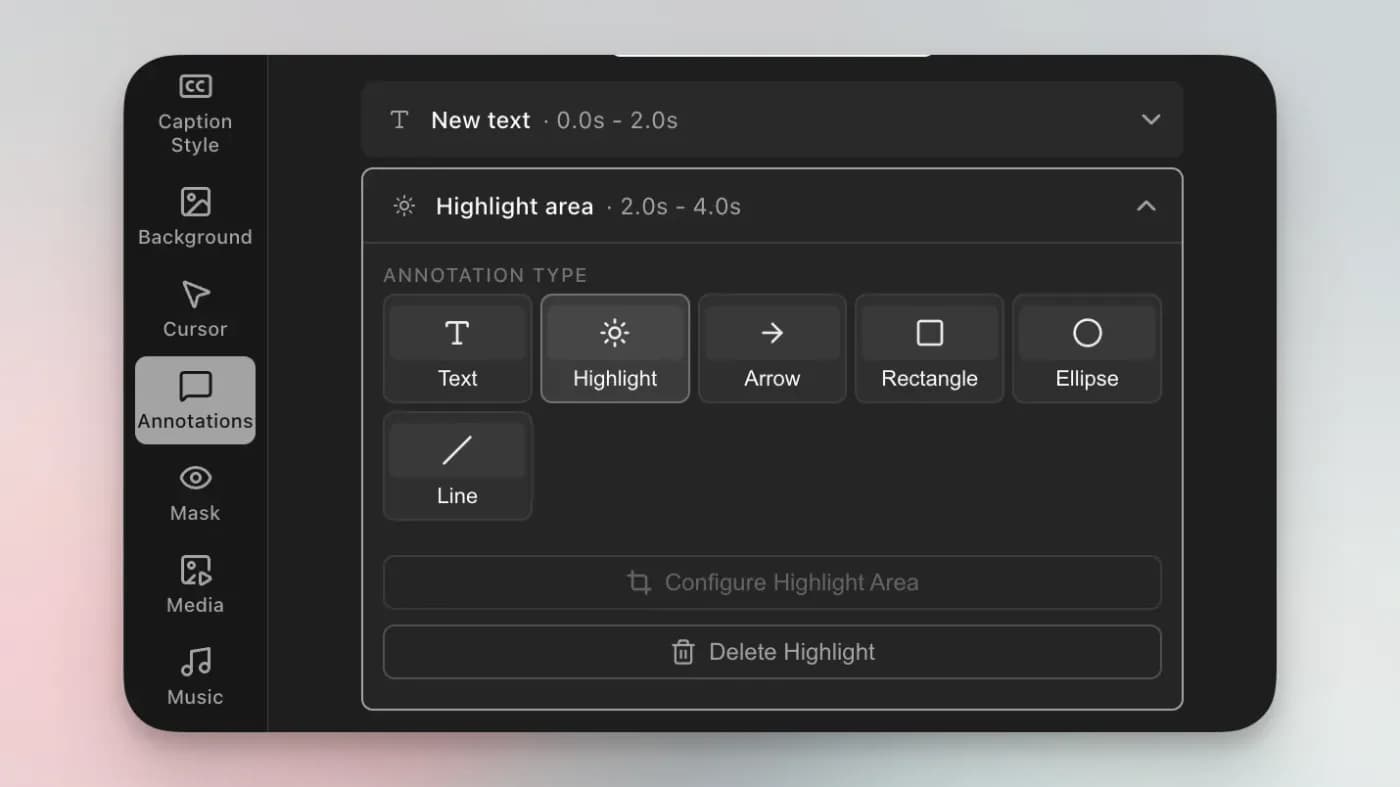
Its zooms stay editable after recording, and each one can flip between cursor tracking and manual framing. AI voiceover with voice cloning and an on-screen teleprompter are unusual additions.
Trade-off macOS only, with Windows still a waitlist rather than a build, and narrower than that: its own FAQ states “Currently we support Mac Apple chip only”, so an Intel Mac cannot run it at all. The AI features that distinguish it are metered on the free tier and gated to Pro at $24 a month.
Which one to pick
Your recordings get published. KlipKap Pro on either platform, Screen Studio if you are Mac-only and subscribing is fine, FocuSee if you want one licence across several machines.
You want to keep the browser workflow. Tella. It is the shortest move from Loom and the one least likely to disrupt how your team already works.
You are leaving mainly to stop paying. Tight Studio on a Mac, since its free tier exports clean. Otherwise check whether Loom’s own free tier already covers you before buying anything: 25 videos of five minutes is a lot of bug reports.
When none of these help
If what you value about Loom is that a recipient clicks a link and watches immediately, with a comment thread underneath and a record of who saw it, nothing on this page reproduces that. These are recorders and editors. Loom is a recorder, a host and a viewer at once.
Plenty of teams run both, and it is a sensible answer rather than a fudge: Loom for the daily back and forth, a desktop tool for the handful of recordings a year that end up in front of customers.
Frequently asked questions
- What is the best Loom alternative that records locally?
- KlipKap Pro. Recording, editing, transcription and export all run on your machine and nothing is uploaded, which is the usual reason teams handling customer data leave a cloud recorder. It is $25.49 once and runs on Windows and Mac.
- Is there a Loom alternative without per-seat pricing?
- Yes. KlipKap Pro is $25.49 for a licence with no seat count. FocuSee's $199.99 lifetime tier covers up to five computers. Tella, Screen Studio and Tight Studio all bill per user or per month.
- What is the free alternative to Loom?
- KlipKap's free tier runs on both platforms, exports 720p and has no time limit and no five-minute cap. Loom's own free tier is real but caps you at 25 videos of five minutes.
- Which Loom alternative produces better-looking videos?
- Any of the tools built around automatic cursor zoom: KlipKap Pro, Screen Studio, FocuSee or Tight Studio. Loom deliberately does none of that. Tella is the pick if the video is mostly you talking rather than your screen.
- Do any of these give me an instant share link like Loom?
- No, and that is the honest answer rather than a hedge. Record, stop, link copied is Loom's whole design, and the desktop tools here export a file that you share yourself. If that flow is why you use Loom, none of these replaces it.
Disclosure: this article is published by the team behind KlipKap Pro, one of the tools compared. Every price and platform claim is sourced below so you can check it rather than take our word for it. KlipKap has a free tier if you want to test it against the alternatives yourself.
Sources
Prices and platform support come from each vendor’s own pricing page, linked below. Software changes; if you spot something out of date here, tell us at contact@klipkap.pro and we will correct it.