Screen recorders you buy once, not every year
- pricing
- one-time purchase
- comparison
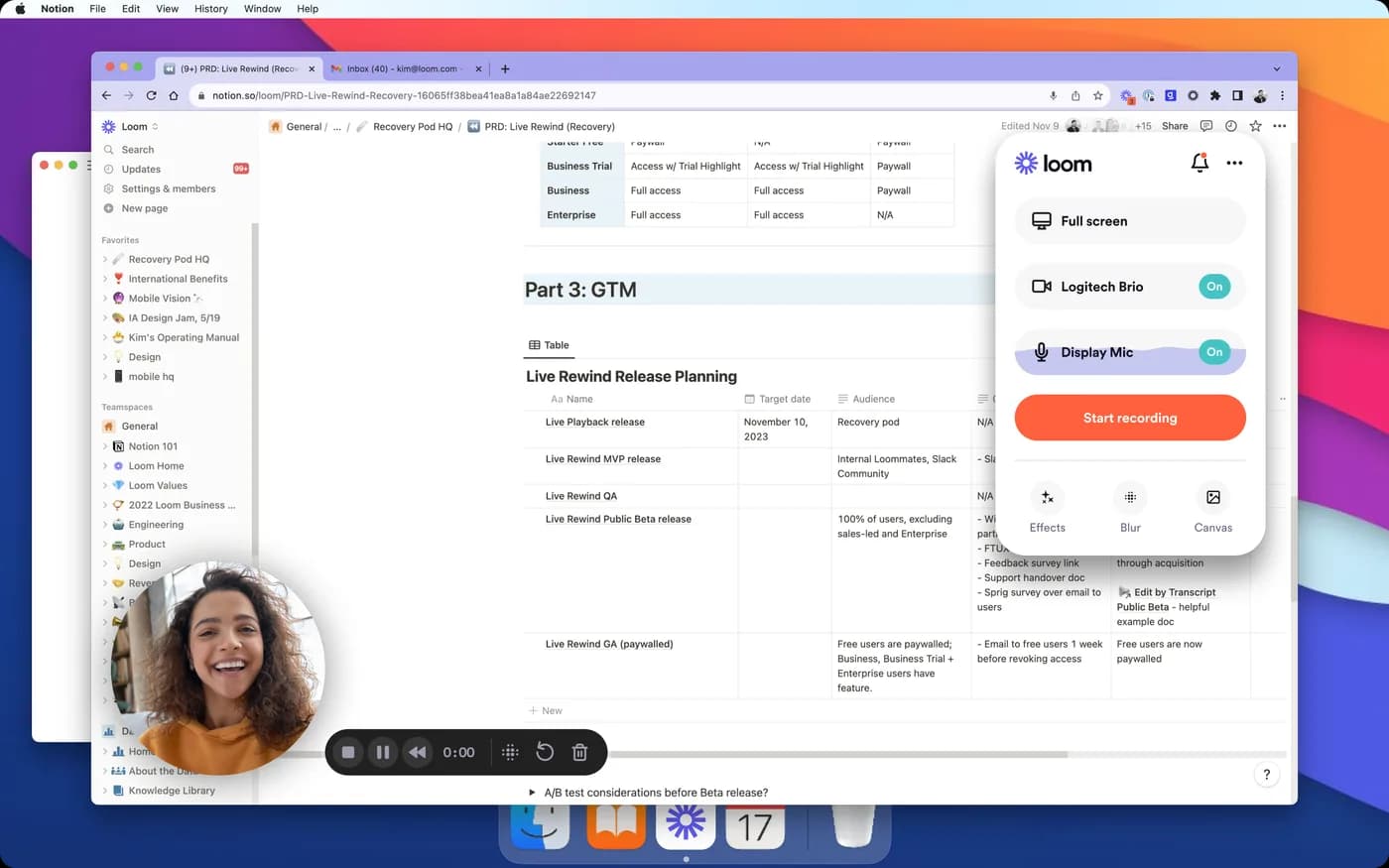
Screen recorders still sold as a one-time purchase in 2026 include KlipKap Pro on Windows and macOS, CursorClip and Screen Charm on macOS, and CleanShot X for capture. FocuSee sells a lifetime licence that covers one major version. Over three years a perpetual licence in this category costs roughly $25 to $79, against $324 for Screen Studio's yearly plan and $540 for Loom.
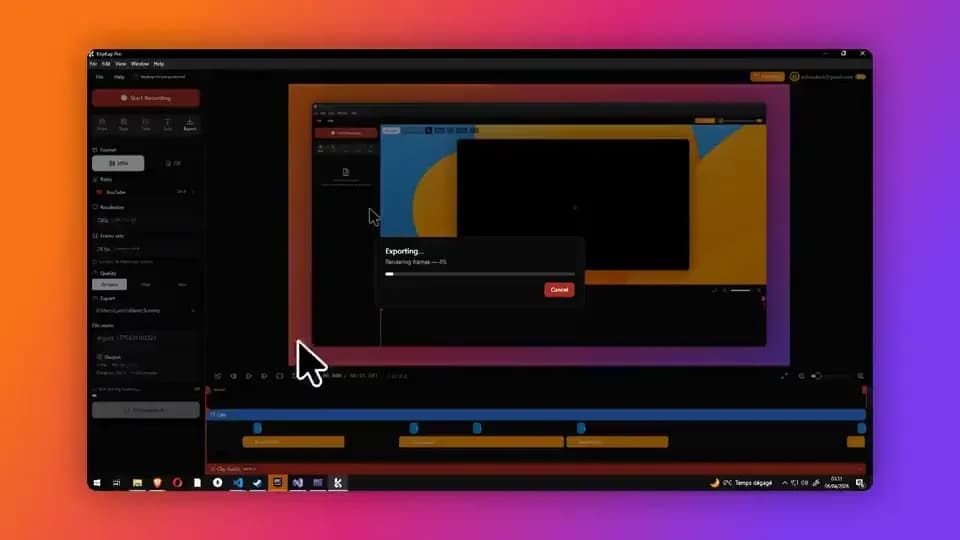
Why this list keeps getting shorter
Screen recording went the way most desktop software went. Camtasia moved to an annual subscription. Loom and Tella were subscription from the start. Screen Studio sold a one-time licence for years and withdrew it for new customers in October 2025, which is the specific event that sent a lot of people looking for this list.
The logic is not sinister. A recorder that ships a codec update every time an OS changes has ongoing costs, and a single payment in 2023 does not fund work in 2026. But it does mean that the thing you are buying has changed: you are renting access, and when you stop paying you stop having it.
A handful of tools still sell the old arrangement. This is who, what you actually get, and what the difference amounts to over a realistic ownership period.
How to read a lifetime licence before you buy it
'One-time' and 'lifetime' are used loosely enough in this category that the words are close to meaningless on their own. There are four questions that separate a real perpetual licence from a marketing label, and every one of them has caught somebody out in this category:
- Does it cover all future versions, or one major version? A lifetime licence limited to 2.x means the next major release is a new purchase
- Do updates stop after a period? Some one-time purchases include one year of updates, after which the app keeps working but stops improving
- Is the low headline price actually billed yearly? A $29 tier can still be a subscription
- Do any of the features run on metered credits? Cloud AI credits expire, and a perpetual licence over a metered feature is perpetual access to an empty meter
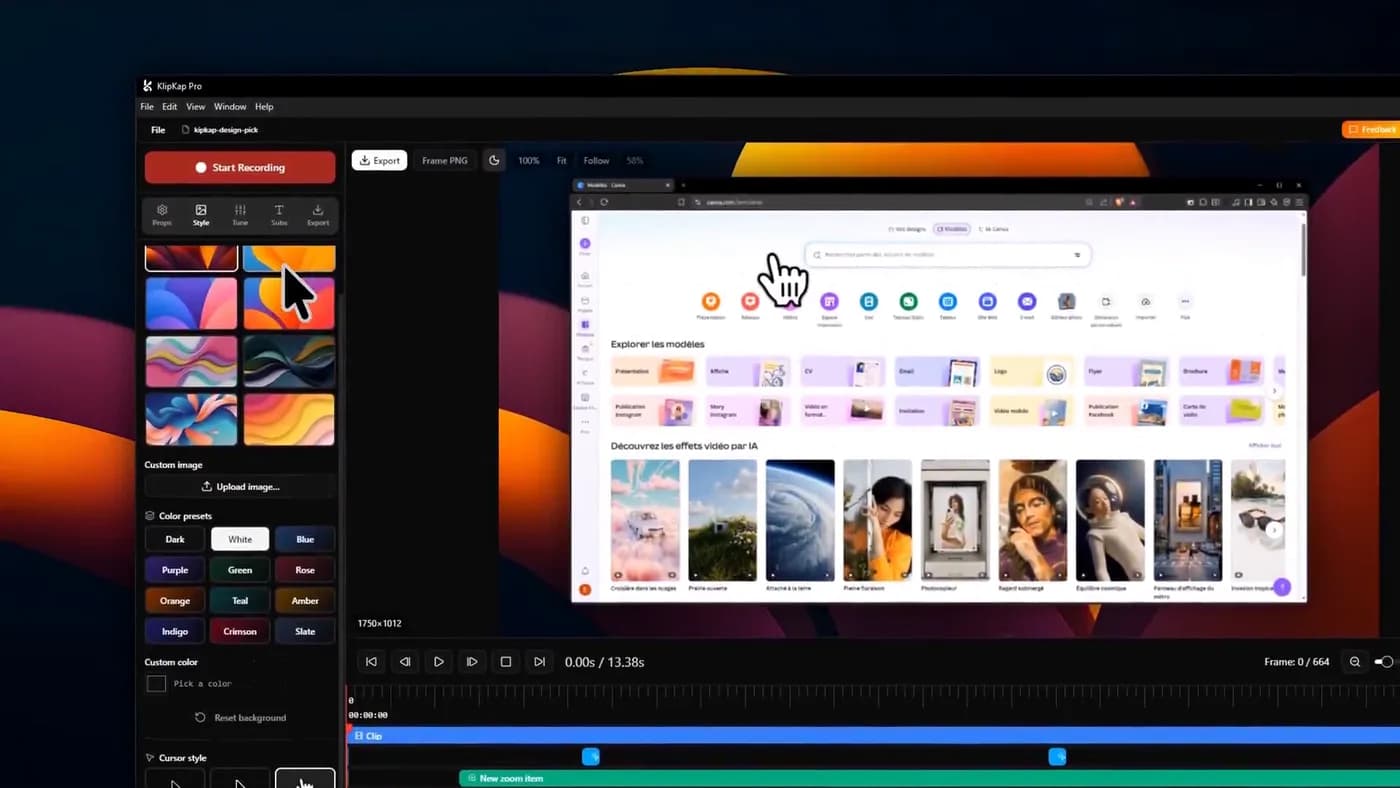
A lifetime licence limited to one major version is a perpetual licence for today's app and a paid upgrade for tomorrow's.
The tools still sold once

1. KlipKap Pro
Windows and macOS, all future updates included
- Platforms
- Windows 10/11, macOS 13+
- Price
- $25.49 once
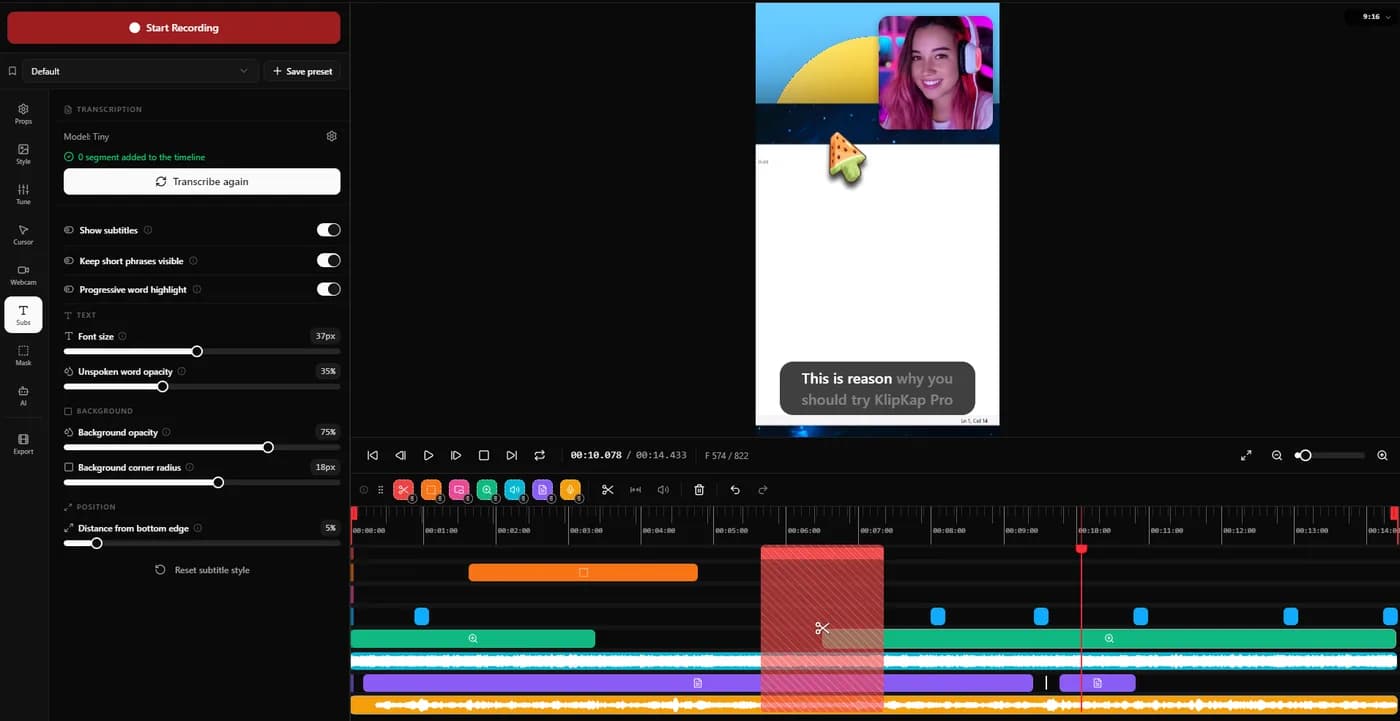
One payment covers Windows 10 and 11 and macOS 13 or later, with all future updates rather than one major version, and there is no metered feature anywhere in it.
That last point is the one that matters against the four questions above. The subtitles and the noise removal run on your own machine (over fifty languages transcribed locally, no API key, no account, no per-minute credits) so there is no meter to expire and no cloud bill to fund with a subscription later. Recording, editing, transcription and export all execute on your device and the footage is not uploaded. A connection is required to download the app, activate the licence and export with a Pro account.
There is a permanent free tier at 720p with a watermark, and a fourteen-day refund window.
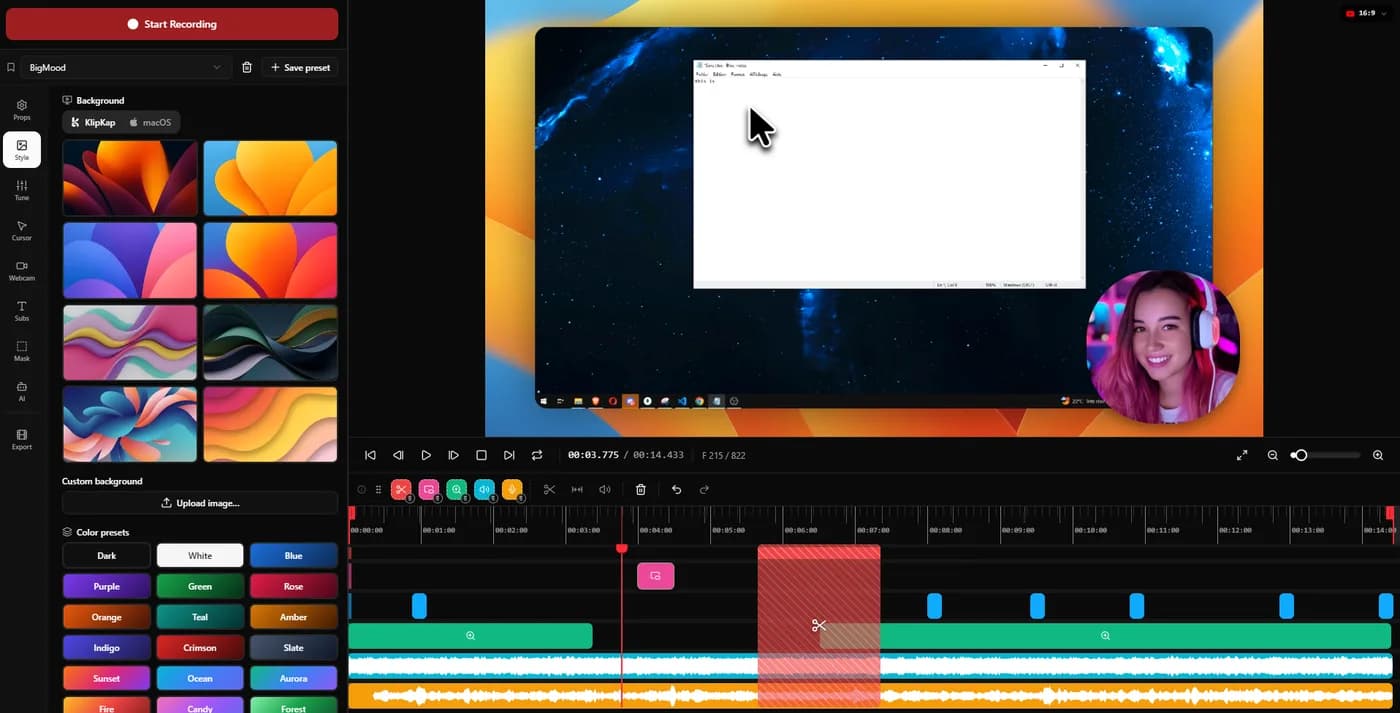
In its favour
- One account covers every machine you own, Windows and macOS, with no device limit
- A bespoke effects engine, written from scratch rather than built on a shared foundation
- All future updates, not one major version
- Both platforms in one licence
- No metered AI credits anywhere in the product
- Permanent free tier and a 14-day refund
What you give up
- No Linux build today
- No share links: it exports a file
- Newer than the established tools here

2. CursorClip
macOS, and the closest thing to a like-for-like Screen Studio swap
- Platforms
- macOS 13.5 or later
- Price
- $70 once, or plans from $9/month
Sold once, with no account and no cloud dependency, and auto-zoom is the product rather than a feature within it. You can run the entire workflow free and it only asks for payment at export, which is a genuinely fair way to evaluate a one-time purchase.
macOS 13.5 or later, with no Windows version planned. It is also the best live illustration of why this article dates every figure: its price rose between our two checks ten days apart. Existing customers keep the price they paid, which is a good sign about how the licence is honoured.
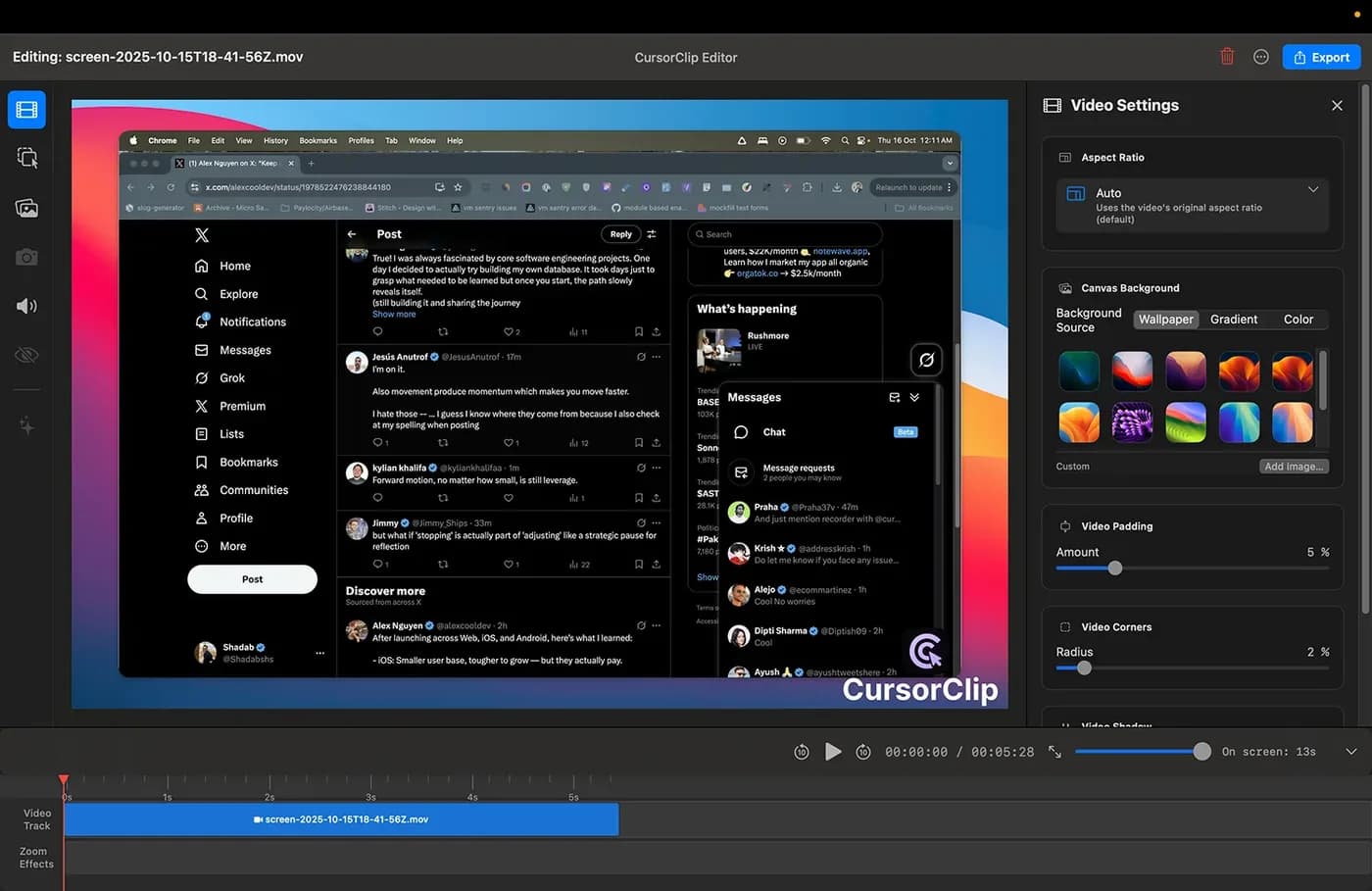
In its favour
- One payment, no account, no cloud
- Free until export
- Existing customers keep their price when it rises
What you give up
- macOS only
- Rose in price within ten days
- Narrow by design

3. Screen Charm
macOS, one payment, lifetime updates
- Platforms
- macOS only
- Price
- $79 once, lifetime updates
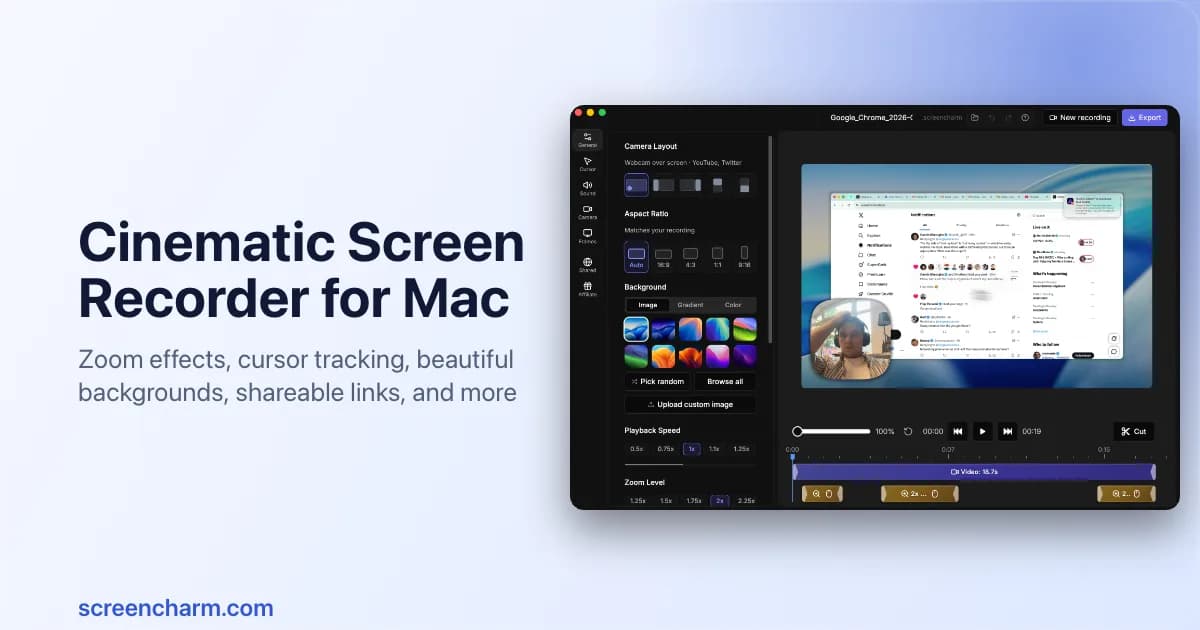
Sold once with lifetime updates and unlimited 4K export, and here 'lifetime updates' means what it says rather than one version, which is worth noting given the section above.
It is deliberately narrow: a single-take workflow with smooth zoom, click feedback and a MacBook frame. No captions, no audio repair, limited correction after the take. Whether that is focus or a gap depends entirely on what you are making.
In its favour
- Lifetime updates, not one version
- Unlimited 4K export
- Nothing to configure
What you give up
- macOS only
- One take, few corrections
- No captions or audio repair

4. CleanShot X
macOS capture, if video is not really the job
- Platforms
- macOS only
- Price
- $29 once, with one year of updates
Included because it is the tool people mean when they say they want to buy a screen recorder once on a Mac, and because it is excellent at what it does: screenshots, annotation, scrolling capture, OCR and short clips, all faster than anything that has to open an editor first.
It is a capture utility rather than a video production tool, no automatic zoom, no timeline, no cursor motion work. And it is the clearest example of question two above: the payment covers one year of updates, after which the app keeps working and stops changing.
In its favour
- The best Mac capture utility there is
- One payment
- Instant, no editor to load
What you give up
- One year of updates, not all future ones
- No auto-zoom, no timeline
- macOS only

5. FocuSee
Windows and macOS, with a lifetime option worth reading twice
- Platforms
- Windows and macOS
- Price
- $49.99/year (Standard), $79.99/year (Advanced), $199.99 lifetime
The only tool with a genuine Windows build that offers anything resembling a lifetime licence, which makes it a real option for Windows users who do not want a subscription.
It is also the case that best illustrates question one. The lifetime licence covers version 2.x, with the next major version sold as a paid upgrade, and its AI credits expire after a year, so it is a perpetual licence over today's app with a metered feature inside it. That is a legitimate offer, but it is not the same object as the licences above, and the price should be judged against a major-version cycle rather than against forever.
In its favour
- A lifetime option that runs on Windows
- Auto-zoom and backgrounds on both platforms
What you give up
- Lifetime covers version 2.x only
- AI credits expire after a year
- The most expensive lifetime option here
The arithmetic over three years
Three years is about how long people keep a tool like this, and it is long enough for the two models to separate properly. These totals are ours, calculated from the vendor prices sourced at the foot of the page; the per-year figures are shown so the sums can be checked.
Where a tool has tiers, this uses the cheapest paid tier that removes the watermark and permits commercial use, which is the tier most readers of this article would actually need.
| Tool | Model | Year 1 | Three years |
|---|---|---|---|
| KlipKap Pro | One-time | $25.49 | $25.49 |
| CleanShot X | One-time, 1 year of updates | $29 | $29 |
| CursorClip | One-time | $70 | $70 |
| Screen Charm | One-time, lifetime updates | $79 | $79 |
| Cap | Billed yearly | $29 | $87 |
| FocuSee | Lifetime, version 2.x | $199.99 | $199.99 |
| Screen Studio | Subscription | $108 | $324 |
| Tella | Subscription, per user | $156 | $468 |
| Camtasia | Subscription | $179.88 | $539.64 |
| Loom | Subscription, per creator | $180 | $540 |
Three years of Screen Studio's yearly plan costs $324. Three years of a one-time licence in the same category costs between $25.49 and $79.
When a subscription is the better buy
A subscription genuinely wins in three situations, and it is worth being specific about them.
If you need share links, hosting, viewer analytics and team permissions, you are buying a service and not an application, and a one-time licence cannot deliver it. Loom is the honest recommendation there, and no perpetual licence competes.
If you need a feature that genuinely costs the vendor money every time you use it (server-side rendering, hosted transcription, collaborative editing) somebody is paying for that per use. A subscription funds it transparently. A one-time licence over the same feature funds it with a meter, which is worse.
And if you will use the tool twice and abandon it, one month of a subscription is cheaper than any licence on the list. Buying once is the cheaper choice only if you keep using the thing.
Frequently asked questions
- Which screen recorders are a one-time purchase in 2026?
- KlipKap Pro on Windows and macOS, CursorClip and Screen Charm on macOS, and CleanShot X for capture rather than video production. FocuSee sells a lifetime licence that covers one major version. Screen Studio withdrew its one-time licence for new customers in October 2025.
- Is a one-time purchase cheaper than a subscription?
- Over three years, yes, by a wide margin in this category: roughly $25 to $79 for a perpetual licence against $324 for Screen Studio's yearly plan and $540 for Loom. Over one or two months of occasional use, a subscription is cheaper. It comes down to whether you keep using it.
- What does lifetime actually mean on a screen recorder licence?
- It varies and the word is not regulated. Check four things: whether it covers all future versions or one major version, whether updates stop after a period, whether the tier is actually billed yearly, and whether any feature runs on credits that expire. FocuSee's lifetime licence covers version 2.x; CleanShot X's one-time purchase includes one year of updates; Screen Charm's includes lifetime updates.
- Is there a one-time purchase screen recorder for Windows?
- KlipKap Pro is sold once and covers Windows 10 and 11 as well as macOS, with all future updates. FocuSee offers a lifetime licence on Windows, limited to version 2.x. Most of the other perpetual licences in this category are macOS only.
- What happens to a one-time licence if the company shuts down?
- The installed application keeps working, which is the main practical argument for a perpetual licence. The risk is activation: if a licence check calls a server that no longer exists, a reinstall can fail. Keep the installer and the licence key, and prefer tools that do not require a connection for ordinary use.
More from the blog
The best Screen Studio alternatives in 2026Ten tools compared on platform, price and what three years actually costs. Screen Studio is macOS-only and withdrew its one-time licence in October 2025.Read it Free Screen Studio alternativesWhat each free tier actually gives you, where the watermark sits, which licences permit commercial work, and where free costs you an evening instead of money.Read it
 Offline screen recordersWhich recorders keep the file on your machine, which upload by default, and how to verify the answer yourself in about two minutes rather than trusting a marketing page.Read it
Sources
Prices and platform support come from each vendor’s own pricing page, linked below. Software changes; if you spot something out of date here, tell us at contact@klipkap.pro and we will correct it.
- Screen Studio: pricing and platforms
- CursorClip: pricing and platforms
- Screen Charm: pricing and platforms
- CleanShot X: pricing and platforms
- FocuSee: pricing and platforms
- Cap: pricing and platforms
- Loom: pricing and platforms
- Tella: pricing and platforms
- Camtasia: pricing and platforms
- OBS Studio: pricing and platforms