The best Loom alternatives in 2026
- Loom
- alternatives
- comparison
Which Loom alternative fits depends on which half of Loom you use. If you need the instant share link, Cap is the closest replacement and can be self-hosted. If you actually need better-looking video and can send a file, the automatic-zoom tools (KlipKap Pro, Screen Studio, FocuSee) produce far more polished output for a fraction of Loom's per-creator cost. If you only need the free tier, Cap and Tight Studio both beat Loom's five-minute cap.
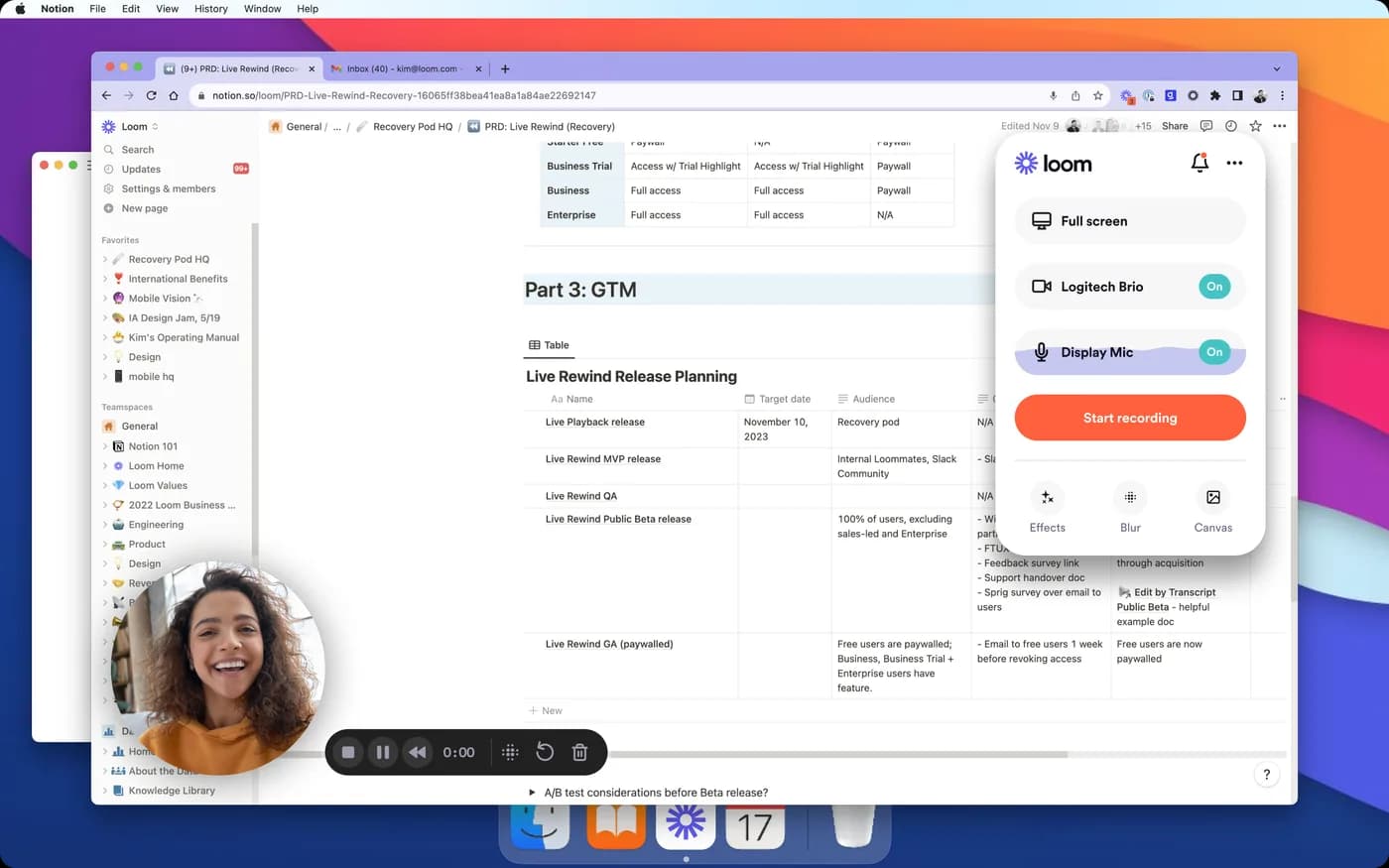
First decide which half of Loom you are replacing
Loom is two products sold as one, and almost every bad recommendation under this query comes from missing that.
The first half is the recording: a quick capture with your face in the corner, minimal polish, deliberately fast. The second half is everything after it, the upload, the link, the viewer page, the comments, the view analytics, the workspace permissions.
If you leave Loom because it is expensive or because of where the files live, you need a replacement for both halves, and the list is short. If you leave because your videos need to look better than Loom makes them look, you need a replacement for the first half only, and then the list is long, much cheaper, and much better at the job.
Being specific about which one you are shopping for cuts the field roughly in half before you compare a single feature.
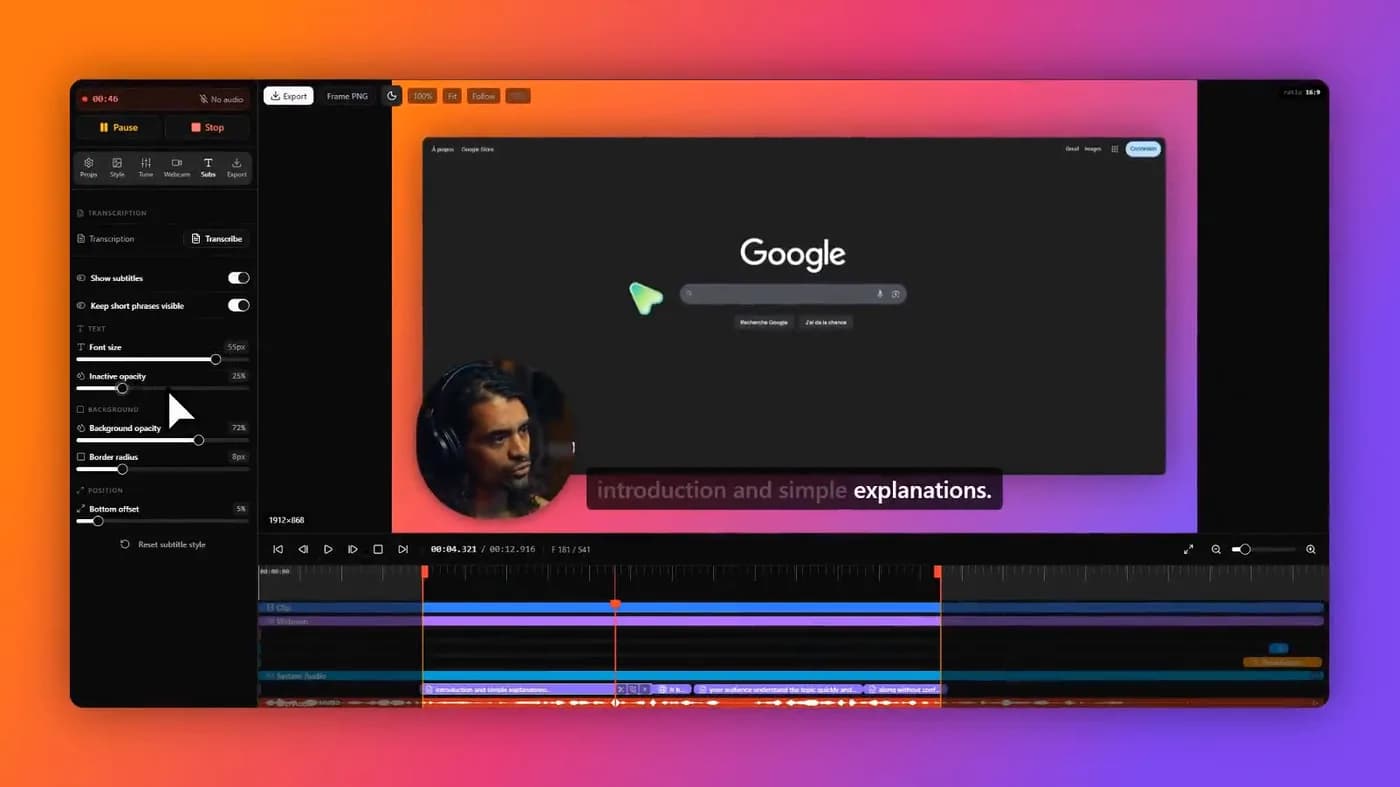
Loom is a recorder plus a hosting product. Replacing the recorder is easy and cheap; replacing the hosting is the part that narrows the list.
Why people leave
Three reasons, in roughly the order they come up.
Per-creator pricing. Loom bills per creator, not per company or per usage. A five-person team where everyone occasionally records costs five times what one person costs, whether they made forty videos that year or two. Teams tend to notice this at renewal rather than at signup.
The free tier's five-minute cap. Twenty-five videos sounds generous until you hit the length limit mid-explanation. Five minutes is short for anything that is genuinely a walkthrough.
Where the recordings live. Everything goes to Loom's servers by design. For an internal update that is fine. For a customer's screen, a patient record, an admin panel with production data in it or an unreleased product, it is a straightforward disqualifier, and it is usually the company's existing Loom licence that makes this awkward to raise.
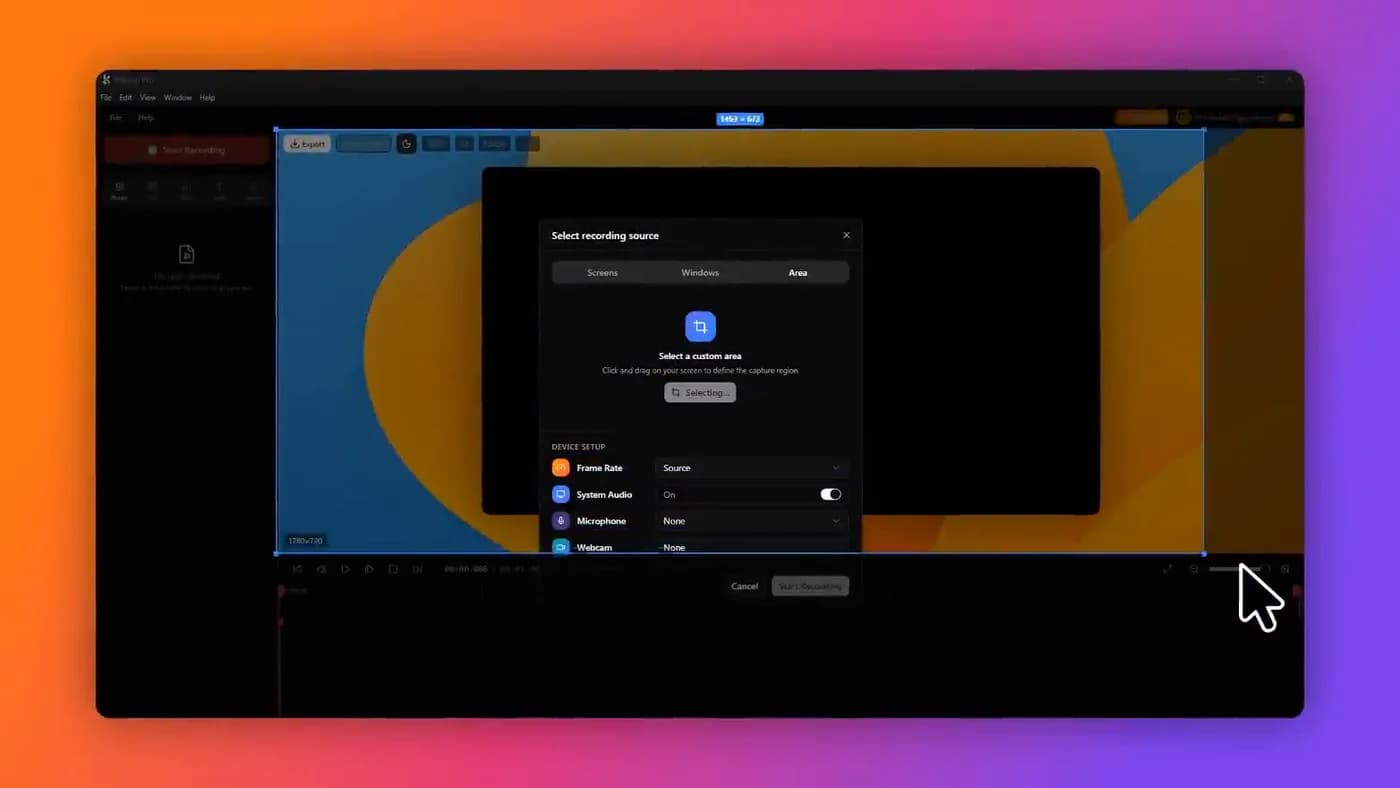
What Loom costs a team, and what the alternatives cost
This is the calculation that usually decides it, because per-creator pricing compounds in a way a single seat does not. Loom's cheapest paid tier is billed per creator per year; the one-time licences are not billed per anything.
These totals are ours, derived from the vendor prices sourced at the foot of this page. One year, at the cheapest tier that removes the restrictions a team would actually hit.
| Tool | 1 person | 5 people | 10 people |
|---|---|---|---|
| Loom | $180 | $900 | $1,800 |
| Tella | $156 | $780 | $1,560 |
| Screen Studio | $108 | $540 | $1,080 |
| Cap (Pro) | $98 | $490 | $980 |
| FocuSee | $49.99 | $249.95 | $499.90 |
| KlipKap Pro | $25.49 | $127.45 | $254.90 |
| OBS Studio | $0 | $0 | $0 |
Ten people on Loom's cheapest paid tier is $1,800 a year, every year. Ten one-time licences in this category is a few hundred dollars, once.
If you need the link as well as the recording
Short list, because hosting is expensive to run and most tools sensibly do not try.

1. Cap
The closest like-for-like, and you can host it yourself
- Platforms
- macOS, Windows, Linux
- Price
- $29/licence billed yearly (Desktop), or $8.16/user/month (Pro)
The nearest thing to Loom in shape: record, get a link, share it. The difference is that it is open source and can be self-hosted, which means the recordings can live on infrastructure you control rather than a vendor's, the single most common reason a company cannot use Loom.
It runs on Windows, macOS and Linux, and the free tier is perpetual with the full Studio editor rather than a trial. Two caveats: that free tier is licensed for personal use, so team work means paying, and the cheap desktop tier is billed yearly rather than sold once.
In its favour
- Record-and-share flow like Loom's
- Open source and self-hostable
- Perpetual free tier with a full editor
- Windows, macOS and Linux
What you give up
- Free tier is personal use only
- Cheap tier is billed yearly, not once
- Self-hosting is real infrastructure work

2. Tella
If the video is you talking, not a UI walkthrough
- Platforms
- macOS, Windows, Chrome extension
- Price
- $13/user/month billed annually, or $19/user/month (Premium)
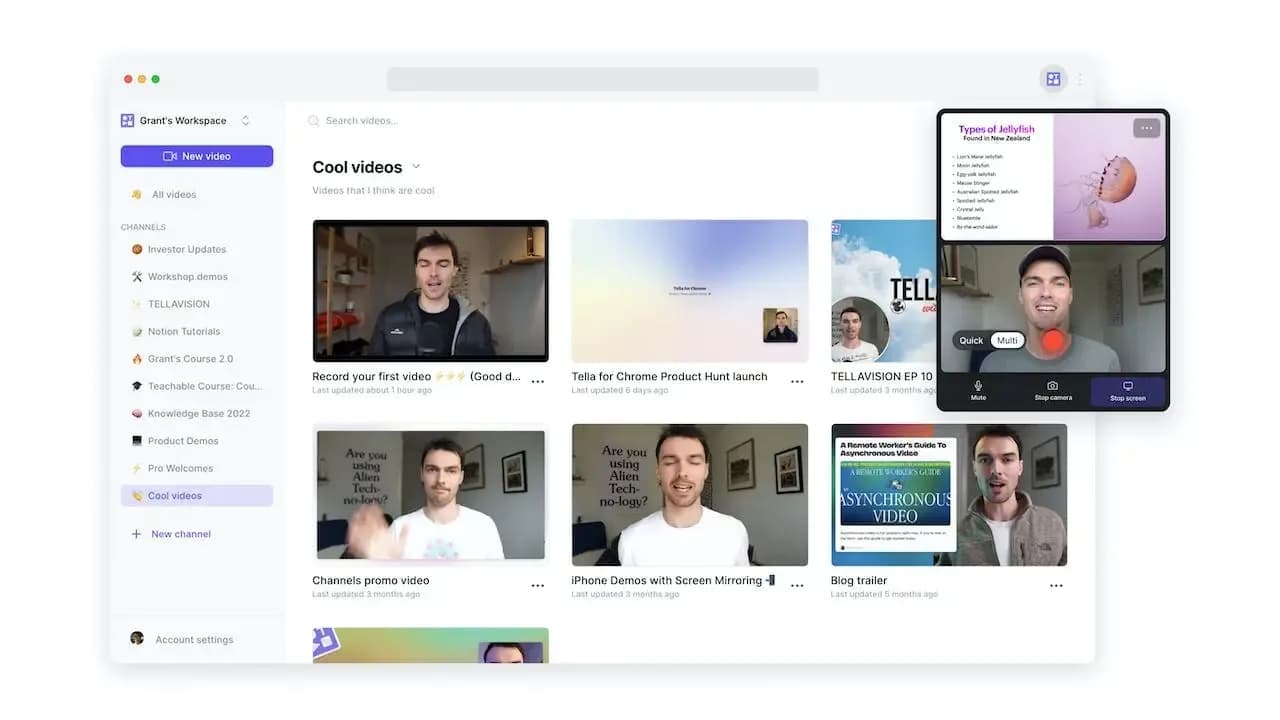
Browser-first with its own sharing, and better than Loom at the specific job of making a person on camera look produced: layouts, backgrounds and webcam framing without opening an editor. Strong for founder updates and course intros.
It is subscription-only with a seven-day trial rather than a free tier, and it bills per user, so it does not solve the pricing complaint that brought most people here.
In its favour
- Presenter framing and layouts
- Own sharing flow
- Windows, macOS and web
What you give up
- Still per-user subscription
- Seven-day trial, no free tier
- Weaker at documenting a UI
If you can send a file and want it to look better
This is where most people actually land once they think it through, and it is where the money is. Attaching a file or dropping it in Slack or Drive costs you one extra step, and in exchange the video stops looking like a Loom.
Loom deliberately applies no polish: no cinematic zoom, no cursor smoothing, minimal framing. That is correct for a thirty-second async update and wrong for anything a customer or a prospect will watch. The automatic-zoom tools do that work for you and cost a fraction of per-creator pricing.

1. KlipKap Pro
One payment per person, and nothing leaves the machine
- Platforms
- Windows 10/11, macOS 13+
- Price
- $25.49 once
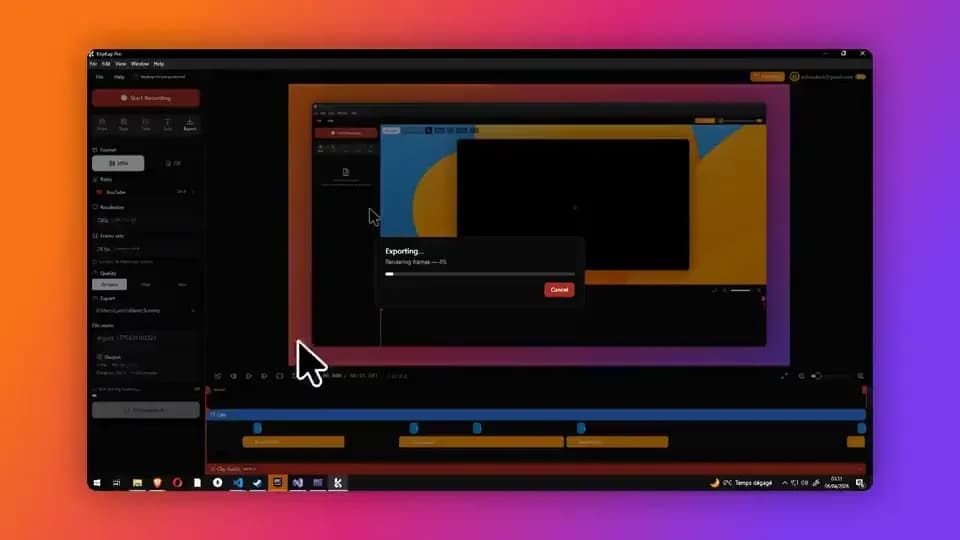
Automatic zoom on every click, cursor smoothing, backgrounds and padding, and a timeline to fix the zooms the automatic pass misplaced, the polish Loom deliberately does not do.
Two things matter specifically against Loom. It is bought once per person rather than rented per creator, so a ten-person team is a few hundred dollars once rather than $1,800 a year. And nothing is uploaded: recording, editing, subtitle transcription and export all run on your own machine, which is the answer to the compliance objection that makes Loom unusable for customer screens. A connection is needed to download the app, activate a licence and export with a Pro account.
What it does not replace is the link. It exports a file. If the share page, the view analytics and the comment thread are the reason you use Loom, this is not a swap.

In its favour
- One account covers every machine you own, Windows and macOS, with no device limit
- A bespoke effects engine, written from scratch rather than built on a shared foundation
- Bought once per person, not rented per creator
- Automatic zoom and cursor smoothing, which Loom does not do
- Footage and transcription stay on the machine
- Windows and macOS, permanent free tier
What you give up
- No share links, no viewer analytics, no comments
- No Linux build
- An extra step: you attach a file

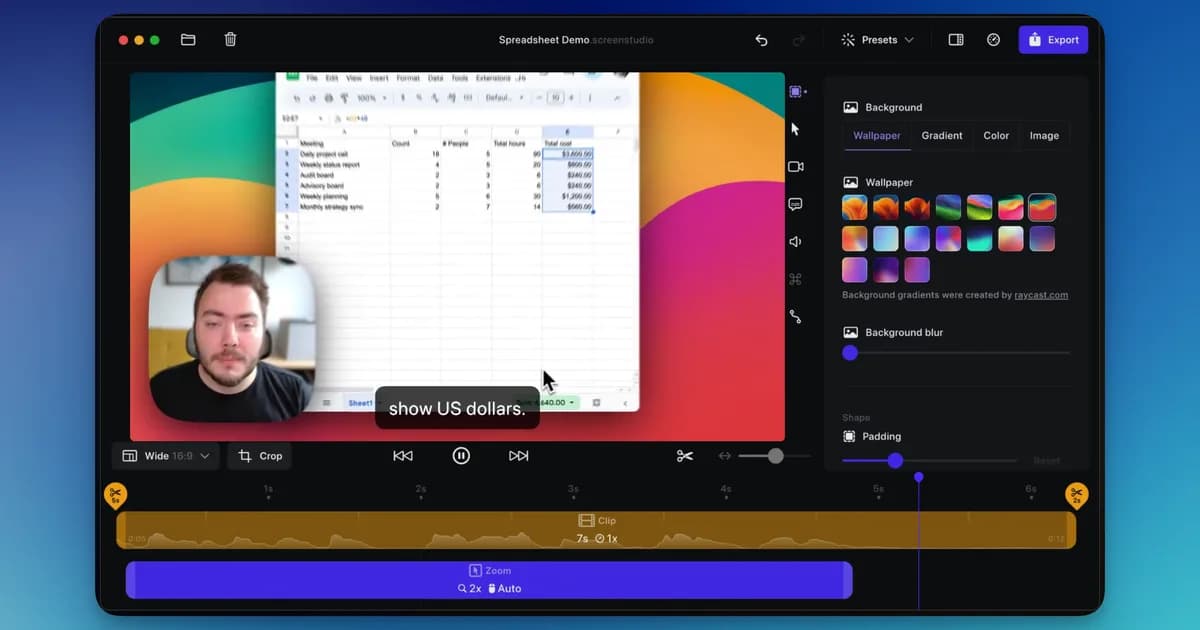
2. Screen Studio
The most polished output, on macOS, as a subscription
- Platforms
- macOS only
- Price
- $9/month billed annually, or $29/month
If your team is on Macs and the output quality is the whole point, this is the most mature tool in the category and its defaults are the best-tuned. Cheaper than Loom per seat, too.
macOS only, so a mixed-platform team cannot standardise on it, and it is still a subscription. It withdrew its one-time licence for new customers in October 2025.
In its favour
- Best-tuned automatic zoom in the category
- Cheaper per seat than Loom
- Excellent vertical export
What you give up
- macOS only
- Still a subscription
- No free tier

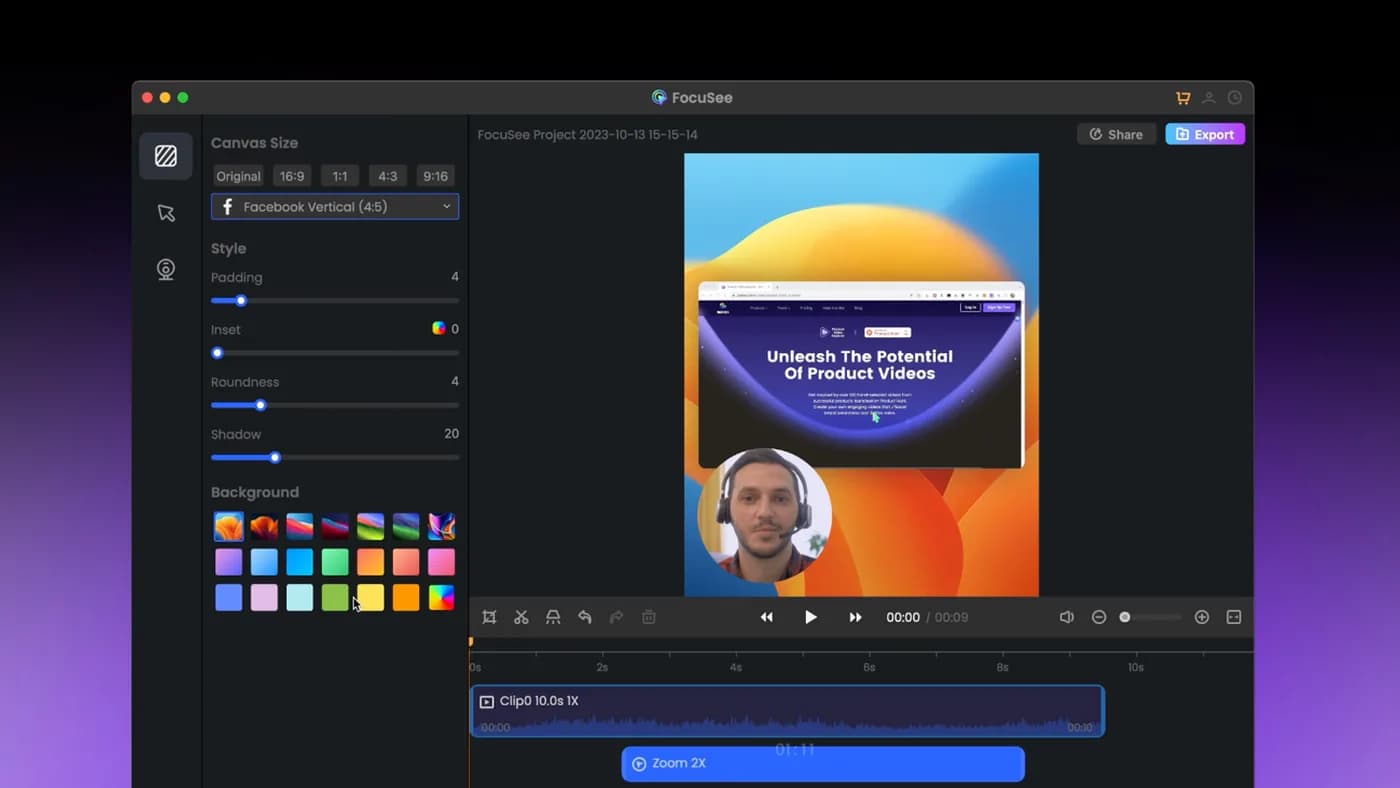
3. FocuSee
Automatic zoom on Windows, with a lifetime option
- Platforms
- Windows and macOS
- Price
- $49.99/year (Standard), $79.99/year (Advanced), $199.99 lifetime
The practical choice for a mixed or Windows-based team that wants the polished look without per-creator billing. Genuine Windows and macOS builds and a lifetime option.
That lifetime licence covers version 2.x, with the next major version sold separately, and its AI credits expire after a year.
In its favour
- Windows and macOS
- Lifetime option exists
- Far cheaper than per-creator billing
What you give up
- Lifetime is one major version
- Credits expire annually
- No free tier
If you just want a better free tier
Loom's free tier is 25 videos of five minutes each. Three alternatives beat it on the limit that usually bites.
KlipKap Pro's free tier is permanent at 720p, keeps the automatic zoom and has no five-minute wall, which makes it a way to test the polish Loom leaves out. Cap's free tier is perpetual and includes the full editor, licensed for personal use. Tight Studio has one on Apple Silicon Macs only.
And OBS Studio is free without qualification if you are prepared to do your own editing.
When to stay on Loom
Worth saying plainly, because the situations below are the ones that actually decide it.
Loom is genuinely the best tool for what it does. If your videos are async updates to colleagues, if the value is that the link is in your clipboard before you have finished thinking, if viewers must not need an account, and if the recordings are not sensitive. Nothing on this list is a better choice, and the per-creator price buys real infrastructure.
The three situations where it stops being right are specific: the recordings are confidential, the per-creator bill has outgrown the usage, or the videos have started being watched by customers rather than colleagues. If none of those is true for you, stay.
Frequently asked questions
- What is the best Loom alternative?
- It depends which half of Loom you need. For the record-and-share-a-link flow, Cap is closest and can be self-hosted. For better-looking video where you can send a file, KlipKap Pro, Screen Studio or FocuSee add automatic zoom and cursor smoothing that Loom does not do. For a better free tier, Cap or Tight Studio.
- Is there a free Loom alternative?
- KlipKap Pro's free tier is permanent at 720p with no five-minute cap and no licence restriction, on Windows and macOS. Cap's free tier is perpetual and includes the full editor, licensed for personal use. OBS Studio is free without conditions but has no sharing and no editor.
- Is there an open-source Loom alternative?
- Cap, if the licence itself is the requirement. Self-hosting puts recordings on infrastructure you control rather than a vendor's, which is usually the real reason a company is asking, though it also makes you responsible for that infrastructure. If the requirement is really about the data rather than the licence, a recorder that keeps everything on the machine answers it with no servers to run: KlipKap Pro records, edits, transcribes and exports locally and uploads no footage.
- How much does Loom cost for a team?
- It bills per creator, so the cost scales with headcount rather than usage. At its cheapest paid tier that is roughly $180 per creator per year, about $900 a year for five people and $1,800 for ten, whether they recorded forty videos or two. One-time licences in this category cost a few hundred dollars for the same team, once.
- Can I use Loom for recording customer screens?
- Loom uploads recordings to its servers by design. If you are capturing a customer's data, a patient record, an internal admin panel or anything pre-release, that is a third-party processor you have to account for. Tools that keep recording and processing on the machine (KlipKap Pro, OBS Studio, or a self-hosted Cap) avoid the question entirely.
More from the blog
The best screen recorders in 2026Nine tools, sorted by what you are actually making. The answer is different for a product demo, a course, an async update and a livestream.Read it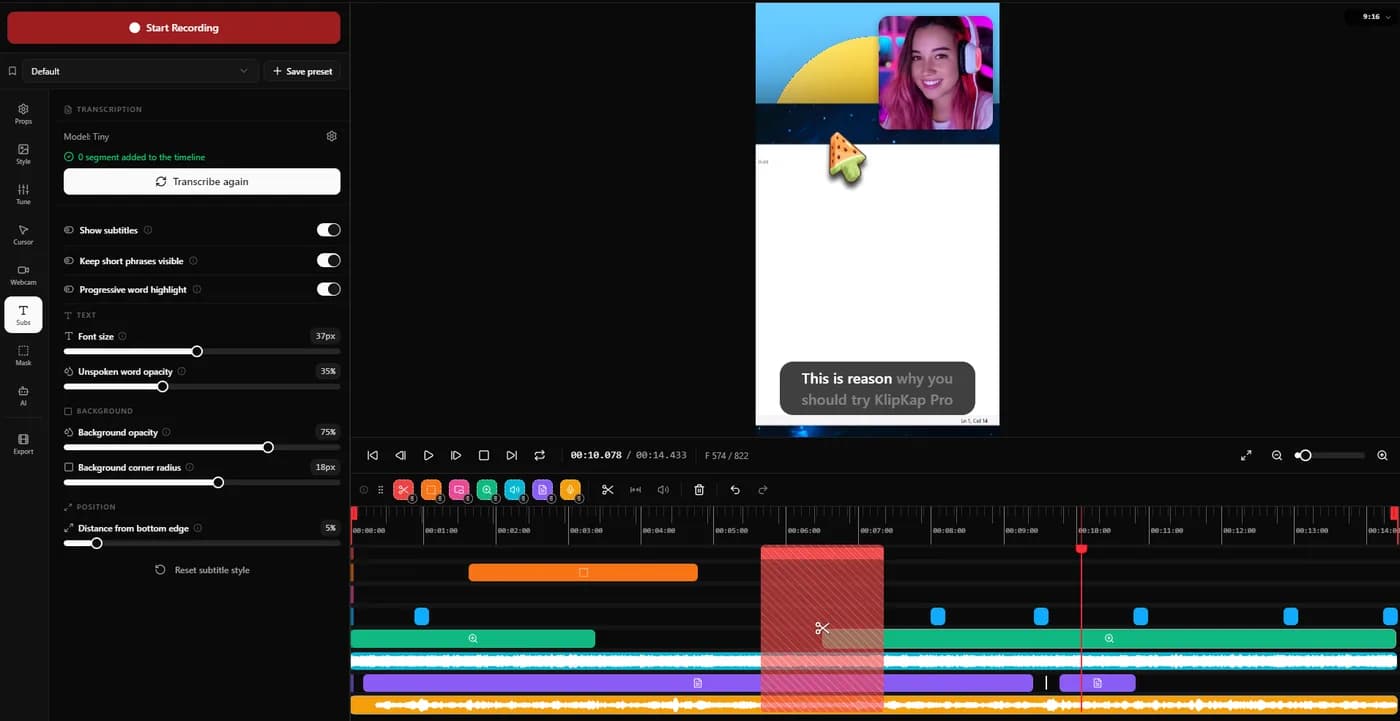 Offline screen recordersWhich recorders keep the file on your machine, which upload by default, and how to verify the answer yourself in about two minutes rather than trusting a marketing page.Read itScreen recorders with a one-time purchaseThe tools still sold as a perpetual licence in 2026, what three years costs against the subscriptions, and what the word lifetime is doing in each case.Read it
Sources
Prices and platform support come from each vendor’s own pricing page, linked below. Software changes; if you spot something out of date here, tell us at contact@klipkap.pro and we will correct it.