4 Tight Studio alternatives, compared
Every price comes from the vendor’s own page, linked at the bottom
Tight Studio has the best free tier in this category, since its exports carry its AI limits. Two things push people to look elsewhere: it is macOS only, with Windows still a waitlist, and the AI features that make it distinctive sit behind a $24 a month tier. On Windows the realistic options are KlipKap Pro and FocuSee.
Quick comparison
| Tool | Platforms | Pricing | Year one | Free tier |
|---|---|---|---|---|
 KlipKap Pro KlipKap Pro | Windows 10/11, macOS 13+ | $25.49 once | $25.49 | Permanent, 720p with a watermark |
 Tight Studio Tight Studio | macOS only, Windows waitlist | $9/mo (Plus) or $24/mo (Pro) | $108/year | Free tier, Apple Silicon only |
 CursorClip CursorClip | macOS 13.5+ only | $70 once, or from $9/mo | n/a, paid once | Edit free, licence to export |
 FocuSee FocuSee | Windows and macOS | $49.99/yr, or $199.99 lifetime | $49.99/year | None |
 Screen Studio Screen Studio | macOS only | $9/mo billed annually | $108/year | None |
Cheapest paid tier at the time of writing, in USD. Per-seat products are shown for one seat. This table sticks to platforms and pricing, which anyone can check on the linked pages.
Give Tight Studio its due first
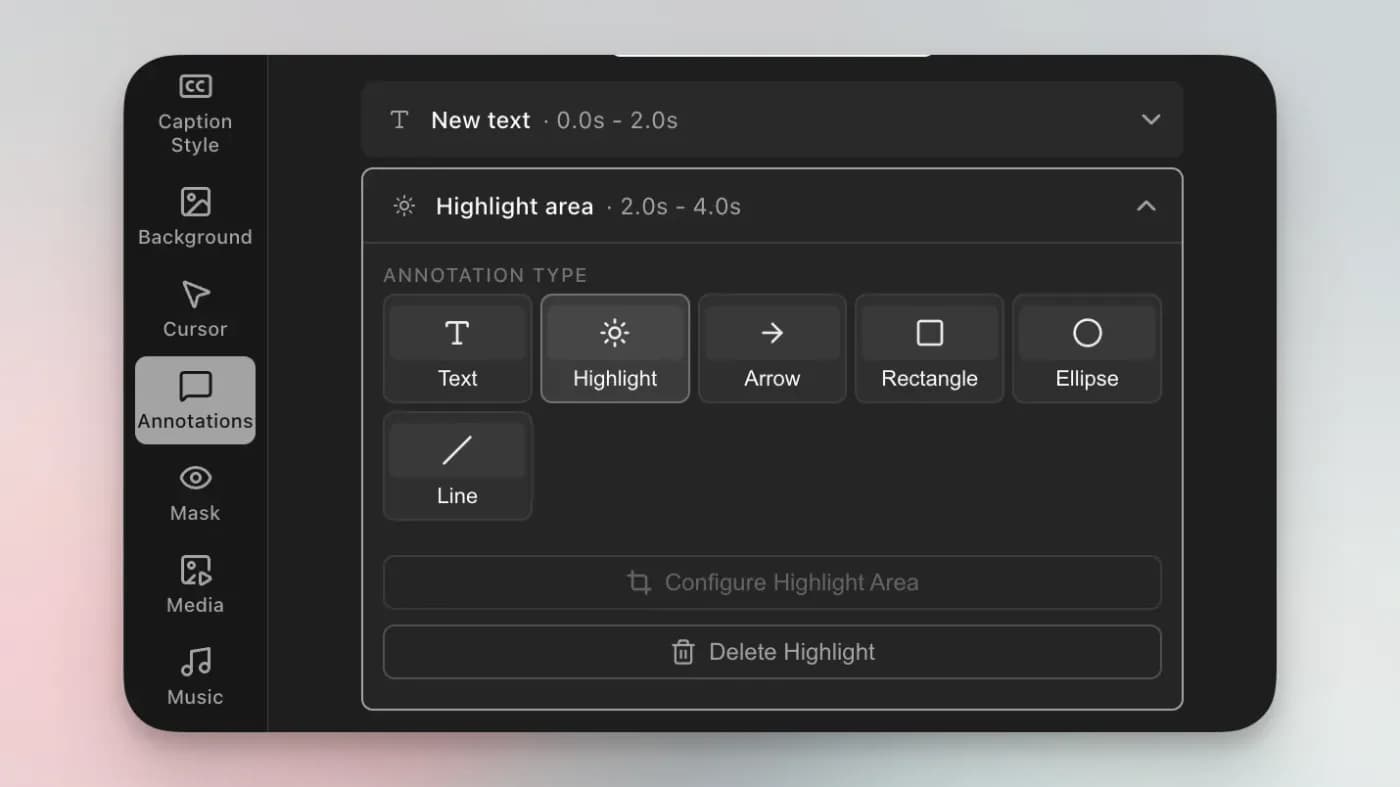
Tight Studio runs on Apple Silicon Macs only, which is worth knowing if cost is the constraint and you are on a Mac. Its paid tiers run $9 and $24 a month billed yearly, so the AI features that distinguish it sit behind the most expensive plan in this comparison.
Its zoom handling is also good: automatic on recording, editable afterwards, and each zoom can switch between following the cursor and holding a fixed frame. AI voiceover with voice cloning and an on-screen teleprompter are genuinely unusual and nothing below matches them.
The platform. macOS only. A Windows waitlist is a plan, not a build, and it does not help anyone who needs to record a Windows application this quarter.
The AI tier. The free plan includes trial credits for the voiceover features. Using them as part of a normal workflow means Pro at $24 a month, or $288 a year, which is the most expensive option on this page.
1. KlipKap Pro
Ours, so read it with that in mind. The relevant differences are platform and payment: Windows 10/11 and macOS 13 or later, at $25.49 once rather than monthly.
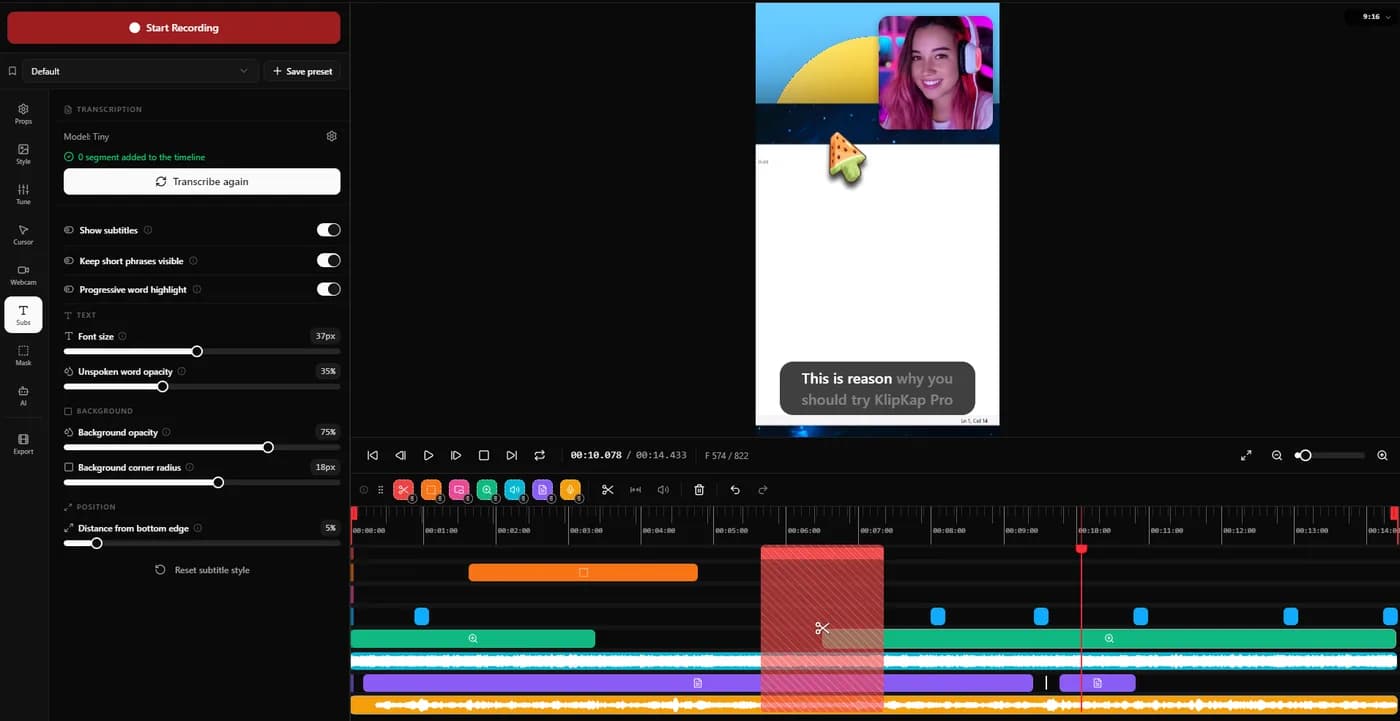
On captions the approach differs in a way worth understanding. KlipKap transcribes what you actually said, locally, with no credits and no upload. Tight Studio can generate a voice you never recorded. Those are different products dressed in similar language, and which one you want depends on whether the problem is your microphone or your reading voice.
Trade-off no AI narration and no voice cloning. Tight Studio has both, metered on its free tier and gated to its top plan at $24 a month, and only on Apple Silicon Macs.
2. FocuSee
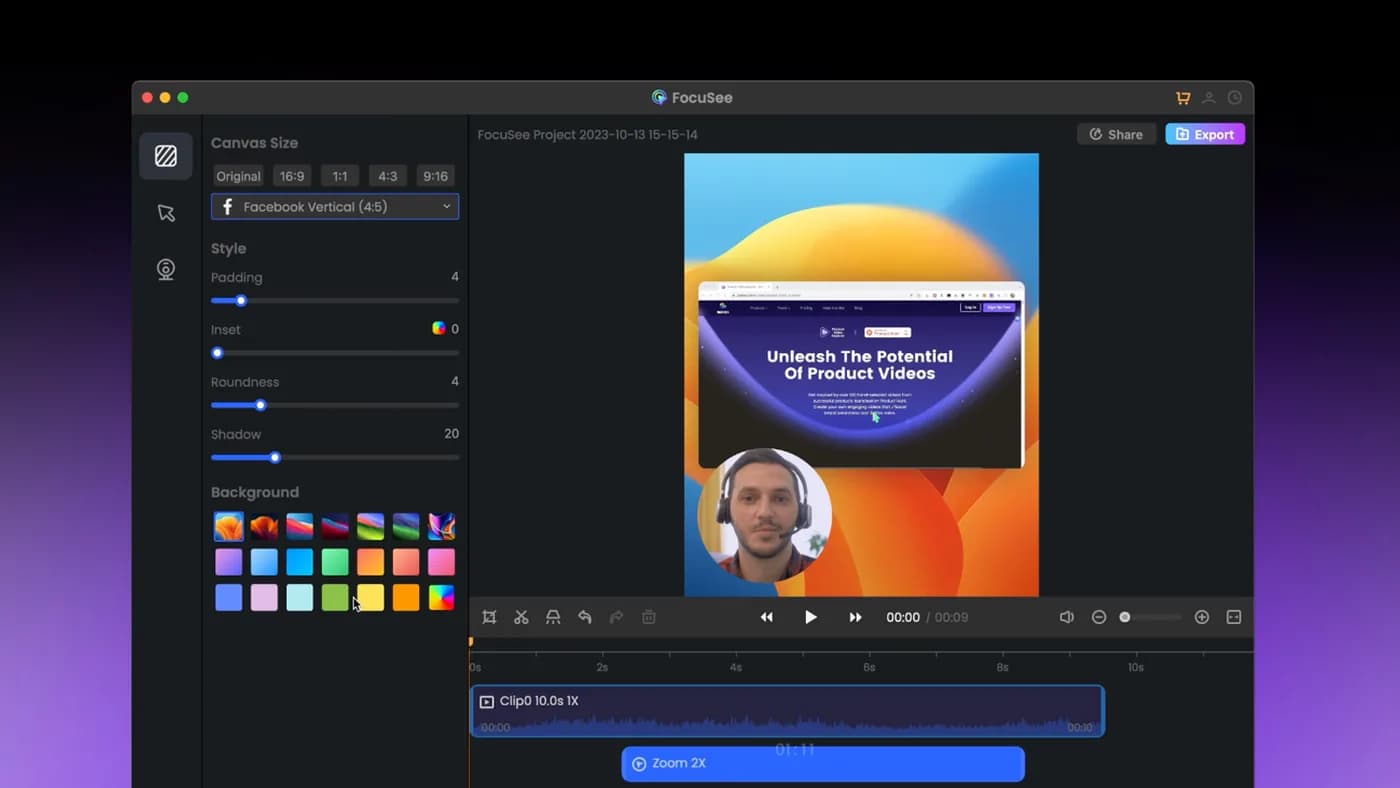
The closest competitor on paper: automatic zoom on cursor clicks, dynamic backgrounds, and it genuinely runs on Windows as well as Mac.
Trade-off The lifetime licence covers version 2.x only, with the next major version sold as a paid upgrade, and its AI credits expire after a year. 'Lifetime' has a narrower meaning than it first appears.
3. CursorClip
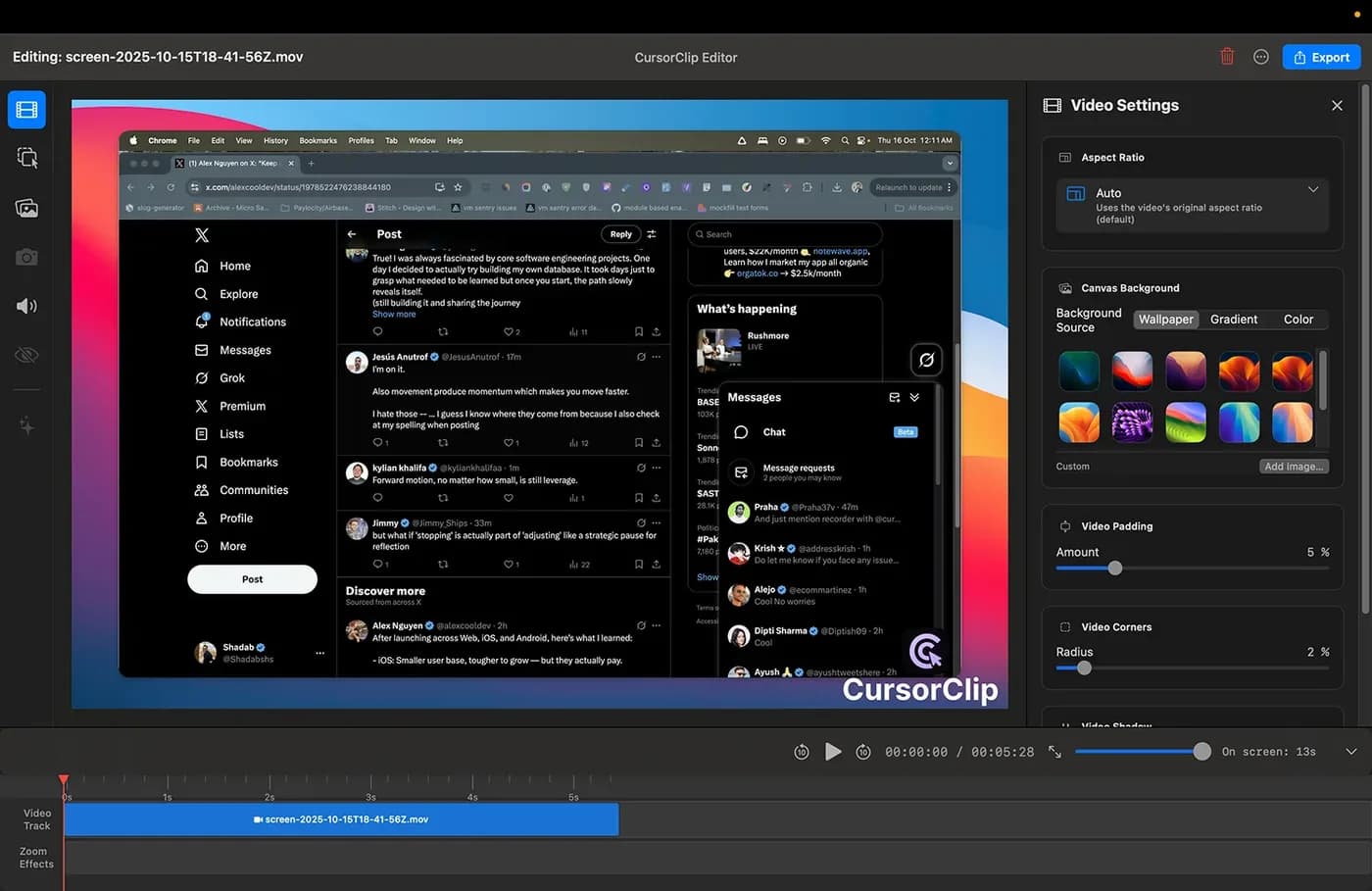
The closest match to KlipKap on business model: pay once, keep it, no cloud account. Cursor-follow auto-zoom is the whole point of the product, with 4K 60fps output in MP4 or GIF. Its free mode lets you run the complete workflow and only asks for money at export.
Trade-off macOS 13.5 or later, and the site states no Windows version is planned. At $70 it is nearly three times KlipKap's price. It read $59 on 2026-09-07 and had risen ten days later, though existing customers keep the price they paid.
4. Screen Studio
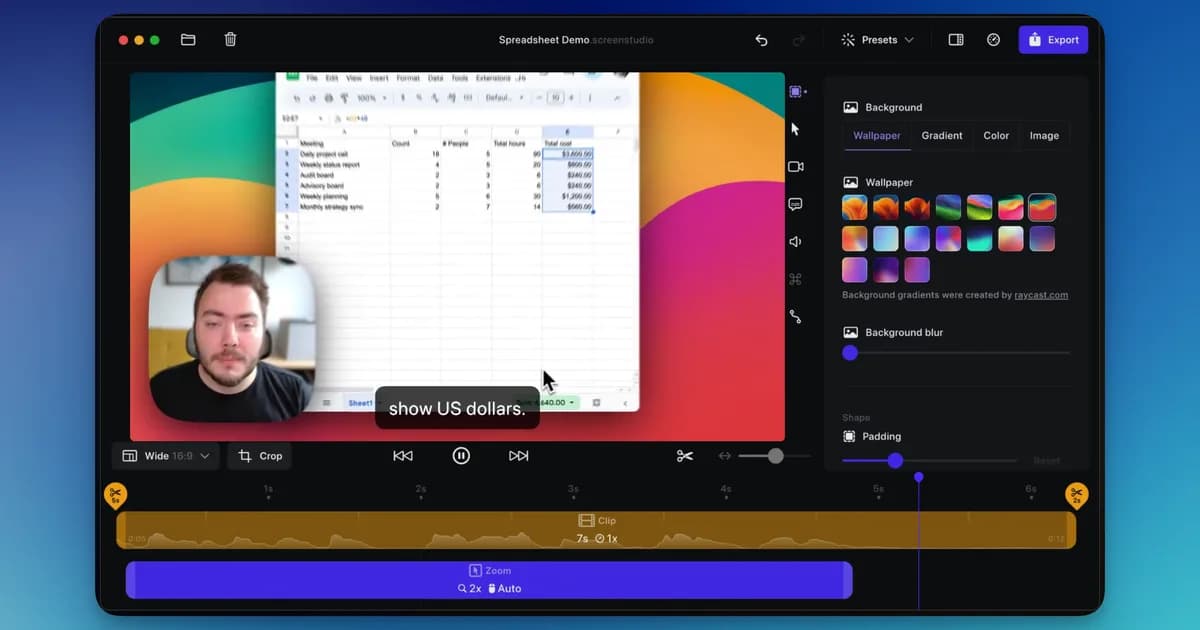
A mature macOS app with automatic zoom and cursor smoothing, sold as an annual subscription.
Trade-off It is macOS only, with no Windows build at any price, and it is rented rather than bought. The subscription renews whether you recorded anything that year or not.
Which one to pick
You need Windows. KlipKap Pro or FocuSee. Tight Studio, CursorClip and Screen Studio are all Mac only.
You are paying nothing today. Check what you actually need before moving. If the free tier covers your work, leaving to save money you are not spending makes no sense.
You are hitting the AI credit limits. This is the case worth thinking about. Tight Studio Pro is $288 a year. If what you need is captions rather than a synthetic voice, KlipKap transcribes locally with no meter for a one-time $25.49.
You want a licence, not a plan. KlipKap Pro or CursorClip.
Frequently asked questions
- Does Tight Studio work on Windows?
- Not yet. Its site offers a Windows waitlist rather than a download, so on Windows today the options are KlipKap Pro or FocuSee.
- Is there a Tight Studio alternative I can buy once?
- Yes. KlipKap Pro is $25.49 once with updates included, and CursorClip is $70 once on macOS. Tight Studio's paid tiers are $9 or $24 a month billed yearly.
- What is the best free Tight Studio alternative?
- KlipKap's free tier runs on Windows as well as macOS, including Intel Macs, and is permanent at 720p. Tight Studio runs on Apple Silicon Macs only, and the AI features that distinguish it are metered on its free tier and gated to its top plan.
- Which alternatives have AI voiceover?
- None of the four below. AI narration with voice cloning is Tight Studio's distinctive feature, and if it is the reason you use the product, switching costs you that. KlipKap processes the voice you record rather than generating one.
- How much does Tight Studio cost per year?
- Plus is $9 a month billed yearly, so $108 for the year, the same as Screen Studio. Pro is $24 a month, so $288. The free tier remains free.
Disclosure: this article is published by the team behind KlipKap Pro, one of the tools compared. Every price and platform claim is sourced below so you can check it rather than take our word for it. KlipKap has a free tier if you want to test it against the alternatives yourself.
Sources
Prices and platform support come from each vendor’s own pricing page, linked below. Software changes; if you spot something out of date here, tell us at contact@klipkap.pro and we will correct it.