4 CursorClip alternatives, compared
Every price comes from the vendor’s own page, linked at the bottom
CursorClip gets the model right: $70 once, no cloud account, free until you export. The catch is written on its own site, which states that it requires macOS 13.5 or later and that no Windows version is planned. If you are on Windows, KlipKap Pro and FocuSee are the only two here that will run at all.
Quick comparison
| Tool | Platforms | Pricing | Year one | Free tier |
|---|---|---|---|---|
 KlipKap Pro KlipKap Pro | Windows 10/11, macOS 13+ | $25.49 once | $25.49 | Permanent, 720p with a watermark |
 CursorClip CursorClip | macOS 13.5+ only | $70 once, or from $9/mo | n/a, paid once | Edit free, licence to export |
 FocuSee FocuSee | Windows and macOS | $49.99/yr, or $199.99 lifetime | $49.99/year | None |
 Screen Studio Screen Studio | macOS only | $9/mo billed annually | $108/year | None |
 Tight Studio Tight Studio | macOS only | $9/mo (Plus) or $24/mo (Pro) | $108/year | Free forever, no watermark |
Cheapest paid tier at the time of writing, in USD. Per-seat products are shown for one seat. This table sticks to platforms and pricing, which anyone can check on the linked pages.
Why look past CursorClip at all
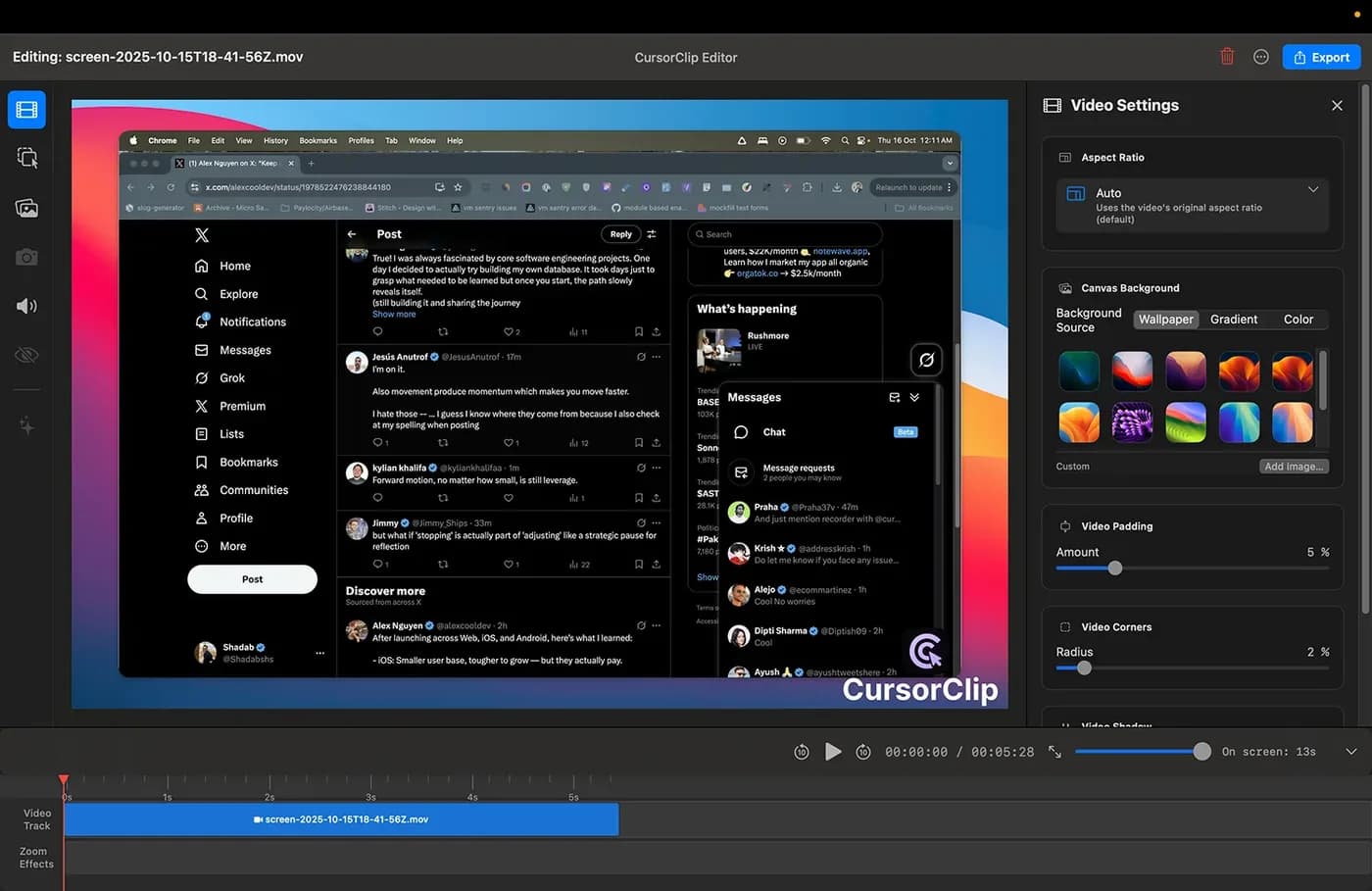
Not because it is bad. CursorClip does one thing deliberately, the pricing is honest, and the free mode lets you run a complete workflow before paying, which is more generous than a countdown. If you are on a recent Mac and $70 is comfortable, it is a reasonable purchase and this page is not trying to talk you out of it.
The platform is the wall. macOS 13.5 or later, and the site says a Windows version is not planned. For anyone on Windows, or on a Mac too old to update, the evaluation stops before it starts.
The price has moved. It read $59 when we first checked and $70 ten days later. Existing customers keep what they paid, which is fair, but it changes the arithmetic against tools that cost less today and have not moved.
The scope is narrow by design. Cursor-follow zoom, 4K at 60fps, MP4 and GIF, webcam and backgrounds. That is the product. If you also want subtitles, audio repair or silence trimming in the same app, you are looking at a wider tool.
1. KlipKap Pro
Ours, so weigh it accordingly. The overlap with CursorClip is real: pay once, keep it, no cloud account, automatic zoom around the cursor. Two things differ.
It runs on Windows 10/11 as well as macOS 13 or later, at $25.49 rather than $70. And the automation is adjustable rather than fixed: intensity runs 1.0x to 4.0x, mouse smoothing from 0 (instant) to 1 (maximum lag), and zoom speed from slow to instant. most tools in this category expose auto-zoom as a switch; these are three dials you set once and reuse.
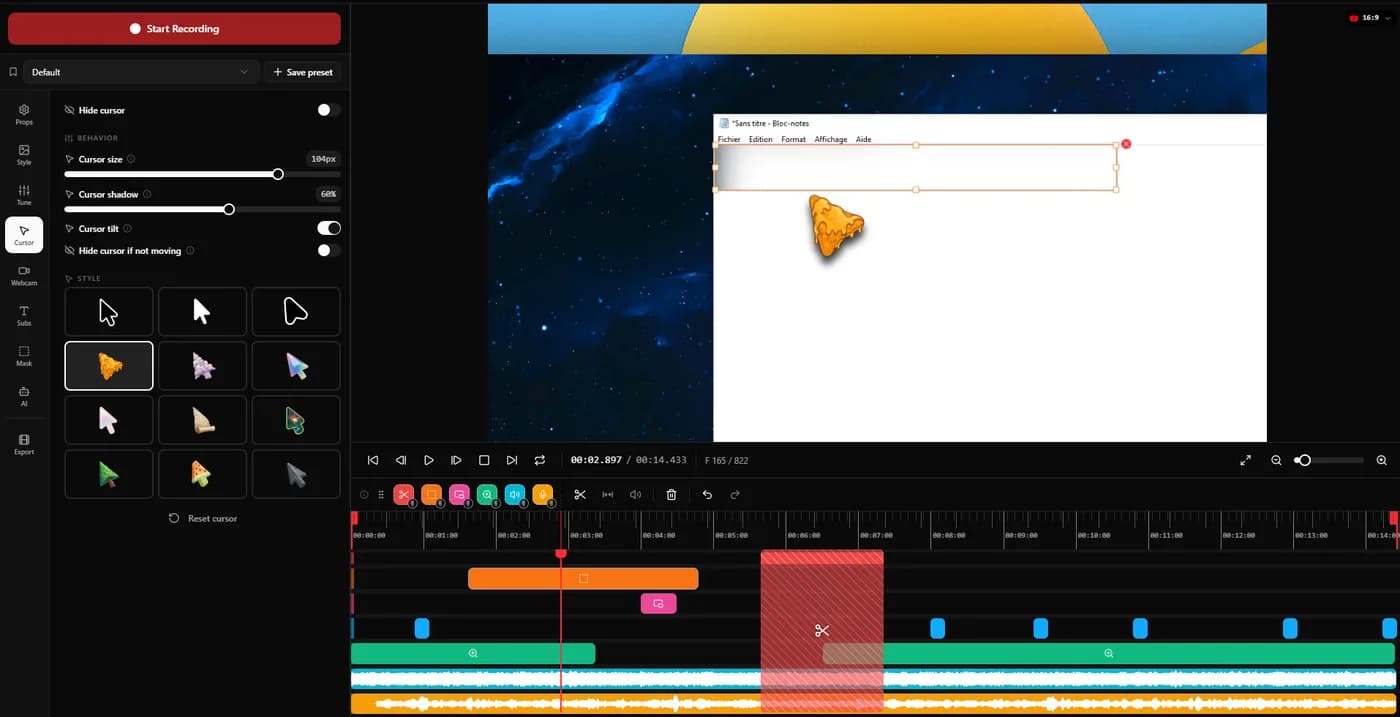
Beyond the zoom, the scope is wider: transcription running locally with progressive word highlighting, six voice processing controls, automatic silence trimming, and six export aspect ratios including 9:16 and 1:1. Those last three are Pro features rather than free ones.
Trade-offCursorClip’s free mode lets you export nothing but edit everything; ours lets you export 720p with a watermark. Which is the better trial depends on whether you want to judge the editor or the output. And KlipKap gives you more settings to get wrong, where CursorClip largely decides for you.
2. FocuSee
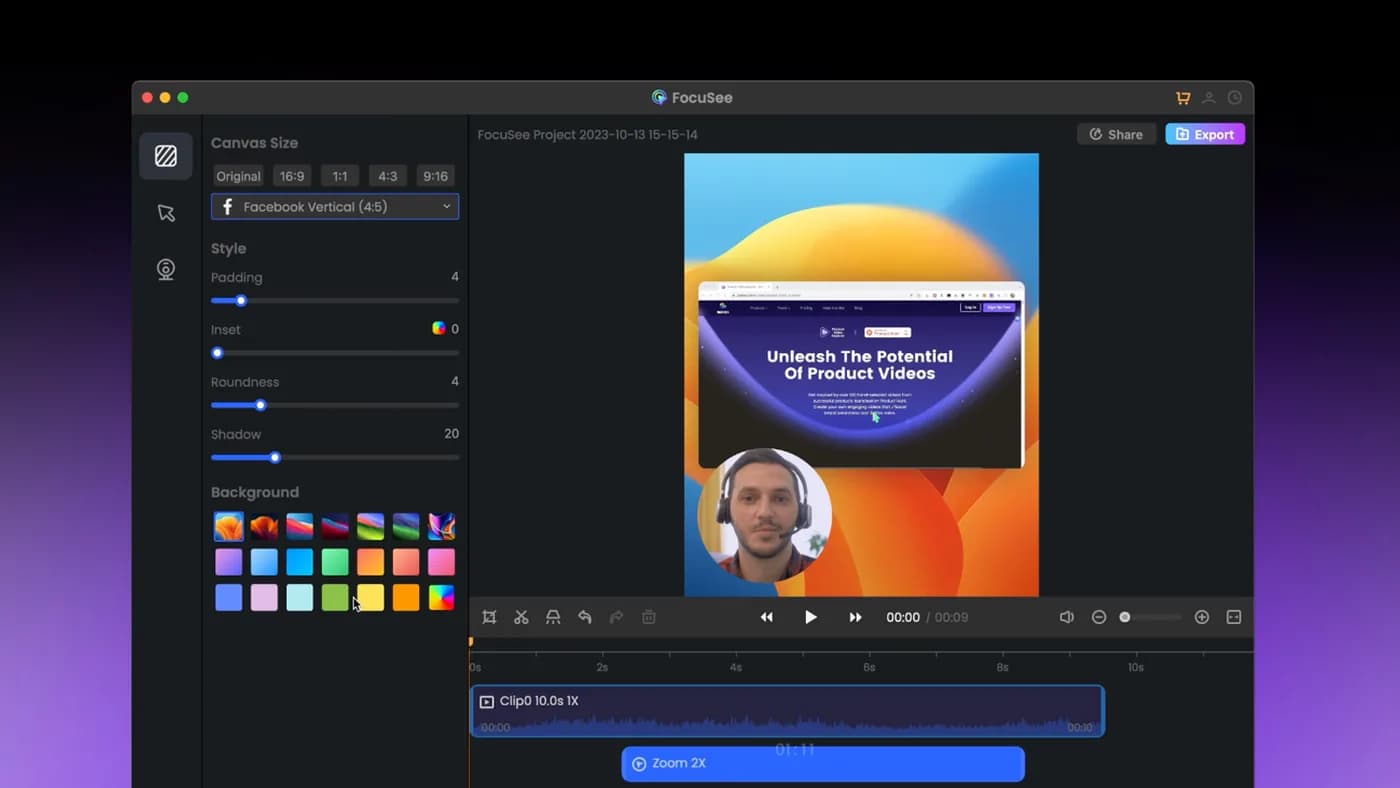
The closest competitor on paper: automatic zoom on cursor clicks, dynamic backgrounds, and it genuinely runs on Windows as well as Mac.
Trade-off The lifetime licence covers version 2.x only, with the next major version sold as a paid upgrade, and its AI credits expire after a year. 'Lifetime' has a narrower meaning than it first appears.
3. Screen Studio
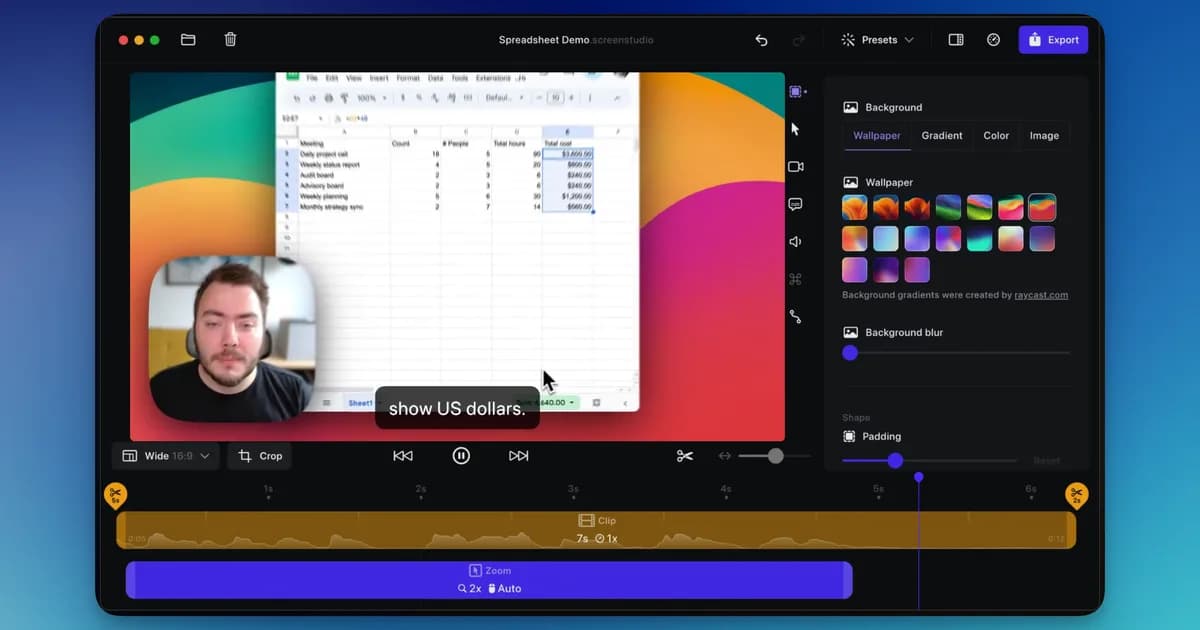
A mature macOS app with automatic zoom and cursor smoothing, sold as an annual subscription.
Trade-off It is macOS only, with no Windows build at any price, and it is rented rather than bought. The subscription renews whether you recorded anything that year or not. Against CursorClip specifically, the comparison is stark: $70 once versus $108 every year.
4. Tight Studio
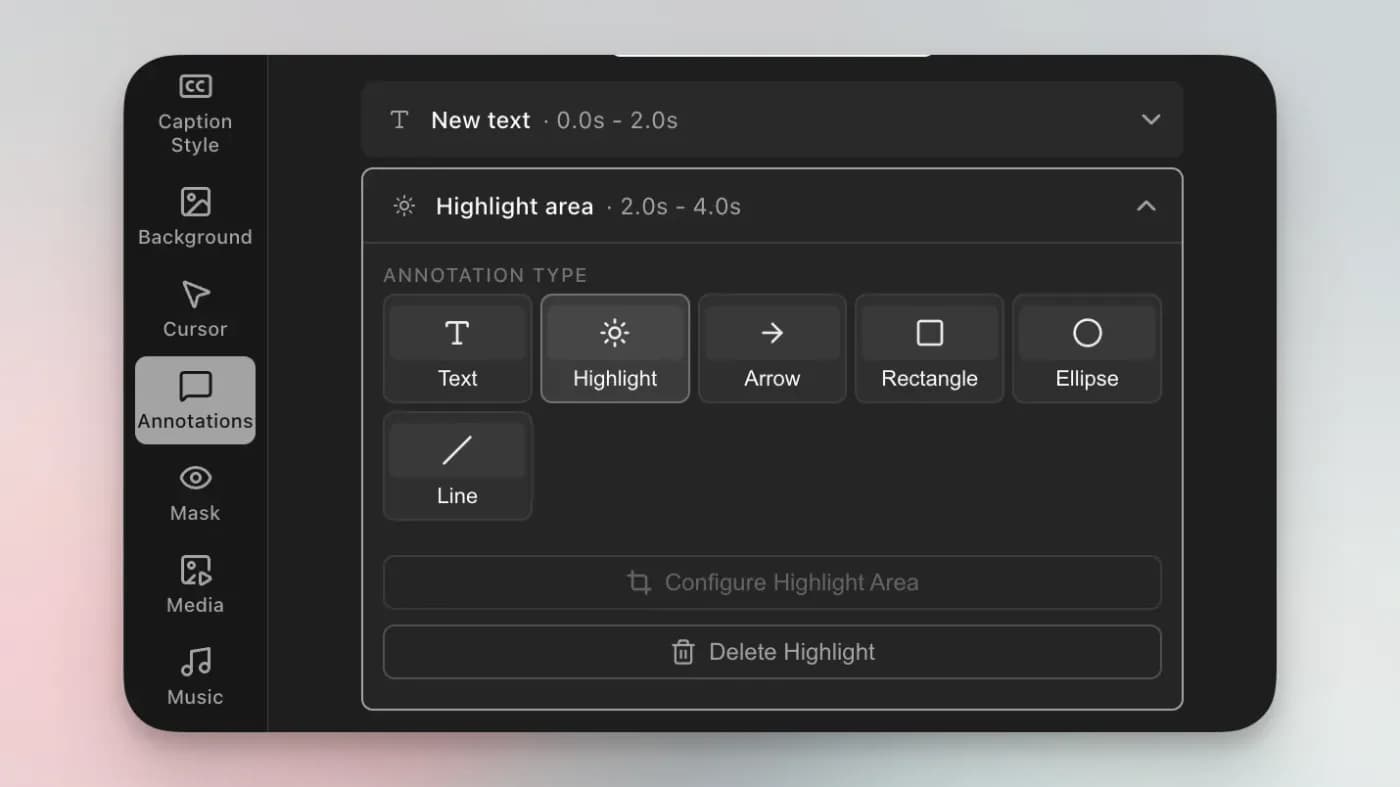
Its zooms stay editable after recording, and each one can flip between cursor tracking and manual framing. AI voiceover with voice cloning and an on-screen teleprompter are unusual additions.
Trade-off macOS only, with Windows still a waitlist rather than a build, and narrower than that: its own FAQ states “Currently we support Mac Apple chip only”, so an Intel Mac cannot run it at all. The AI features that distinguish it are metered on the free tier and gated to Pro at $24 a month.
Which one to pick
You are on Windows. KlipKap Pro or FocuSee. CursorClip, Screen Studio and Tight Studio are all Mac only, so the shortlist is two.
You are on a recent Mac and want the simplest thing that works. CursorClip is a defensible buy at $70, particularly since you can run the whole workflow before paying.
You want the widest scope per dollar. KlipKap Pro at $25.49, which adds transcription, audio processing and social aspect ratios to the same core idea.
You want to pay nothing at all. KlipKap’s permanent 720p tier on either platform, or one of the macOS-only free tiers if you are on a Mac and can live with the limits.
Frequently asked questions
- Is there a CursorClip alternative for Windows?
- Yes, two. KlipKap Pro at $25.49 once and FocuSee from $49.99 a year both ship real Windows builds with automatic cursor zoom. CursorClip states plainly that no Windows version is planned, so waiting is not a strategy.
- What is cheaper than CursorClip?
- KlipKap Pro at $25.49 once, which is roughly a third of CursorClip's $70, and includes updates. That $70 read $59 ten days earlier, though CursorClip honours the price existing customers paid.
- Which CursorClip alternatives are also a one-time purchase?
- KlipKap Pro is paid once with updates included. FocuSee sells a $199.99 lifetime licence, but it covers version 2.x only and its AI credits expire after a year. Screen Studio and Tight Studio are subscriptions.
- Does anything else let me edit for free and only pay to export?
- Not exactly. CursorClip's model is unusual and genuinely good for evaluation. The nearest equivalent is KlipKap's permanent free tier, which lets you export at 720p with a watermark rather than blocking export entirely.
- Which has better zoom control?
- CursorClip is built around cursor-follow zoom and does it in one pass. KlipKap exposes three separate dials for zoom depth, cursor tracking and acceleration, plus per-zoom manual targeting. More control if you want it, more to configure if you do not.
Disclosure: this article is published by the team behind KlipKap Pro, one of the tools compared. Every price and platform claim is sourced below so you can check it rather than take our word for it. KlipKap has a free tier if you want to test it against the alternatives yourself.
Sources
Prices and platform support come from each vendor’s own pricing page, linked below. Software changes; if you spot something out of date here, tell us at contact@klipkap.pro and we will correct it.