Free Screen Studio alternatives, including open source
- free
- open source
- alternatives
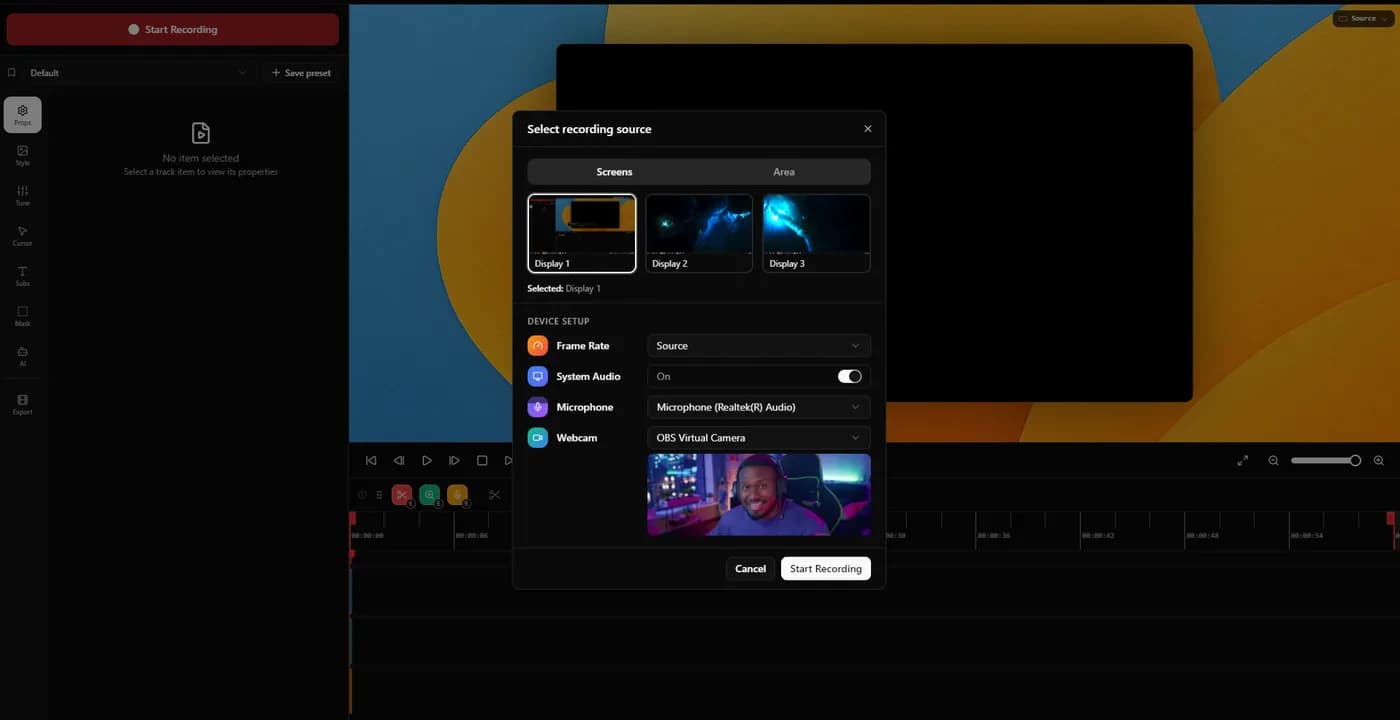
KlipKap Pro has a permanent free tier on Windows and macOS that keeps the automatic zoom and the cursor smoothing at 720p, so you can judge the finished look before paying. Cap is open source with a perpetual free tier and the full editor, licensed for personal use only, so commercial work means a paid tier. OBS Studio is free without restriction but applies no automatic zoom. Tight Studio has a free tier on Apple Silicon Macs only.
There are four kinds of free, and only two of them are free
Search results for this query mix four different things under one word, which is why the answers feel contradictory. Separating them takes thirty seconds and saves a lot of downloading.
Genuinely free, no conditions. OBS Studio. There is no paid tier, no watermark, no account. You give up the automatic polish entirely.
Free with a licence restriction. Cap's free tier is perpetual and includes the full editor, but is licensed for personal use, so it covers learning the tool and does not cover client work.
Free with a product restriction. A permanent tier with something removed: a resolution cap, a watermark, or metered AI. KlipKap Pro's free tier sits here at 720p, keeping the auto-zoom and the cursor smoothing, so what you are evaluating is the actual motion rather than a feature list. Tight Studio's sits here too, on Apple Silicon Macs only, with its AI features metered.
A trial dressed as a free tier. Seven or fourteen days, after which it is pay or stop. Tella works this way. Nothing wrong with it, but it is not what you were searching for.
A perpetual free tier licensed for personal use is free for learning the tool and not free for the work you were going to use it for.
The free options, honestly

1. Tight Studio
Zooms you can retarget, on Apple Silicon Macs only
- Platforms
- macOS on Apple Silicon only, Windows on a waitlist
- Price
- $9/month (Plus) or $24/month (Pro), both billed yearly
Worth knowing about if you are on an Apple Silicon Mac and nothing else, because that is the whole of its addressable range: its own FAQ states it supports Apple chip Macs only, and Windows is a waitlist rather than a build.
Its zooms stay editable after recording and each can be flipped between cursor-following and a fixed point, which is a capability some paid tools do not have.
The features that distinguish it are also the metered ones: AI voiceover with voice cloning and the teleprompter are limited on the free tier and gated to the top paid plan at $24 a month.
In its favour
- Auto-zoom, editable and retargetable
What you give up
- macOS only
- AI features metered and gated
- Windows is a waitlist

2. Cap
The open-source answer, on all three platforms
- Platforms
- macOS, Windows, Linux
- Price
- $29/licence billed yearly (Desktop), or $8.16/user/month (Pro)
If open source is the requirement rather than the price, this is the one. The code can be read, audited or self-hosted, it runs on Windows, macOS and Linux, and the free tier is perpetual with the full Studio editor rather than a trial.
Read the licence before you rely on it. The free tier is for personal use, so commercial work means a paid tier, and that tier is billed yearly rather than sold once, despite a headline number that reads like a one-time price.
In its favour
- Genuinely open source and self-hostable
- Windows, macOS and Linux
- Perpetual free tier with the full editor
What you give up
- Free tier is personal use only
- The cheap paid tier is billed yearly, not once

3. OBS Studio
Free without qualification, and it does none of this
- Platforms
- Windows, macOS, Linux
- Price
- Free
No tiers, no watermark, no account, no licence restriction, on all three platforms. As free software it is beyond reproach and it is the right answer to a different question.
It has no editor, no automatic zoom and no cursor treatment. Every effect this article is about would be manual work in a second application. That work is real: the zooms you would keyframe by hand in an evening are the ones the other tools generate in a pass. 'OBS is free' is true, and the cost moved from your wallet to your Saturday.
In its favour
- Free with no conditions at all
- Windows, macOS, Linux
- Unmatched capture control
What you give up
- No auto-zoom, no cursor smoothing, no editor
- Requires a second tool and manual work
4. KlipKap Pro
Permanent free tier, capped rather than timed
- Platforms
- Windows 10/11, macOS 13+
- Price
- $25.49 once
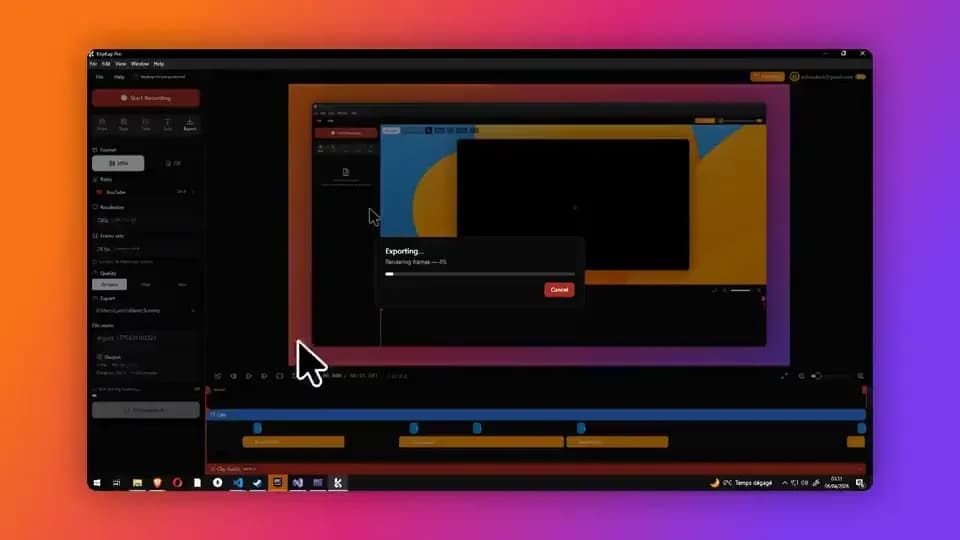
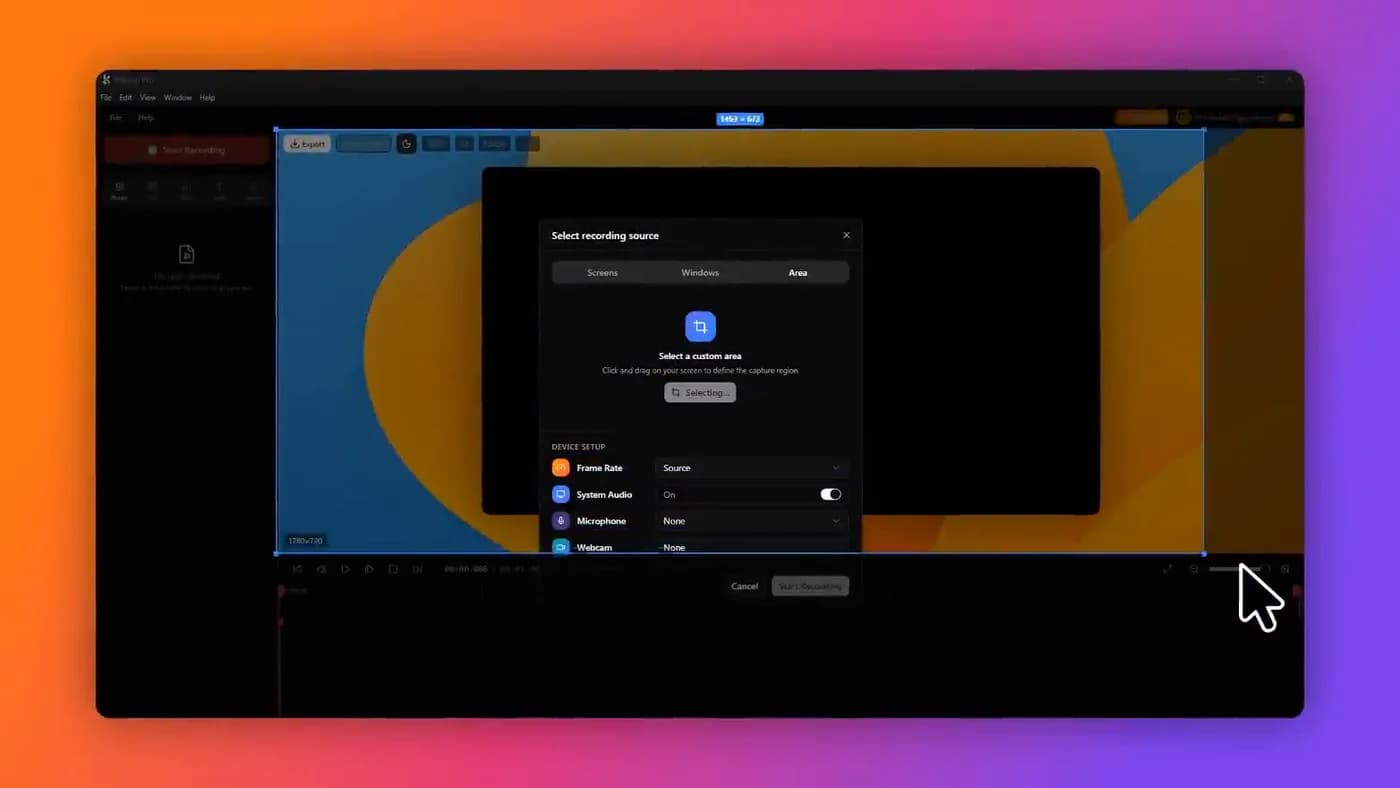
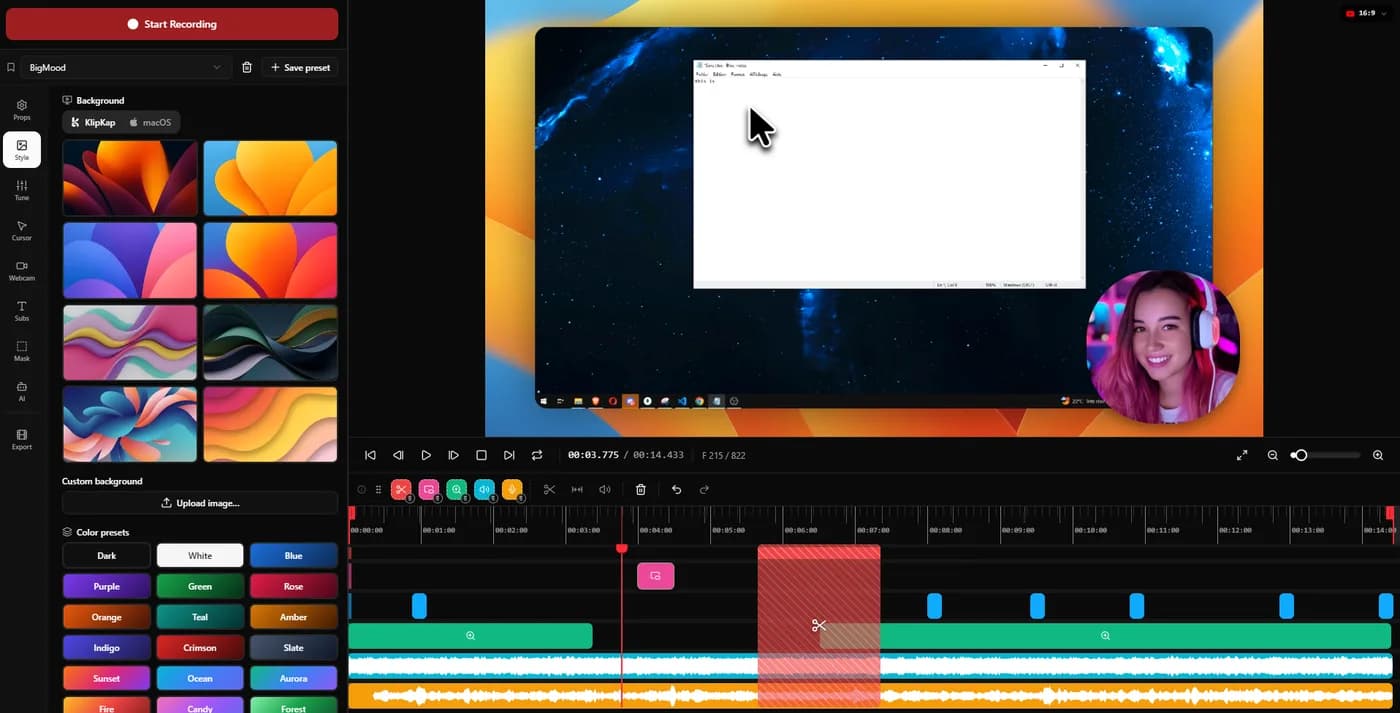
The free tier is permanent rather than a countdown: 720p with a watermark, keeping automatic zoom and cursor smoothing, so the thing you are evaluating is the actual behaviour rather than a feature list.
That is the honest framing of it. It is a way to answer the only question a comparison table cannot, which is whether the zoom feels right to you on your own work. Removing the watermark and unlocking 1080p, 2K and 4K, 60 and 120fps and the six aspect ratios is the paid tier, bought once.
It runs on Windows 10 and 11 and macOS 13 or later. There is no Linux build.
In its favour
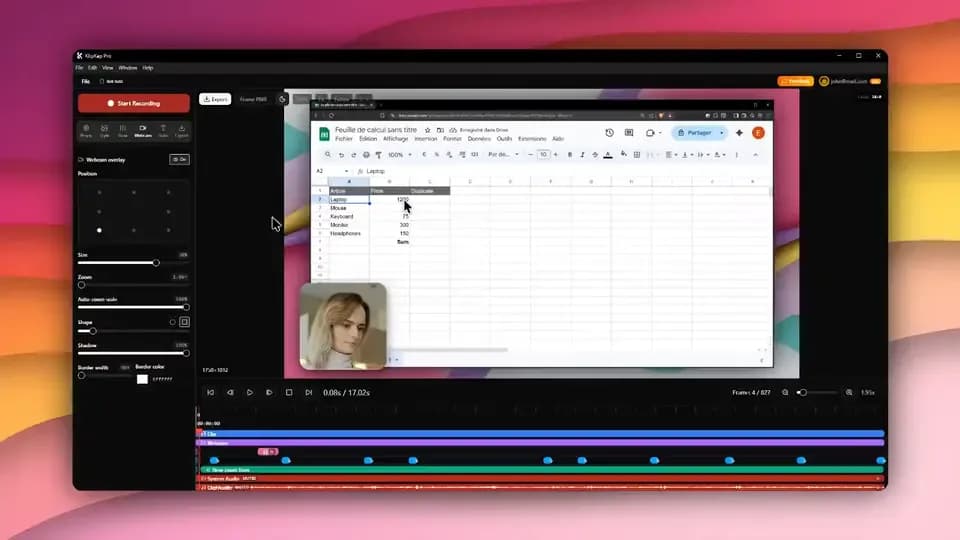
- One account covers every machine you own, Windows and macOS, with no device limit
- A bespoke effects engine, written from scratch rather than built on a shared foundation
- Permanent, not a trial
- Auto-zoom and cursor smoothing kept at the free tier
- Windows and macOS
What you give up
- 720p and watermarked until you pay
- No Linux build
5. CursorClip
Free until export, which is a fair way to trial a paid tool
- Platforms
- macOS 13.5 or later
- Price
- $70 once, or plans from $9/month
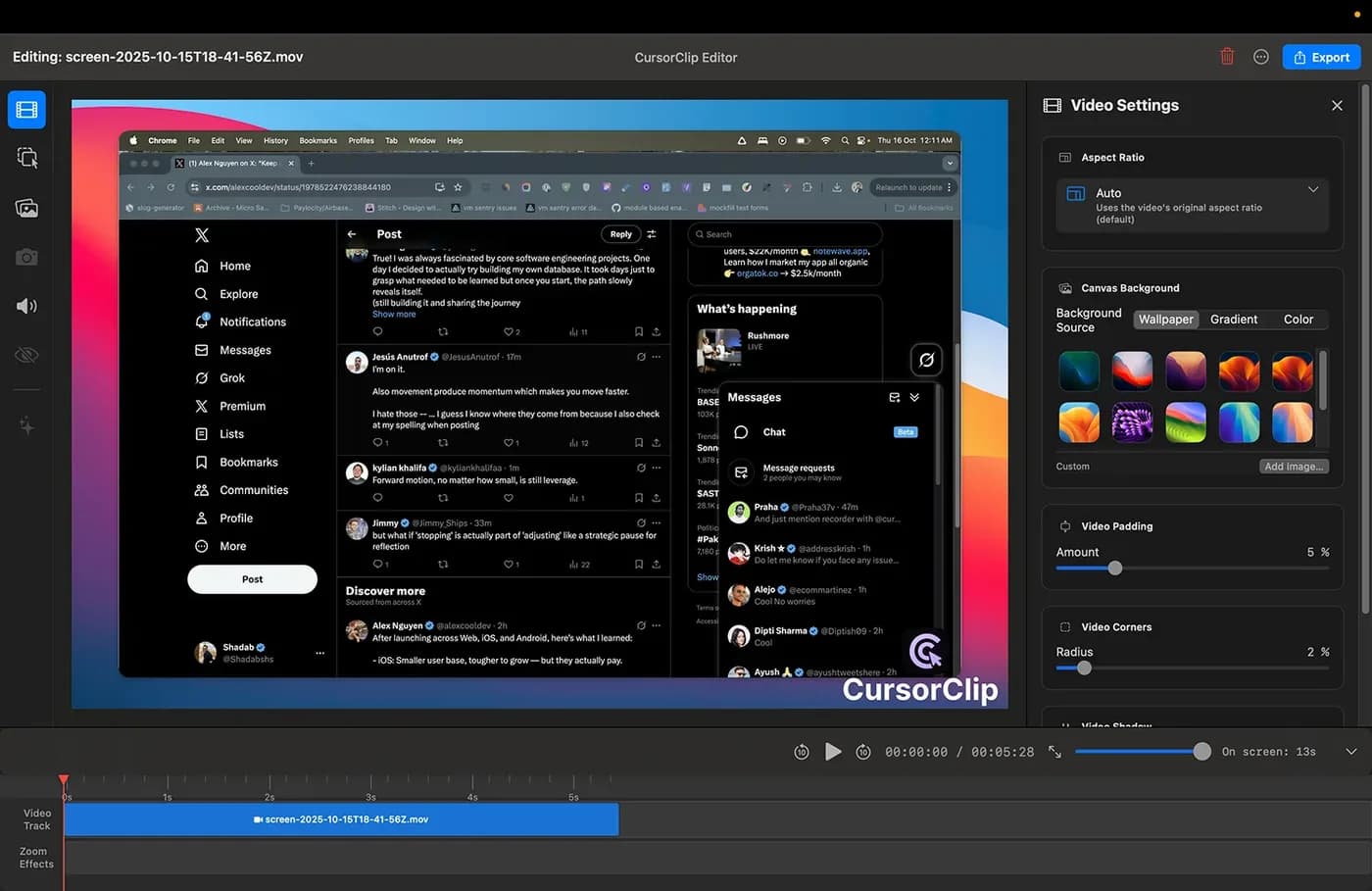
Not a free tier, but worth knowing about because it behaves like one during evaluation: you can record and edit the complete workflow with no account, and it only asks for payment at export.
That means you can judge the tool properly before paying, which is more than most trials allow. It is macOS 13.5 or later, with no Windows version planned.
In its favour
- Whole workflow free, no account
- Pays off as a one-time purchase
What you give up
- Not free to export
- macOS only
On Windows with no budget
Shorter list, because most of what gets recommended for this query is macOS only, and one of the more capable free tiers runs on Apple Silicon Macs alone.
What is genuinely available to you: Cap, free and perpetual for personal use, with auto-zoom and the full editor. OBS Studio, free with no conditions and no automatic anything. KlipKap Pro's free tier at 720p with a watermark, which keeps the zoom behaviour.
For personal or learning use, Cap is the best free answer on Windows. For client work at zero budget, the honest answer is that there is not a good one: Cap's free licence does not cover it and OBS means doing the editing yourself. At that point the question is whether an evening of your time is worth more or less than a one-time licence.
A note on watermark removers
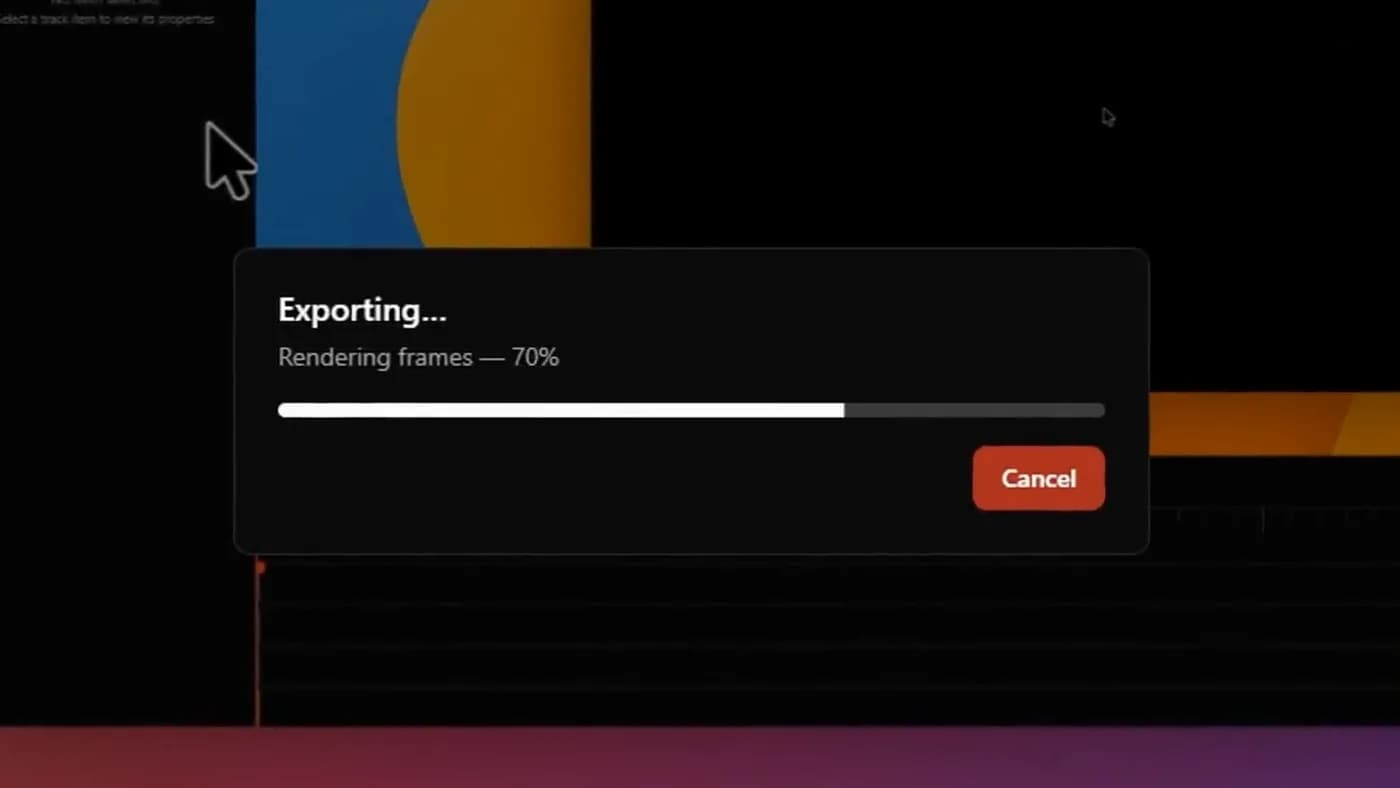
Search results for this query eventually surface tools that crop or blur a watermark out of a finished export. Two reasons to skip that.
Practically, it does not work well, a watermark sits over moving content and removing it leaves a smeared patch that is more noticeable on a launch page than the watermark was. And a crop changes your aspect ratio, which is the one thing a social export cannot survive.
Legally, it is a licence breach in every case here. A free tier with a watermark is a deal: you get the software, the watermark is the price. If the watermark is the blocker, the honest fix is the licence rather than a crop, and in this category a perpetual licence costs less than a couple of months of the subscriptions it replaces.
Frequently asked questions
- What is the best free Screen Studio alternative?
- KlipKap Pro's free tier is the one that runs on both platforms and keeps the automatic zoom, capped at 720p. Cap is the open-source answer for personal use, with a perpetual free tier and the full editor. OBS Studio is free everywhere with no conditions but applies no automatic zoom. Tight Studio has a free tier on Apple Silicon Macs only.
- Is there an open-source Screen Studio alternative?
- Cap is genuinely open source and self-hostable, with a perpetual free tier licensed for personal use only, so client work means its paid tier. OBS Studio is open source and does no automatic zoom or cursor smoothing, so everything this article is about stays on your desk. Neither is free for commercial work in the sense most people mean when they ask.
- Can I use a free screen recorder for commercial work?
- Check the licence, because this is where free tiers differ most. Cap's free tier is personal use only, so client work needs a paid tier. OBS Studio has no such restriction. KlipKap Pro's free tier carries no licence restriction either; the 720p cap is the practical limit for client work rather than a legal one, and the Pro licence that lifts it is a single payment.
- Can I try the automatic zoom before paying?
- Yes, and it is the only test worth running. KlipKap Pro's free tier is permanent rather than a countdown and keeps the automatic zoom and the cursor smoothing, so what you are judging is the actual motion on your own footage rather than a feature list. CursorClip lets you run its whole workflow and charges at export. Cap's free tier includes the full editor for personal use.
- Does Screen Studio have a free version?
- No. Screen Studio is sold as a subscription with no permanent free tier, and its one-time licence was withdrawn for new customers in October 2025. The free options in this category come from other tools.
More from the blog
 The best Screen Studio alternatives in 2026Ten tools compared on platform, price and what three years actually costs. Screen Studio is macOS-only and withdrew its one-time licence in October 2025.Read itScreen recorders with a one-time purchaseThe tools still sold as a perpetual licence in 2026, what three years costs against the subscriptions, and what the word lifetime is doing in each case.Read itScreen Studio for WindowsThere is no Windows build and no announced date for one. Here is what actually does automatic zoom on Windows in 2026, and what to ignore.Read it
Sources
Prices and platform support come from each vendor’s own pricing page, linked below. Software changes; if you spot something out of date here, tell us at contact@klipkap.pro and we will correct it.